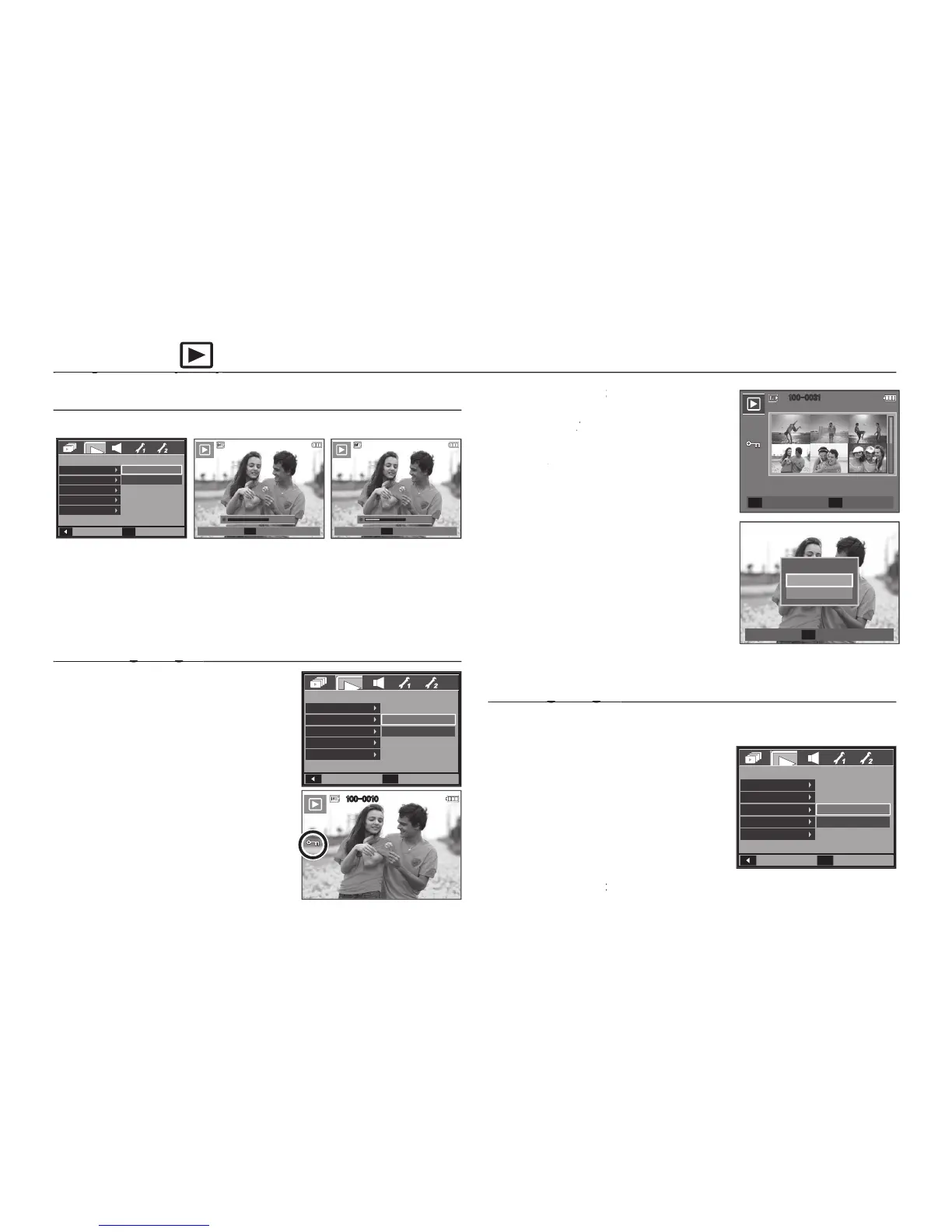
You can add your voice to a stored still image.
button to take a picture. The images are saved
on the memory. After saving the image, the voice is recording for 10
– To stop the recording, press the
This is used to protect specifi c shots
from being accidentally erased (Lock). It
also unprotects images that have been
previously protected (Unlock).
the [Protect] menu tab. And then press
Select a desired sub menu by pressing
[Select]: Selection window for an image
to be protected / released is
button: Your changes will be
OK button: Your changes will be OK
[All]: Protect / release all saved images.
– If you protect an image, the protect
icon will be displayed on the LCD
monitor. (An unprotected image has
– An image in Lock mode will be
protected from the delete function or
[Delete] functions, but will NOT be
protected from the [Format] function.
This deletes images stored on the memory card.
the [Delete] menu tab. And then press
Select a desired sub menu by pressing
[Select]: Selection window for an image
button : Select the image for deletion. (V mark)
Back
PLAYBACK
Voice Memo
Protect
Delete
DPOF
Copy To Card
Set
OK
Off
On
SH
Start
00:00:00
SH
Stop
00:00:06
Back
PLAYBACK
Voice Memo
Protect
Delete
DPOF
Copy To Card
Set
OK
Select
All
100-0010
Confirm
OK
Protect All?
Unlock
Lock
Back
PLAYBACK
Voice Memo
Protect
Delete
DPOF
Copy To Card
Set
OK
Select
All
100-0031
2 3
4 5 6
Unlock
T/W
Set
OK
1



 To Next Page