English-10
Viewing Pictures From External Sources
Once you have connected up your various audio and video systems,
you can view the different sources by selecting the appropriate
input.
1 Check that all the necessary connections have been made
(refer to pages 8 and 9 for further details).
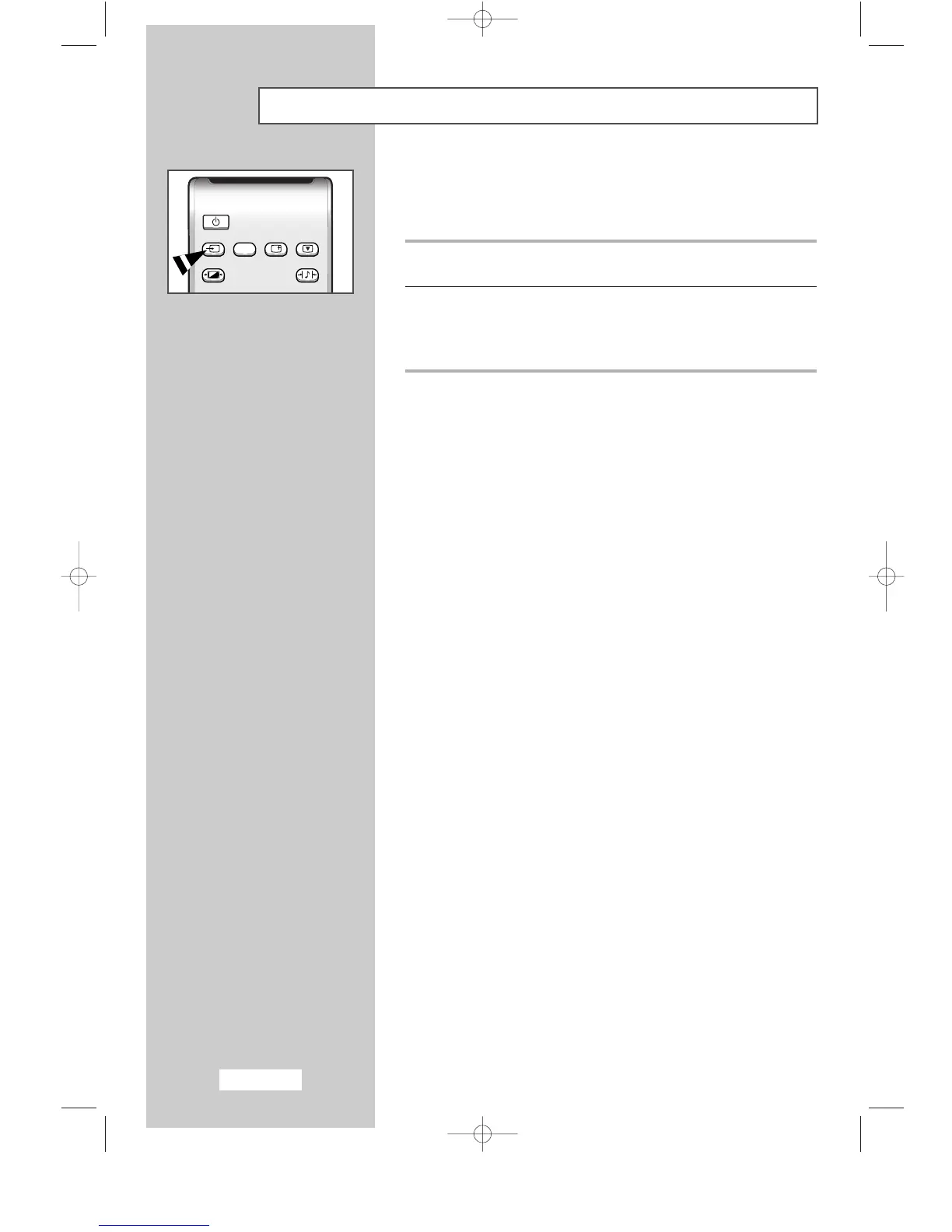
2 Switch your set on and if necessary, press the TV/VIDEO button
repeatedly.
The input sources are displayed in the following order:
TV
-
VIDEO1
-
VIDEO2
-
S-VIDEO
-
PC.



 To Next Page