English-35
Displaying the Teletext Information
You can display Teletext information at any time on your set.
☛
For Teletext information to be displayed correctly,
channel reception must be stable; otherwise:
◆ Information may be missing
◆ Some pages may not be displayed
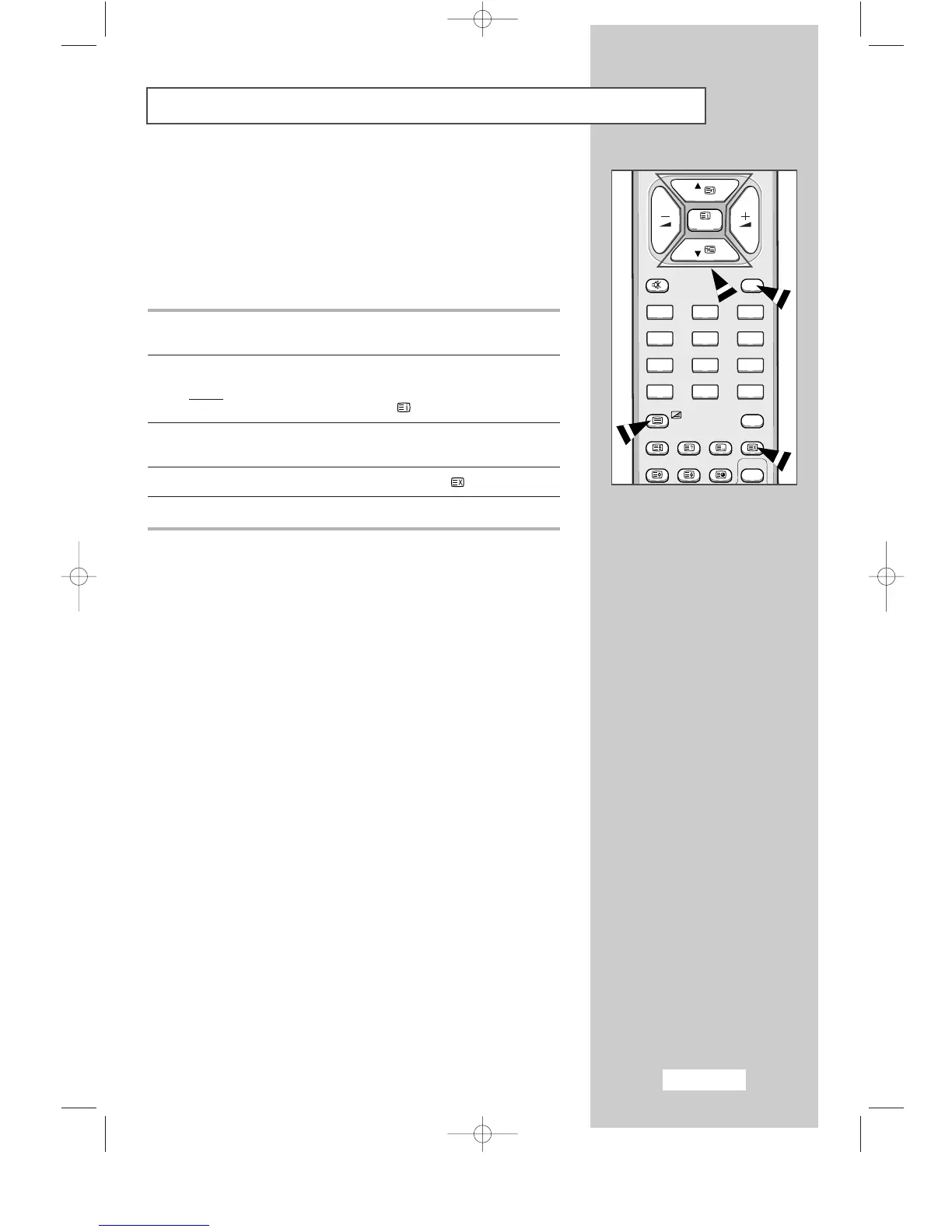
1 Select the channel providing the Teletext service using the
P▼ or P▲ button.
2 Press the TTX/MIX button to activate the teletext mode.
Result
:
The contents page is displayed. It can be redisplayed
at any time by pressing the (index) button.
3 If you wish to display the actual broadcast at the same time as the
teletext page, press the
TTX/MIX button again.
4 To return to normal viewing, press the CANCEL ( ) button.
5 Press the EXIT button again to exit from the teletext display.



 To Next Page