English-14
Switching On and Off
The mains lead is attached to the rear of your set.
☛
If you have purchased this set in the United Kingdom,
refer to page 42 for further instructions on plug wiring.
1 Plug the mains lead into an appropriate socket.
Result
:
A Standby indicator lights off on the front panel.
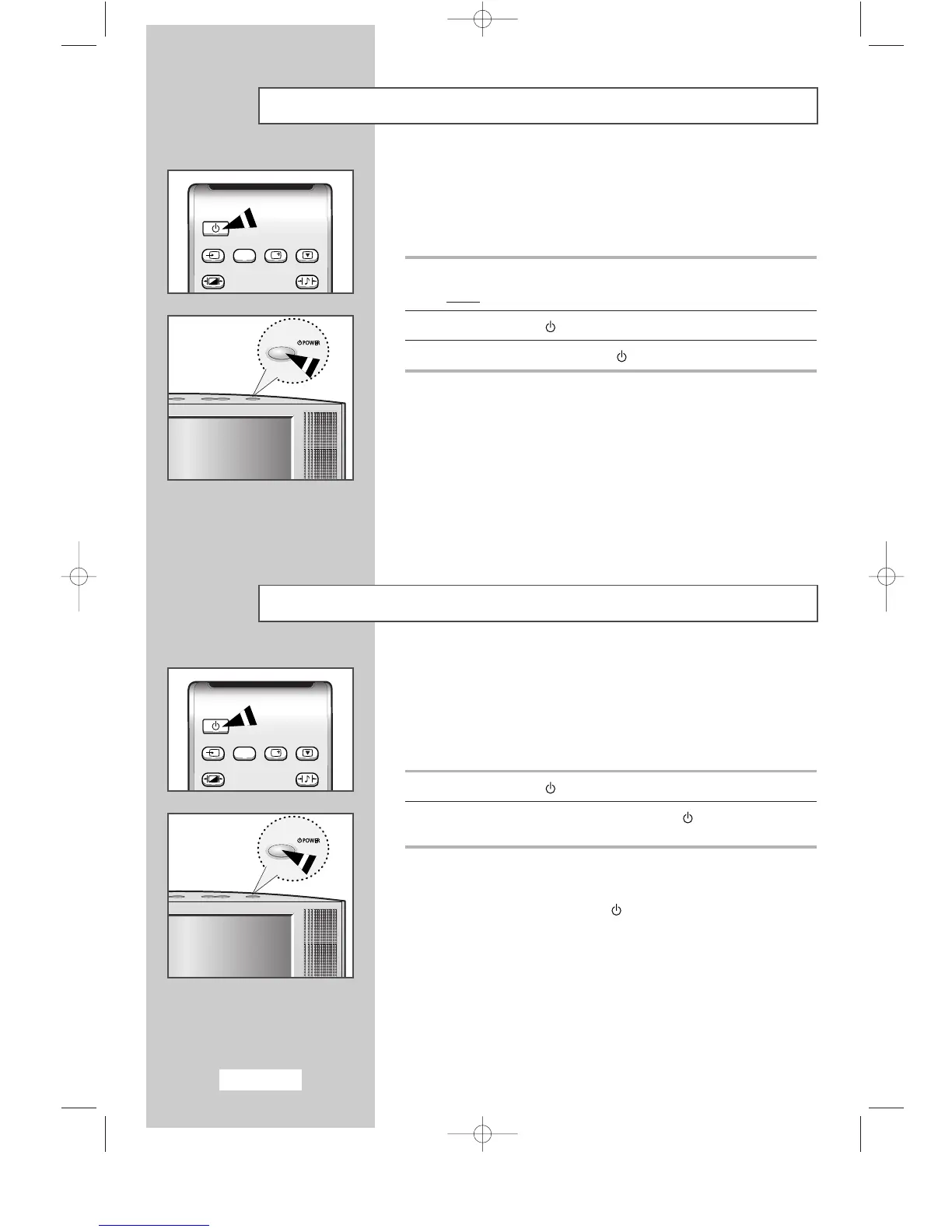
2 Press the Power ( ) button to switch on.
3 To switch off, press the Power ( ) button again.
Placing in Standby Mode
Your set can be placed in Standby mode, in order to reduce the
power consumption.
The Standby mode can be useful when you wish to interrupt viewing
temporarily (during a meal, for example).
1 Press the Power ( ) button.
2 To switch back on, simply press the Power ( ) button again
or a numeric button.
➣
Do not leave your set in Standby mode for long periods of
time (when you are away on holiday, for example).
Turn off by pressing the ( ) button. It is best to unplug the
set from the mains and aerial.



 To Next Page