English-25
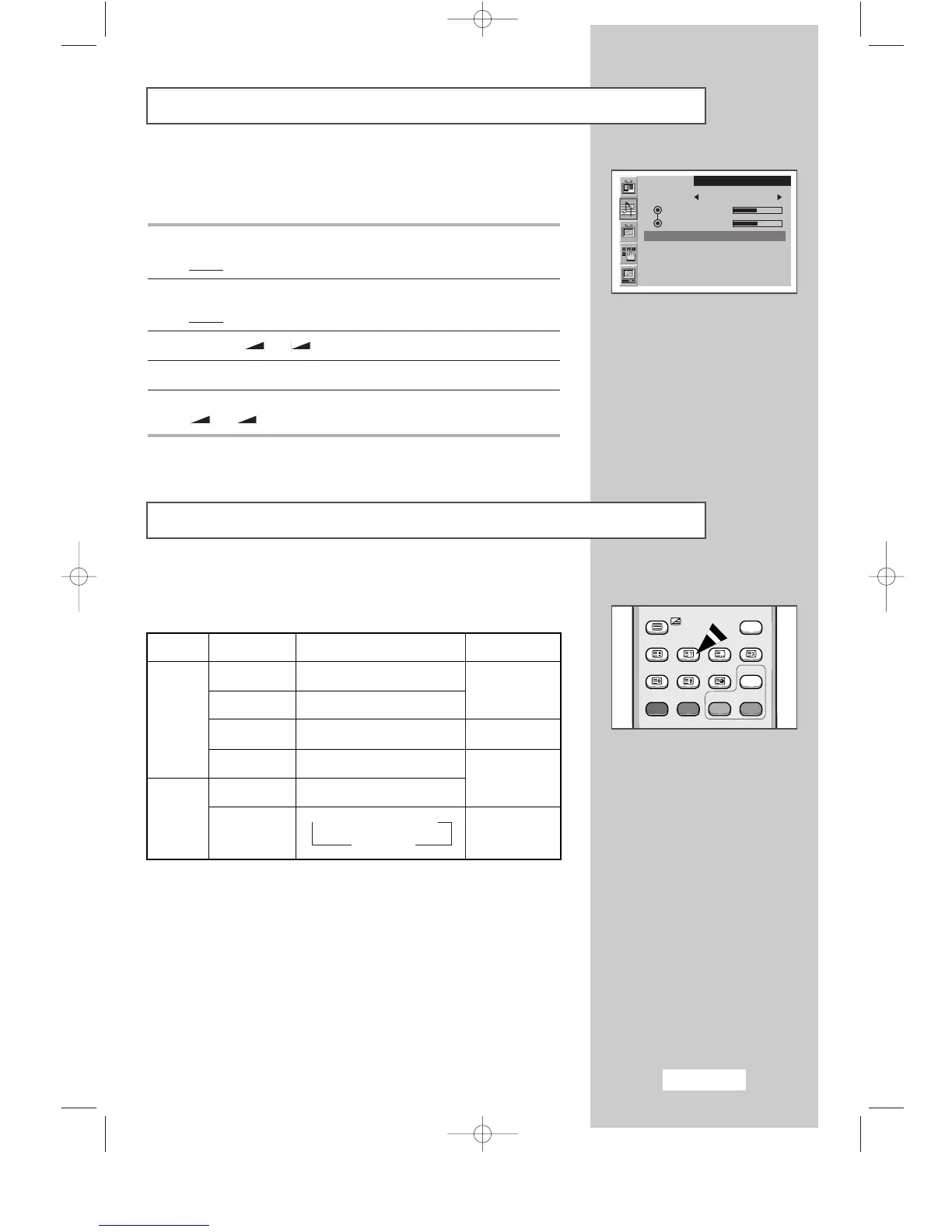
Enjoying the Dolby Sound
This feature provides a home theater-like Dolby effect by mixing the
left and right speakers.
1 Press the MENU button.
Result
:
The main menu is displayed.
2 Press the P▼ or P▲ button to select the Sound.
Result:
The options available in the
Sound
group are displayed.
3 Press the
-
or + button.
4 Press the P▼ or P▲ button to select the Dolby.
5 For enjoying the Dolby sound effect, select the On by pressing the
-
or + button.
SLEEP DUAL I/II LIST/FLOF CANCEL
P.SIZE PIP
ON
TTX/MIX AUTO
PRE-CH
EXITMUTE
TV/VIDEO PC DISPLAY STILL
P.STD S.STD
Power
LOCATE
-/--
SIZE
SUBPAGE
SLEEP DUAL I/II LIST/FLOF CANCEL
P.SIZE PIP
ON
TTX/MIX AUTO
PRE-CH
EXITMUTE
TV/VIDEO PC DISPLAY STILL
P.STD S.STD
Power
LOCATE
-/--
SIZE
SUBPAGE
SLEEP DUAL I/II LIST/FLOF CANCEL
P.SIZE PIP
ON
TTX/MIX AUTO
PRE-CH
EXITMUTE
TV/VIDEO PC DISPLAY STILL
P.STD S.STD
Power
LOCATE
-/--
SIZE
SUBPAGE
SLEEP DUAL I/II LIST/FLOF CANCEL
P.SIZE PIP
ON
TTX/MIX AUTO
PRE-CH
EXITMUTE
TV/VIDEO PC DISPLAY STILL
P.STD S.STD
Power
LOCATE
-/--
SIZE
SUBPAGE
Sound
Mode Custom
Bass
Treble
Dolby : On
Selecting the Sound Mode
You can set the sound mode by pressing the “DUALI/II” button.
When you press it, current sound mode is displayed on the screen.
➣
◆ If the receiving conditions deteriorate, listening will
be easier if the mode is set to the
MONO.
◆ If the stereo signal is weak and an automatic switching
occurs, then switch to the
MONO.
SLEEP DUAL I/II LIST/FLOF CANCEL
P.SIZE PIP
ON
TTX/MIX AUTO
PRE-CH
EXITMUTE
TV/VIDEO PC DISPLAY STILL
P.STD S.STD
Power
LOCATE
-/--
SIZE
SUBPAGE
DUAL 1/2
MONO
STEREO
↔
MONO
DUAL 1
↔
DUAL 2
MONO
MONO
↔
STEREO
→
MONO
→
DUAL 1
DUAL 2
→
Default
Automatic
change
DUAL 1
Automatic
change
DUAL 1
Audio type
Mono
Stereo
Dual
Mono
Stereo
Dual
FM
Stereo
NICAM
Stereo
BN68-00438D-02_en 6/11/03 7:12 PM Page 25



 To Next Page