Managing Messaging 111
Sending
Messages
M
Managing
Messaging
10
Sending
Messages
M 10
Sprint PCS
Wireless Web
M
Managing Messaging
Sprint PCS Wireless Web Messaging
This option allows you to receive text messages on your phone.
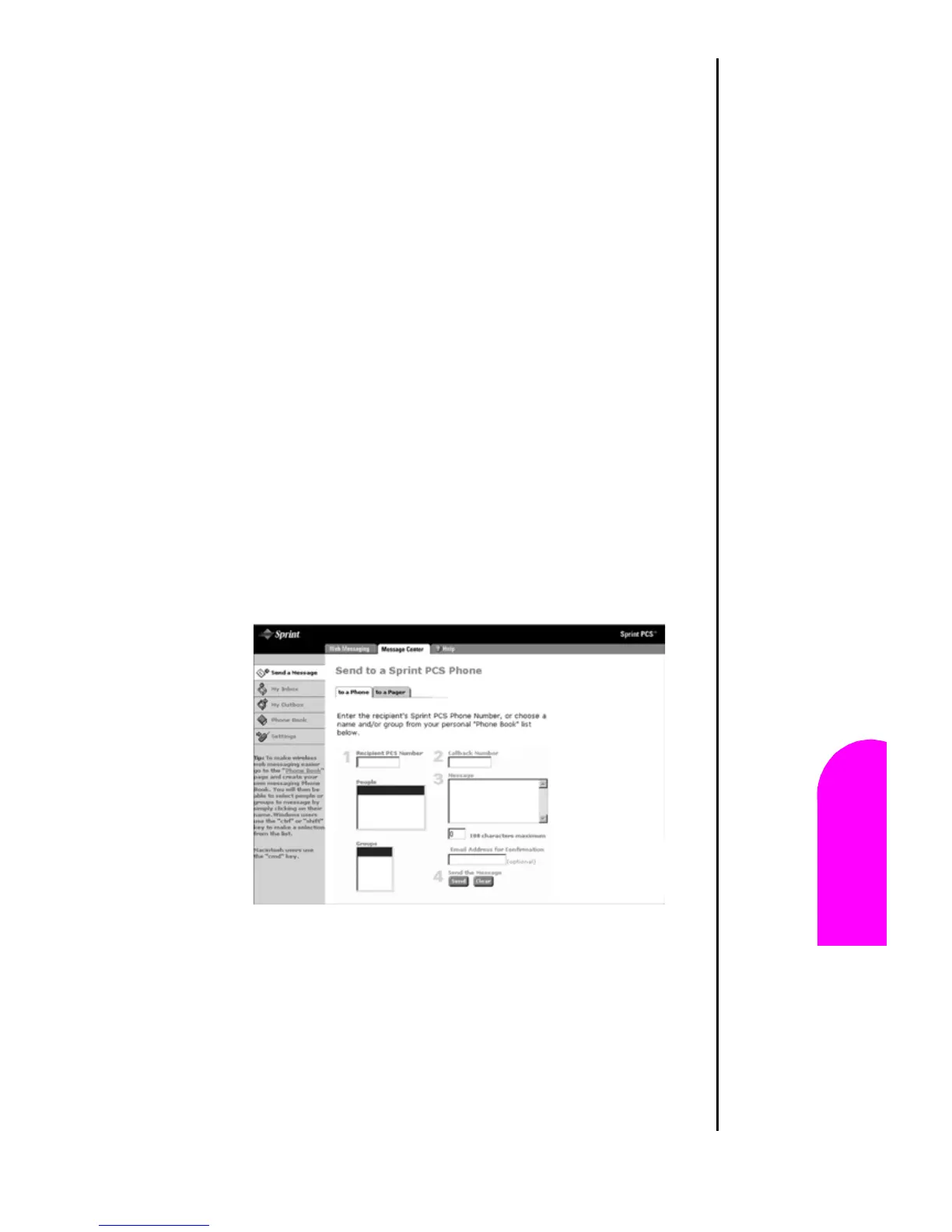
To send a message to a phone, you need to access the sprint
website. The web address is:
䊳 http://www.messaging.sprintpcs.com
You can create new text messages and send them to multiple
phones. (An internet connection and computer is required to
send messages.)
Sending Messages
1. Log into http://www.messaging.sprintpcs.com with a
desktop computer.
2. The Web Messaging screen is displayed.
3. Click on the “Send a Message” menu item on the left.
4. Enter the phone number, callback number, and message
text in the space provided.












 To Next Page