Section 13
154 Managing Mail
Creating, Viewing, and Replying to Messages
Your phone can create, view, and reply to e-mail messages
that are sent to you. This allows you to be completely mobile
and still keep in touch with others. Since your phone and a
desktop machine are synchronized, when an e-mail is sent to
another user, it appears as if the e-mail was sent via the
desktop computer.
Creating a New Message
1. From the Application main menu, tap the Mail icon. .
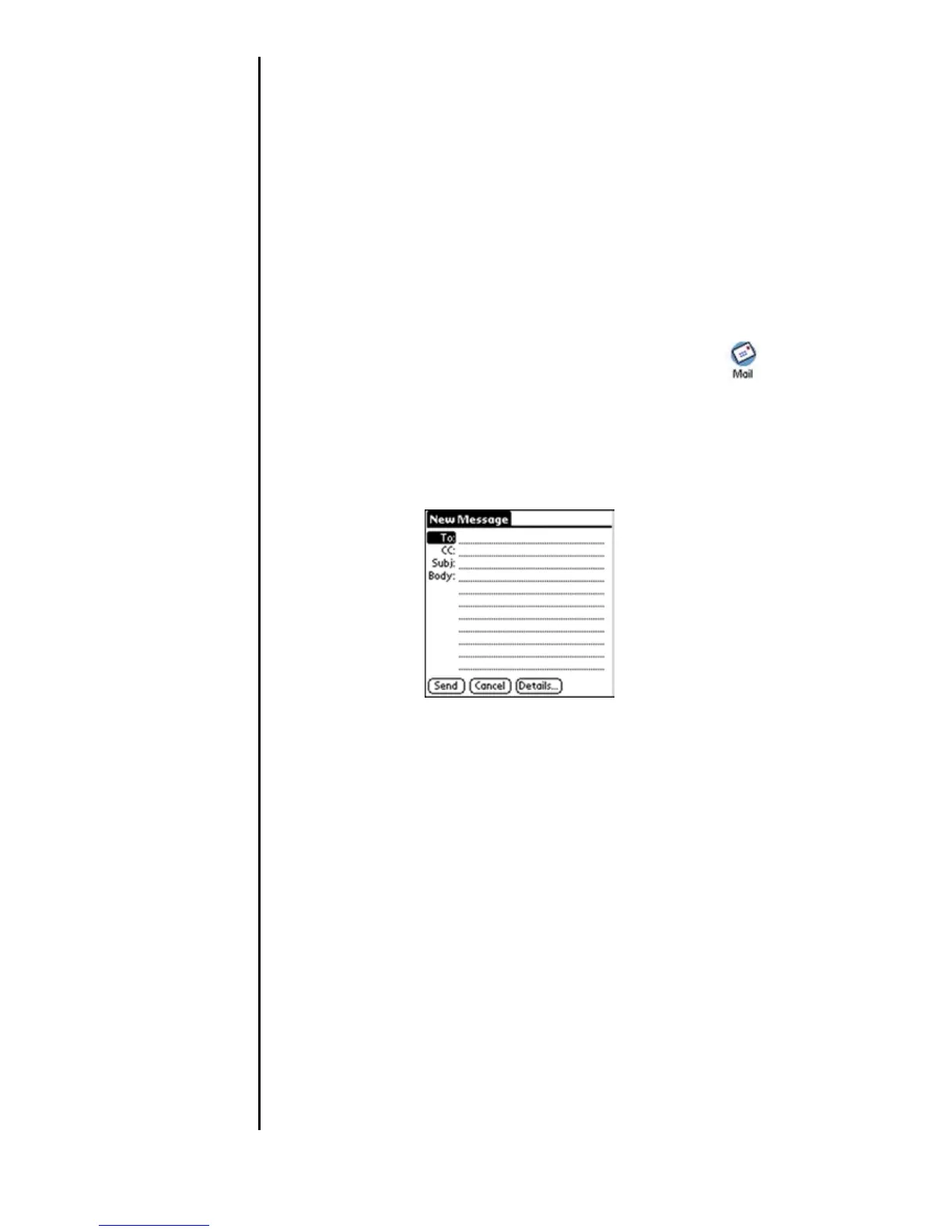
2. Tap the “New” button. The New Message screen is
displayed.
3. Enter the “To” e-mail address.
Note: To enter multiple e-mail addresses, use a comma
followed by a space between the addresses to separate them.
4. To send a carbon copy (CC) to someone, enter their e-
mail address in the “CC” field.
5. Enter the subject of the message in the “Subj” field.
6. Enter the body of the message in the “Body” field.
7. Tap “Send” to send the e-mail message to the recipients.












 To Next Page