Section 18
208 Security
Assigning a Password
A password can be assigned to lock your phone, or keep private
records from being viewed by anyone not entering a password.
When a password is assigned, the phone records stored in the
Address Book are hidden or masked. Passwords also disable the
phone and only allow designated emergency numbers to be
dialed.
Note:
The emergency numbers
are assigned using the
security preferences.
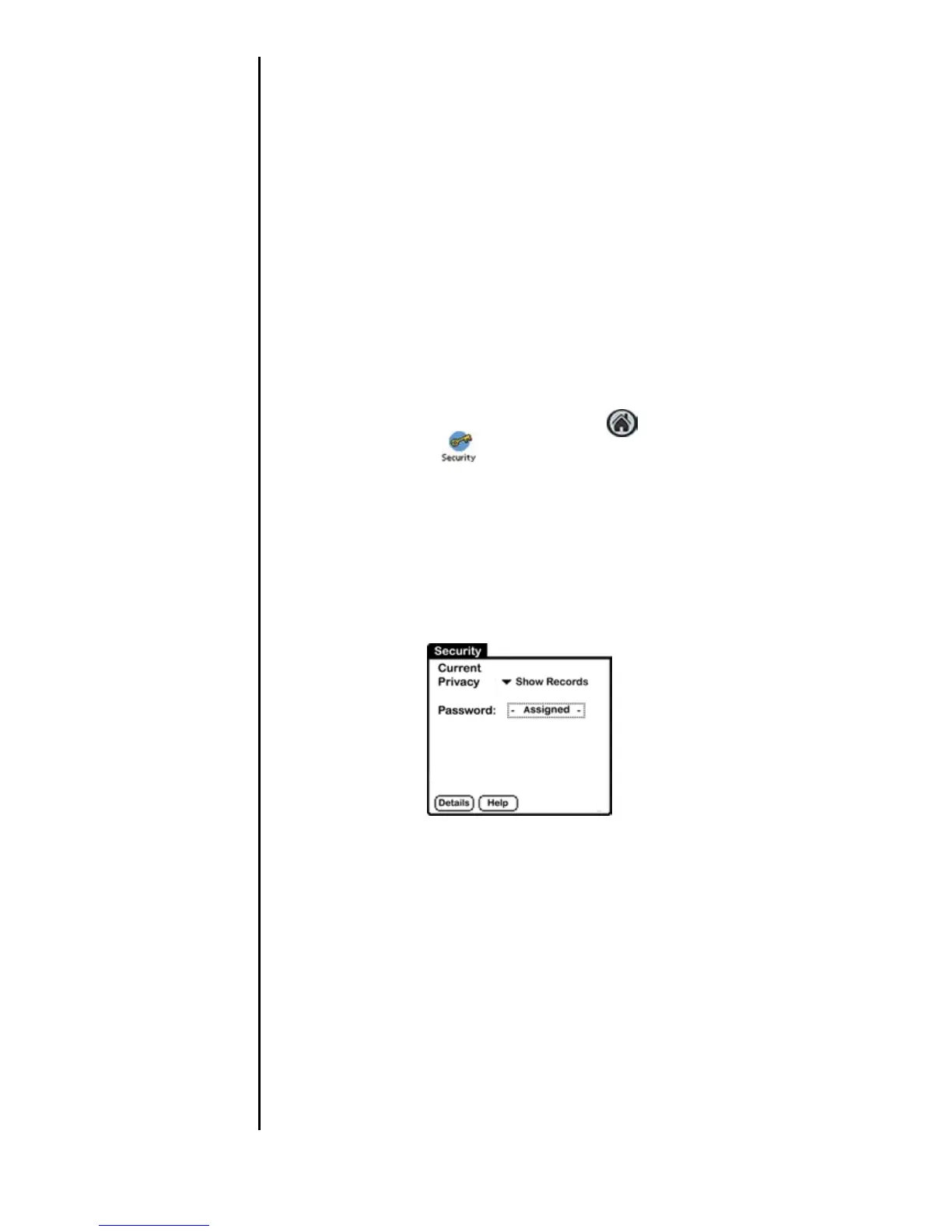
Assigning a Password
1. To access the Security menus, choose from the following
options:
䊳 Tap the Applications Launcher icon and select the
Security icon
.
Or:
䊳 In the Phone menu screen, select “Options” and tap
“Security”.
2. Tap the Password box in the Security screen.
3. Enter the desired password in the space provided.
4. Tap “OK”.
5. Enter the same password again and Tap “OK” to confirm
the password entry.












 To Next Page