Managing Mail 167
Accessing the
Filters
M
Managing Mail
13
Accessing the
Filters
M 13
Sprint PCS
Wireless Web
M
Managing Mail
Working with Filters
Filters are used to control what e-mail is sent to your phone
Inbox from the desktop computer. Filters are based on criteria
that is contained in the e-mail message. When the criteria
specified in the filter is found in a corresponding e-mail
message, the filter is activated. Filters control junk mail on
desktop computer e-mail from being sent to the mail
application on your phone.
Accessing the Filters
1. Tap the Applications Launcher icon .
2. Tap Mail.
3. Tap the Menu Launcher icon .
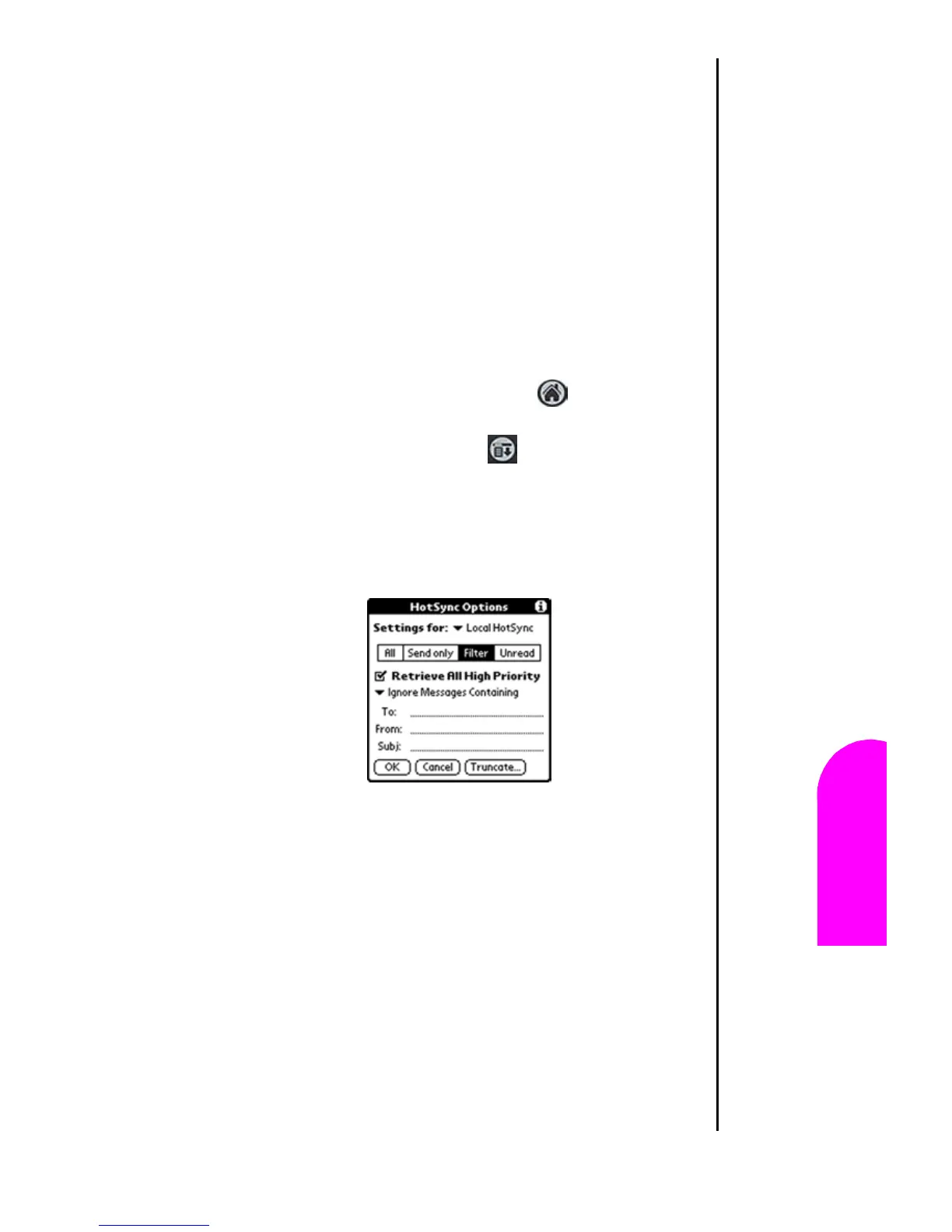
4. Select “Options” and tap “HotSync Options”.
5. Tap “Filters”. The Filters screen is displayed.












 To Next Page