Section 13
164 Managing Mail
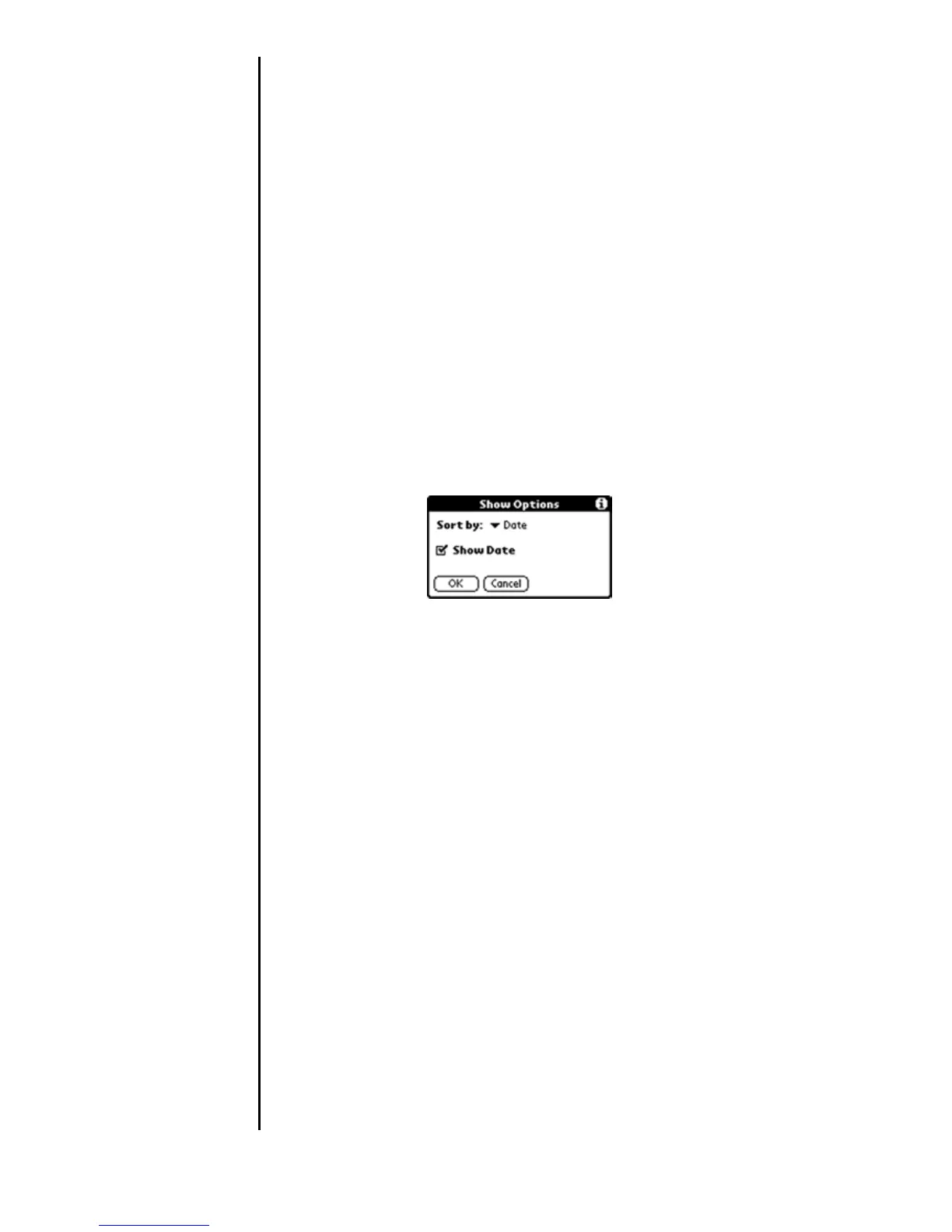
Sorting the Message List
The mail list can be sorted to display e-mail messages by date,
sender, or subject. High priority messages always display first
in the list, no matter how the list is sorted.
Sorting the List
1. From the New Messages screen, tap the “Show” button.
2. The Show Options dialog box is displayed. Tap the drop
down list to display the following choices:
䊳 Date
䊳 Sender
䊳 Subject
3. Tap the desired sorting choice.
4. Tap “OK” top exit.












 To Next Page