Memo Pad 187
Making a Memo
Private
M
Memo Pad
15
Making a Memo
Private
M 15
Sprint PCS
Wireless Web
M
Memo Pad
Choosing a Memo Category
Categories are used to file memos into different groups for easy
review. You can assign and edit categories by using the
Categories drop down list or the Details dialog box.
Making a Memo Private
You can designate a memo to be “Private”. When the security
features are enabled, the memo is hidden or masked and not
displayed on the list of memos. To display the memo, a
password is required.
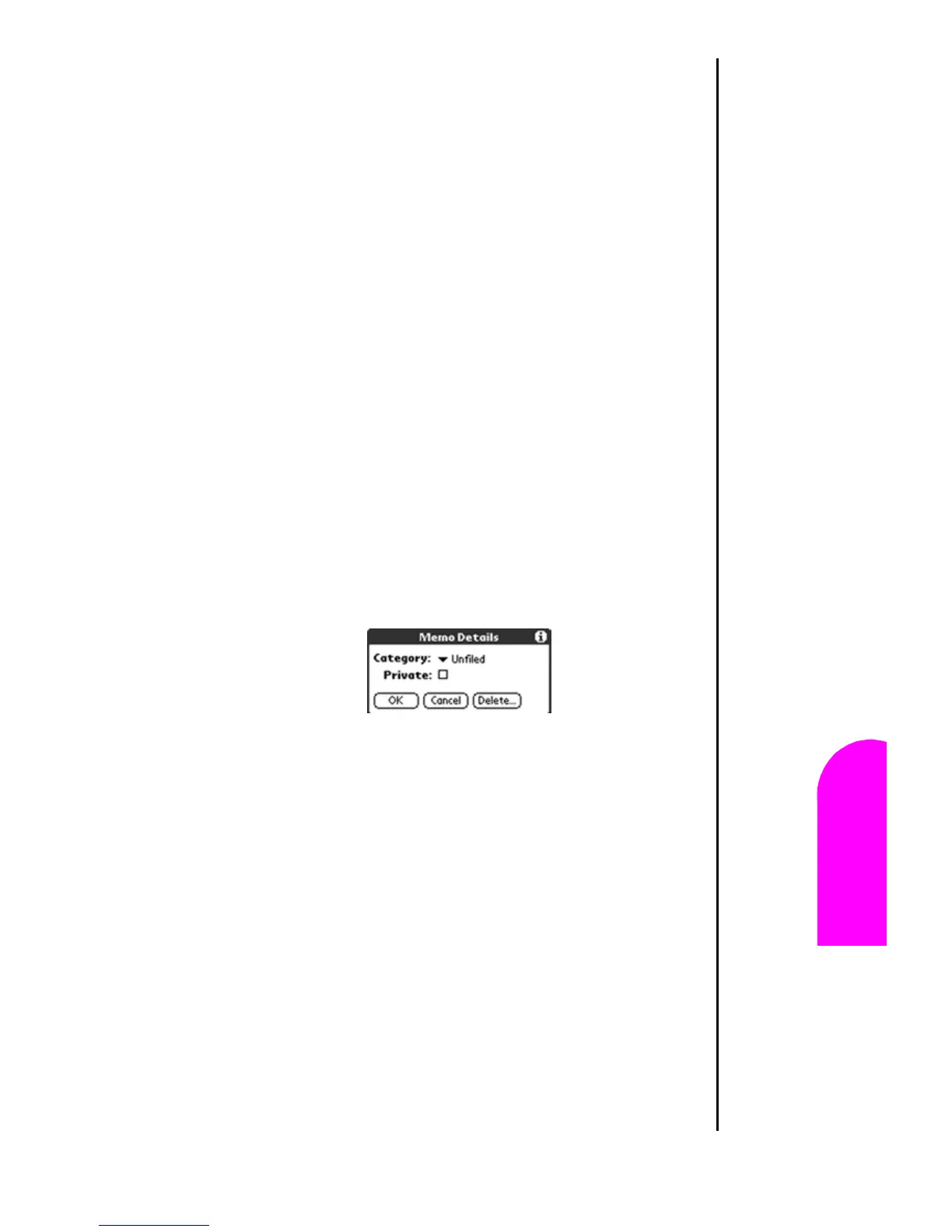
Making a Memo Private
1. Tap the desired memo on the memo screen.
2. Tap the “Details” button to open the “Memo Details”
dialog box.
3. Tap the “Private” check box.
4. Tap “OK” to exit.












 To Next Page