Section 14
178 Expense Manager
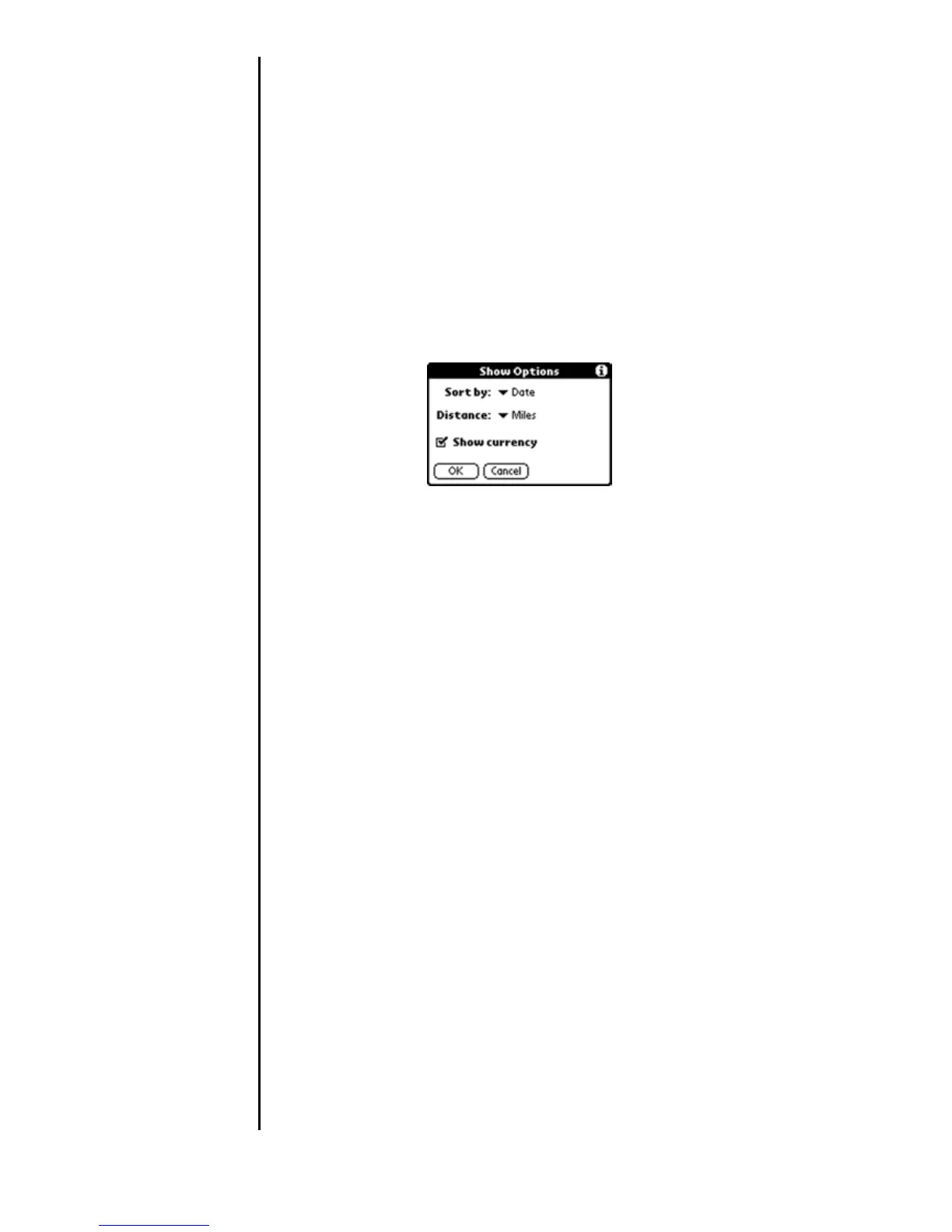
Expense List Display Options
You can change the display of expenses, including their sort
order, the mileage unit, and the currency symbol, using the
Show Options dialog box.
1. In the Expense List, tap the “Show” button to display the
“Show Options” dialog box.
2. To change how expense items are sorted, tap the “Sort By”
drop down menu.
3. Tap “Date” or “Type” to sort the expense items by the
corresponding option.
4. To change the display of mileage entries, tap “Distance”,
and then tap “Miles” or “Kilometers” to display the
corresponding unit.
5. To hide the currency symbol, tap the “Show Currency”
check box to clear it.
6. Tap “OK”.












 To Next Page