Managing Handheld Computer Software 255
To Install
Software on
M
Managing
Handheld
21
To Install
Software on
M 21
Sprint PCS
Wireless Web
M
Managing Handheld
Computer Software
Deleting Handheld Computer Applications
By deleting applications that you no longer use or need, the
amount of available RAM is increased. Since all new
applications reside in RAM, it is a good idea to have as much
as possible freed up any given time.
Note:
Applications that came
with the Palm OS®
operating system do not
reside in RAM, they reside
in ROM. They cannot be
deleted from the system.
They do not affect the
amount of free RAM.
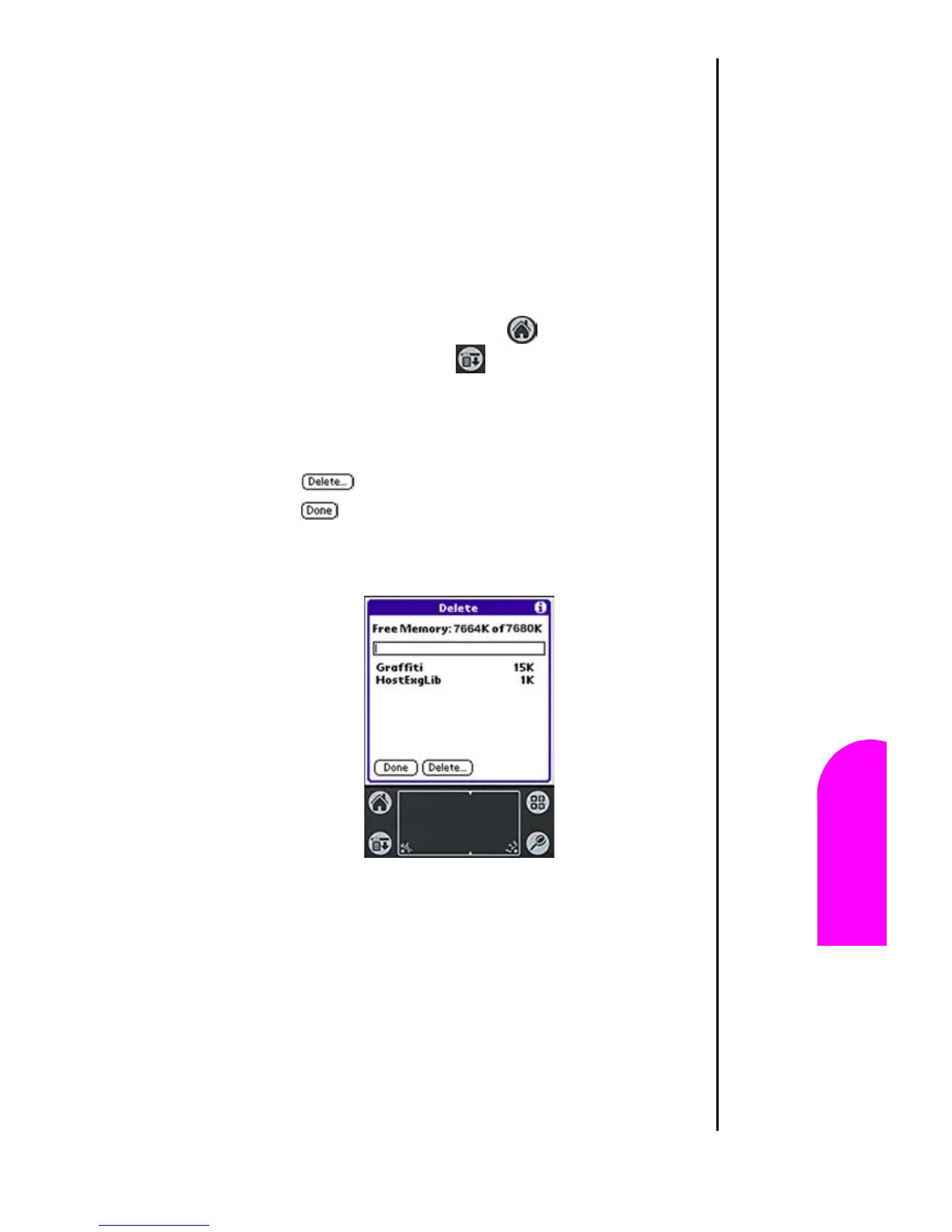
To remove an application:
1. Tap the Applications Launcher .
2. Tap the Menu Launcher .
3. Tap “App”, then “Delete”.
4. A list of installed applications is displayed.
5. Tap the application that you want to delete.
6. Tap to delete the application.
7. Tap to exit the Delete screen.












 To Next Page