To Do List 197
Changing the
Priority, Due
To
To Do List
16
Changing the
Priority, Due
To 16
Sprint PCS
Wireless Web
To
To Do List
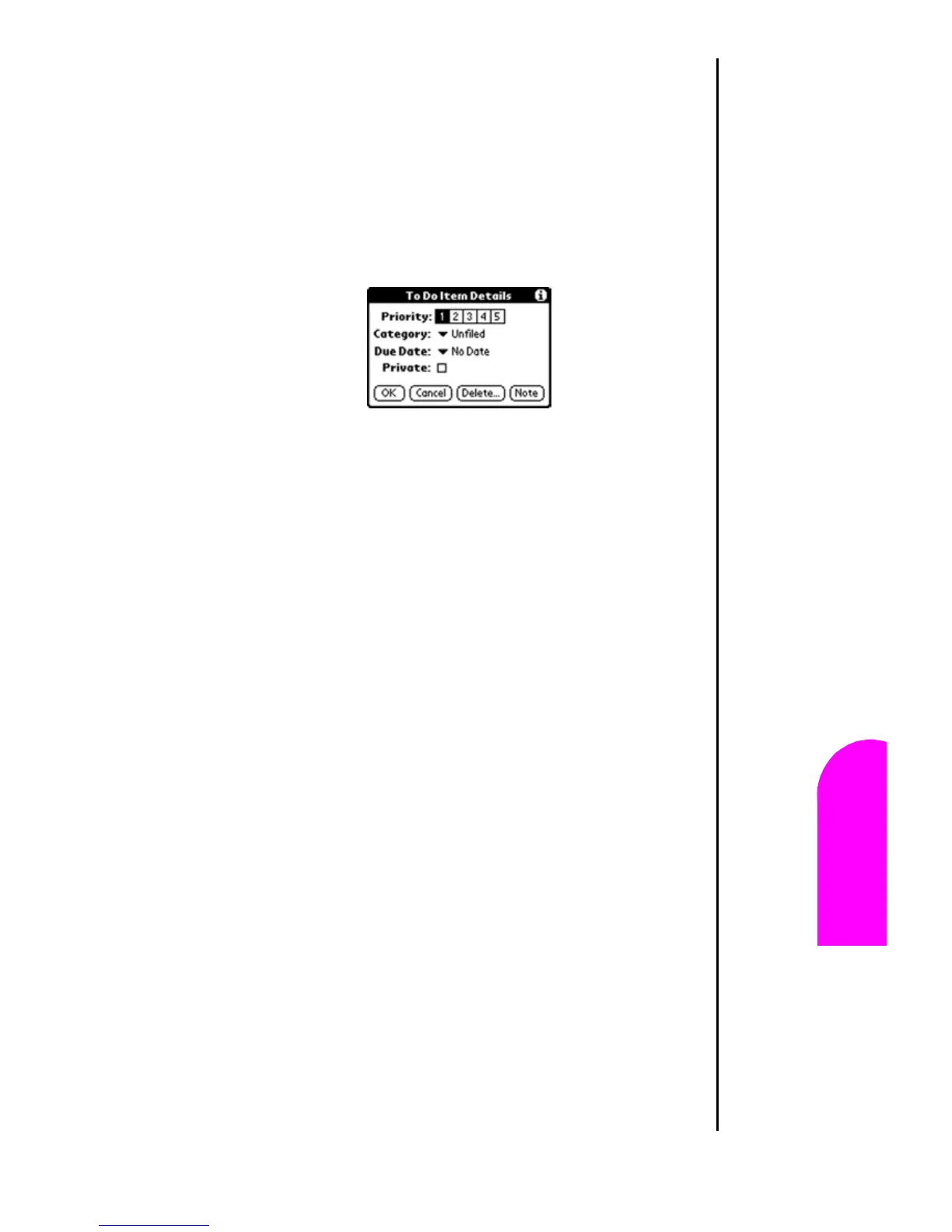
䊳 Tomorrow -Automatically inserts tomorrow’s date in the
“Due Date” field.
䊳 One week later - Automatically inserts the date.
䊳 No Date - Default option of no date in the “Due Date”
field.
䊳 Choose Date - Displays a calendar to select the desired
date.
5. Select the desired date option.
6. Tap “Private” to hide the item when the security feature is
enabled.
7. Tap “OK” to exit.












 To Next Page