Managing Handheld Computer Software 253
Changing the
Launcher
M
Managing
Handheld
21
Changing the
Launcher
M 21
Sprint PCS
Wireless Web
M
Managing Handheld
Computer Software
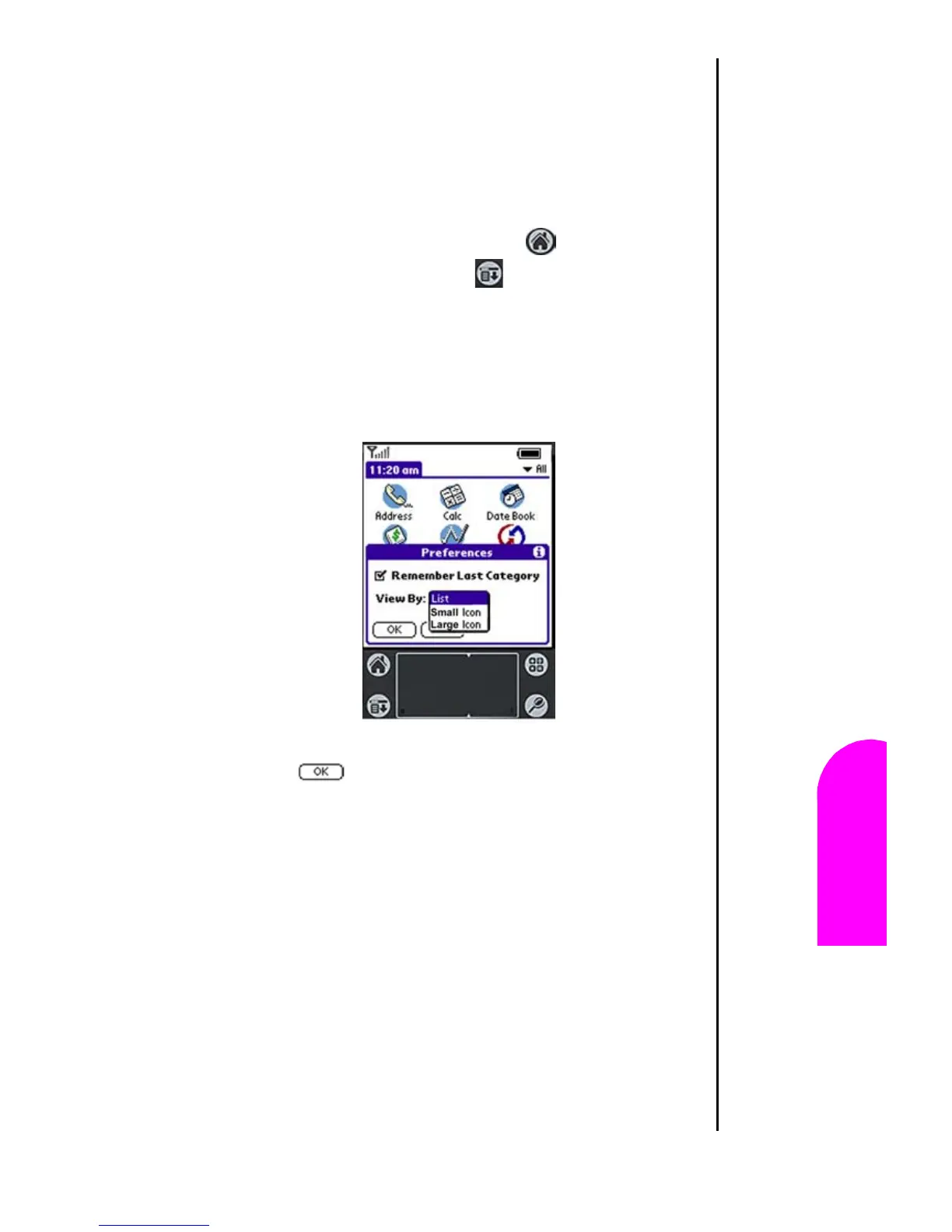
Changing the Launcher Display
By default, the applications are represented by an icon. The
applications can also be represented in a list format or in
different sized icons. To change the view to a list format:
1. Tap the “Applications Launcher” .
2. Tap the “Menu Launcher” .
3. Tap “Options”, then “Preferences”.
4. Tap the drop down next to “View By:”
5. Select List.
6. Tap to exit Preferences.
7. The applications are displayed as a list.












 To Next Page