Section 1
24 Getting to Know Your Sprint PCS Phone
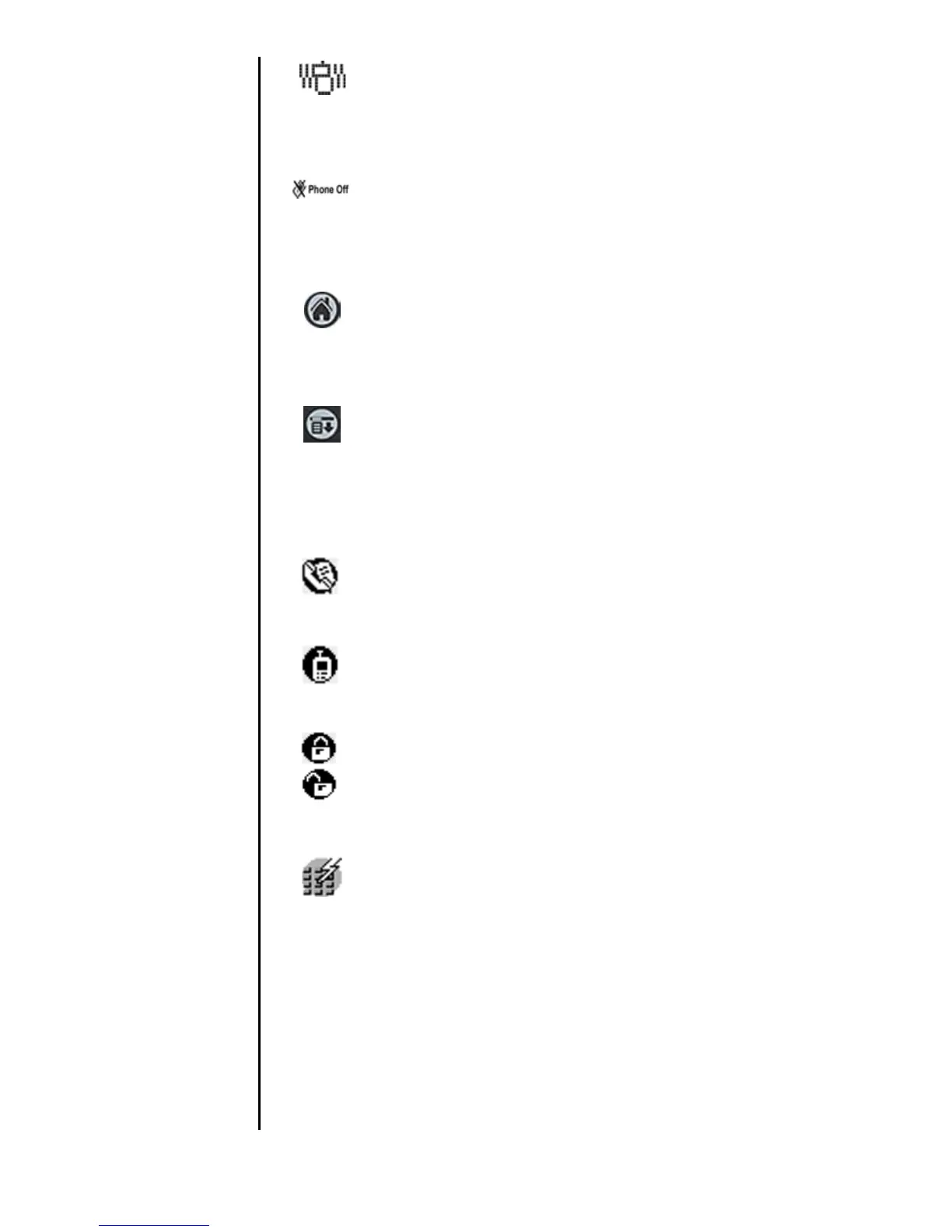
Vibrate Indicator - The phone is set to vibrate
mode. The ringer does not sound for incoming calls
or message alerts, instead the phone vibrates.
Phone OFF Indicator - This means that the phone’s
power is OFF. If you tap the icon, the Power ON
prompt is displayed. Tap
Yes to turn the phone ON.
Applications Launcher - Launches the handheld
computer application screen. Tap this to exit any
screen and return to the main screen.
Menu Launcher - Launches the menu bar
associated with each screen being displayed. Tap the
Menu Launcher to display a drop down list of the
available options.
Address Book - Tap this icon to gain instant access
to the Address Book.
Outgoing Call History - Displays the last 20 entries
of outgoing calls.
Key Lock/Unlock - Activates or deactivates the key
lock option. This keeps any keys from being pressed
accidentally.
Speed Dial - Tap this icon to gain instant access to
the Speed Dial screen.












 To Next Page