Section 4
48 Entering Information into the Handheld Comput-
Command Bar
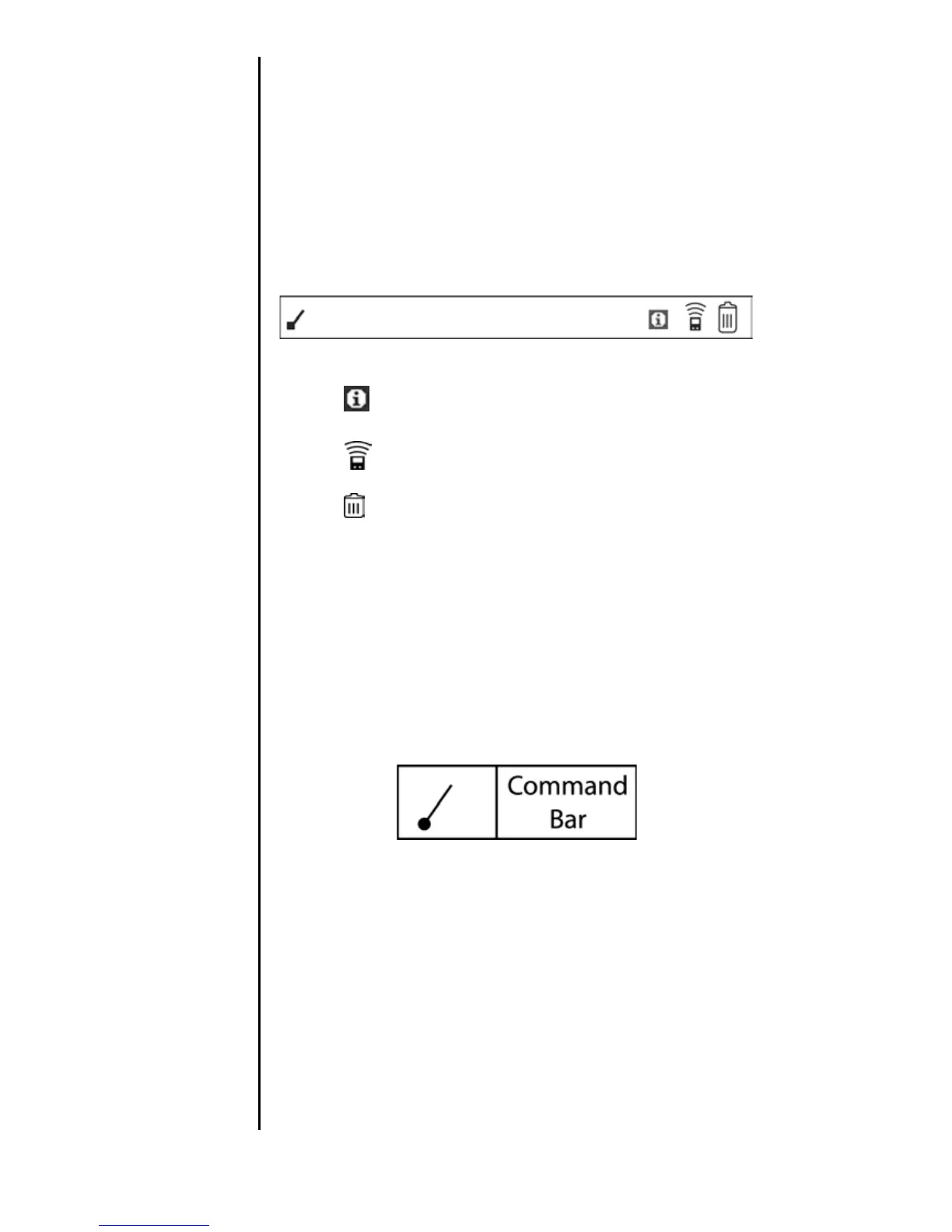
The Command Bar allows you to display a list of shortcuts by
making a stroke on the Graffiti writing area. If you are on the
Applications Launcher main menu, the Command Bar
displays:
䊳 Info - Displays the Info screen that displays all the
applications and their memory usage.
䊳 Beam - Displays the Beam screen. This allows you to
beam applications to another user.
䊳 Delete - Displays the Delete screen. This allows you to
delete applications.
To make the command bar display:
1. On the left side of the Graffiti screen, make the following
stroke.












 To Next Page