141
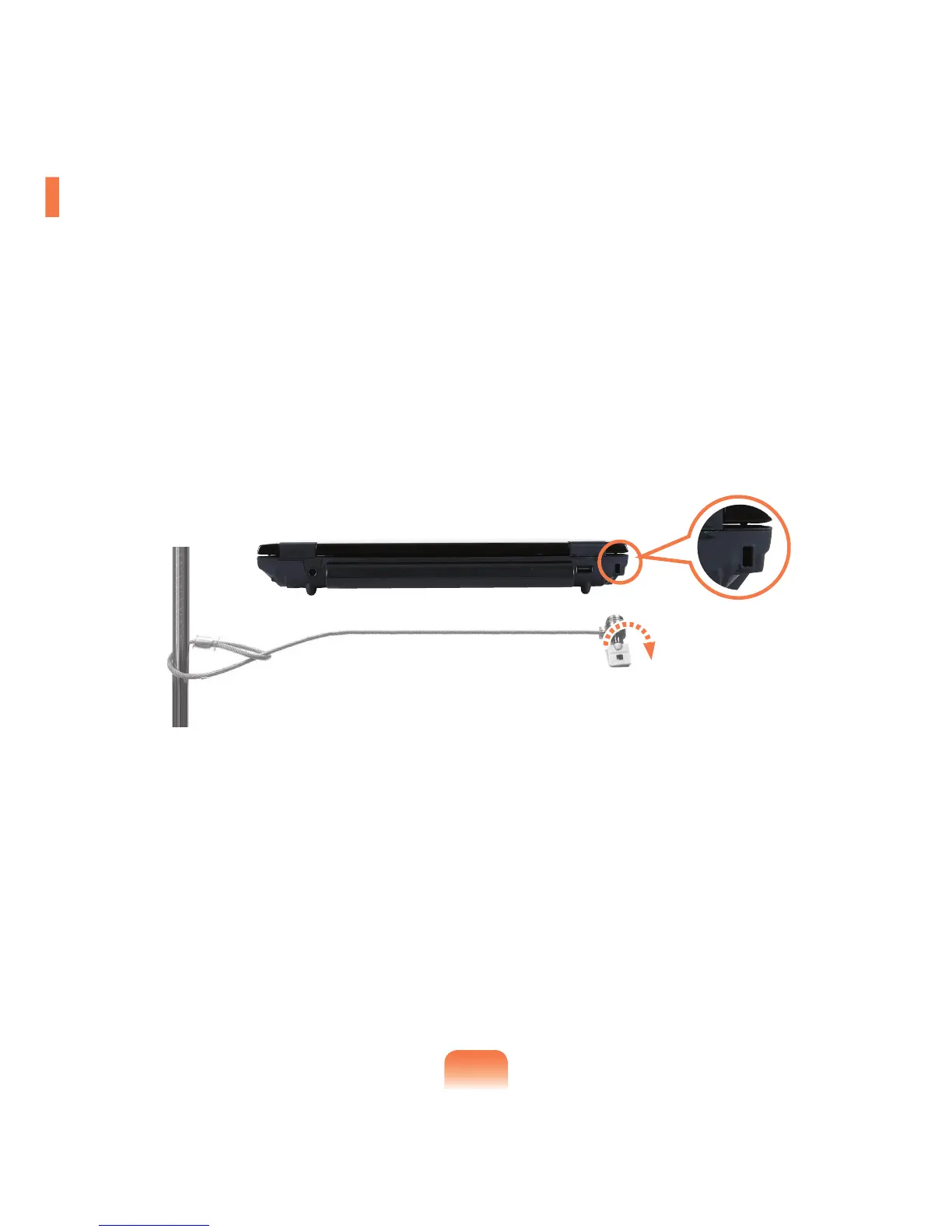
Using the Security Lock Port
You can connect a Kensington lock to the Security Lock port to prevent your computer being stolen when you have to
use the computer in a public place.
To use this feature, you have to purchase the Kensington lock additionally. To use the Kensington lock, refer to the
product manual.
Tie the Kensington lock cable to a fixed object and install the other end of the cable to the Security Lock port.



 To Next Page