48
If your computer has a writable CD drive, you can write
data onto a CD or DVD or burn an audio CD.
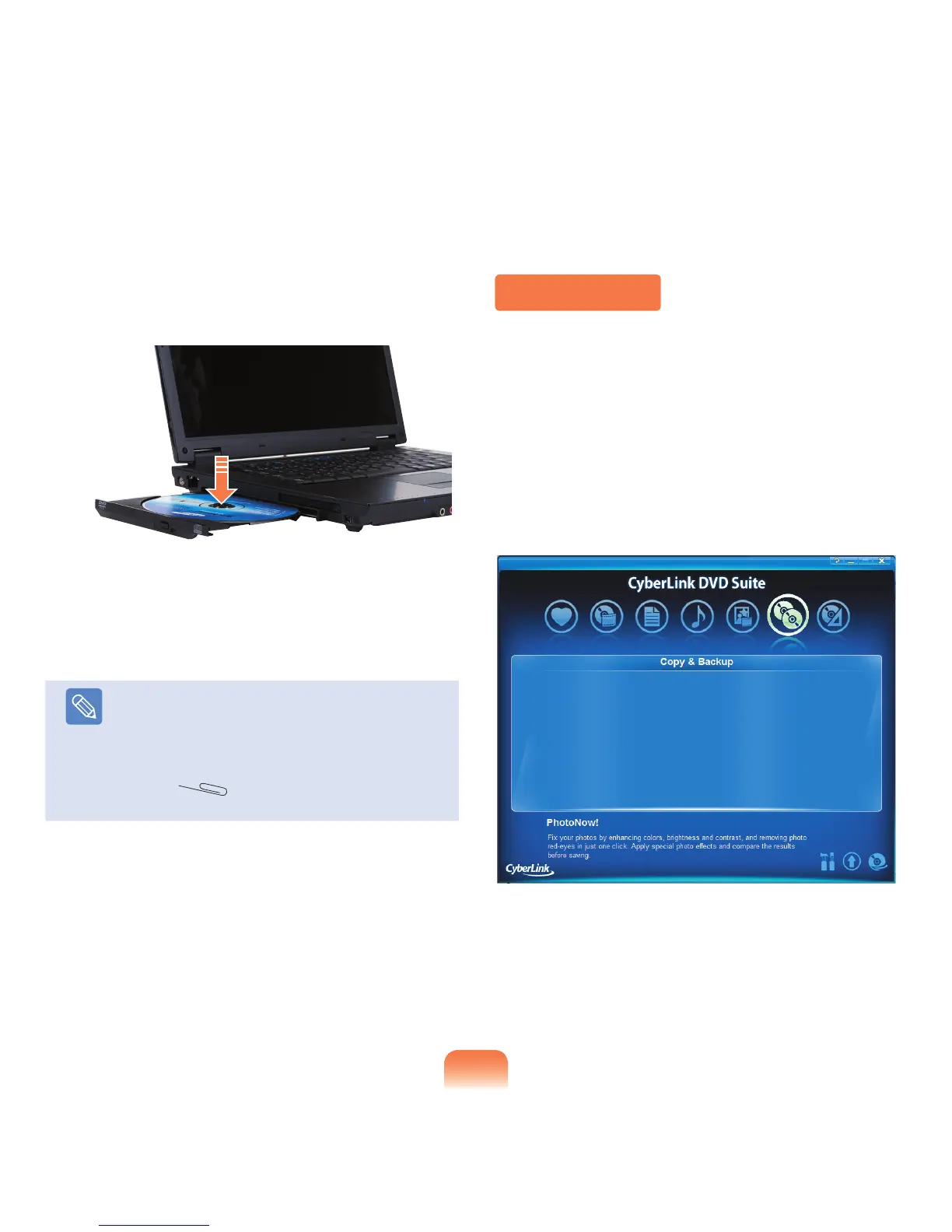
CyberLink DVD Suite is supplied with the System
Software Media (or an additional CD) so that you can
burn a CD using the program.
Install the provided software and use the software
functions referring to the software help.
Burning a CD
2
When the CD tray pops out, insert a CD or DVD until
it clicks.
3
Push the CD tray inward until it clicks.
The CD drive status indicator is turned on.
Note
■
A CD drive’s reading and writing speed may
differ depending on the condition and type of the
media.
■
To eject a CD when the CD drive does not work
or the computer is off, place the end of a paper
clip ( ) into the Emergency Hole until the
CD tray is ejected.



 To Next Page