User Accounts
Using Windows Vista User Accounts, more than one user can easily share the same PC.
The procedures to add and delete a user account and to switch users are described below.
Adding User Accounts
1
Click Start > Control Panel> User Accounts and
Family Safety.
2
Click User Accounts > Manage another account.
3
Click Create a new account.
4
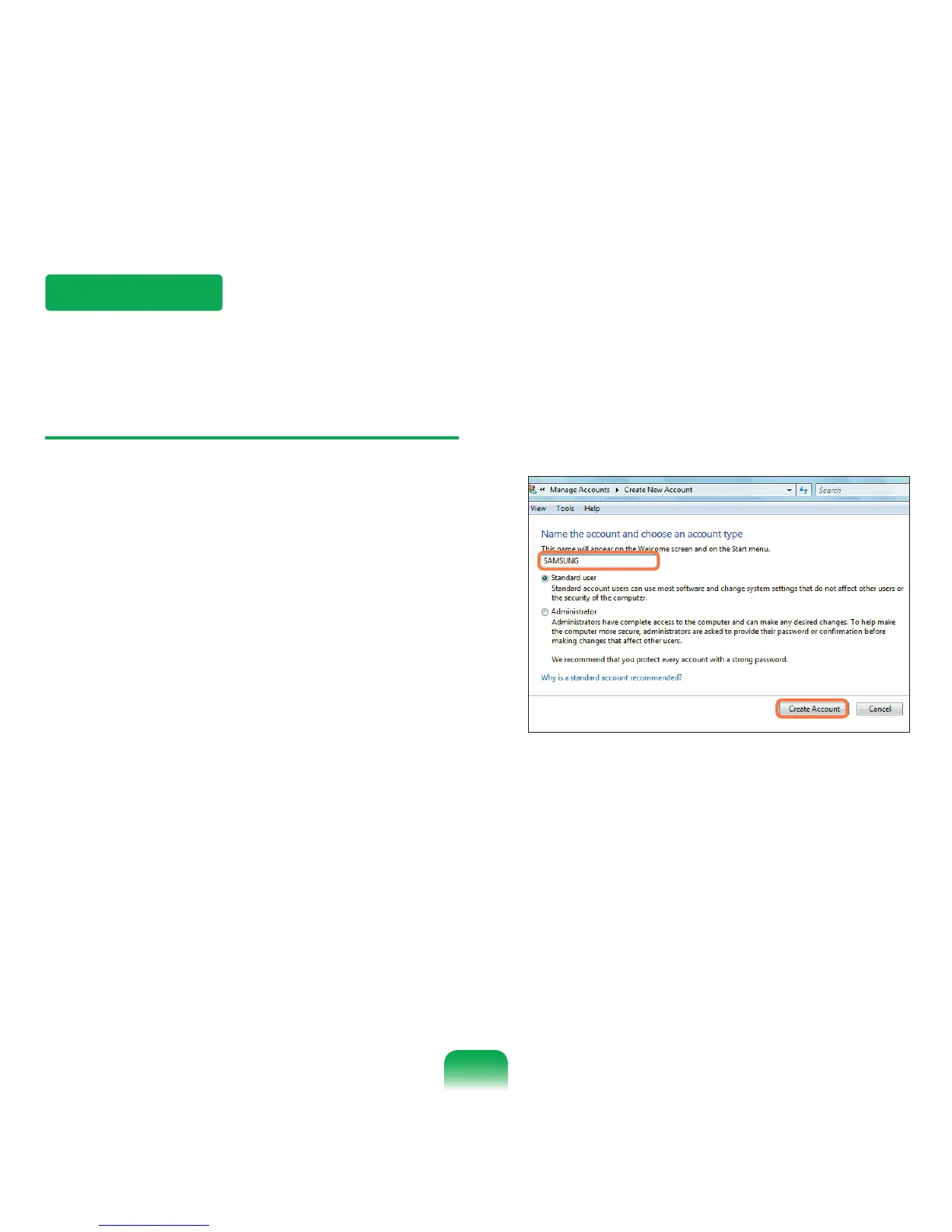
Enter a new username and select either Standard
User or Administrator.
5
Click Create a new account to add a new account.
78



 To Next Page