37
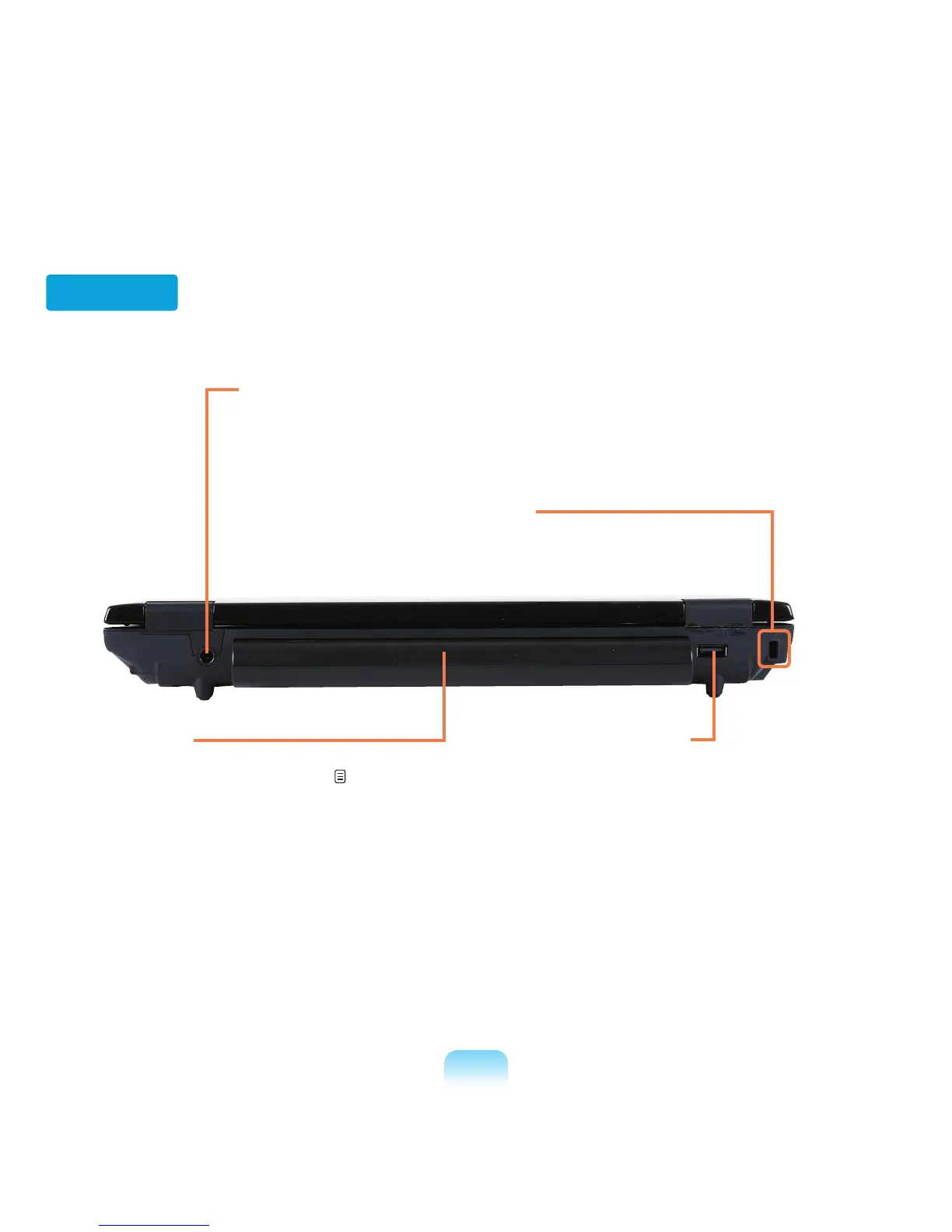
4 Security Lock Port
You can connect a Kensington lock to the
Security Lock Port to prevent the computer from
being stolen.
Back View
2 Battery
This is a Lithium-Ion rechargeable battery that
supplies power to the computer.
p. 137
1 DC Jack
A jack to connect the AC adapter that supplies
power to the computer.
3 USB Port
You can connect USB devices to the USB
port such as a keyboard/mouse, digital
camera, etc.



 To Next Page