165
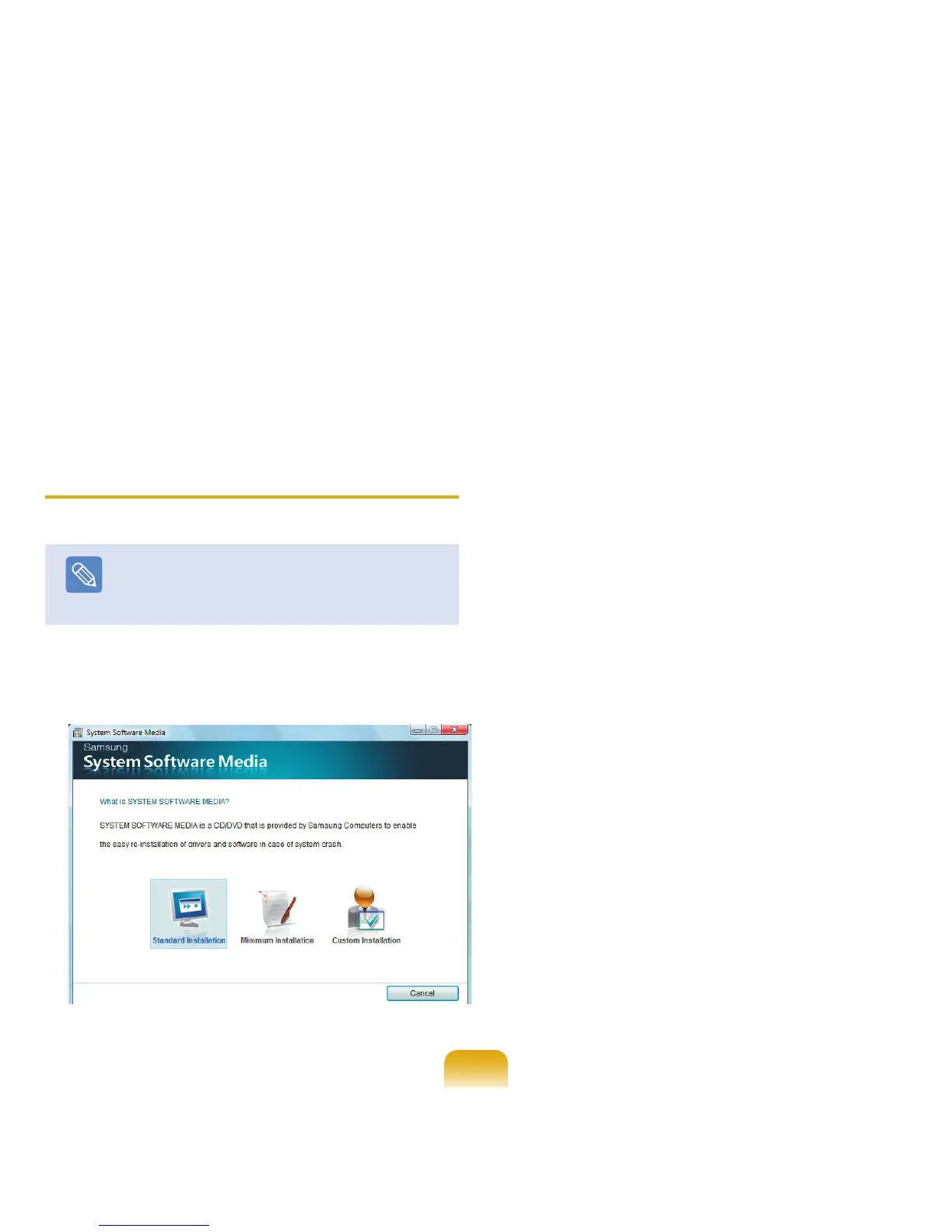
Standard Installation
If you select this option, programs not currently installed on the computer are listed.
Minimum Installation
If you select this option, programs are listed that need to be installed on the computer (drivers,
Windows updates, etc.).
You can conveniently use this option, when you need to install essential programs only.
Custom Installation
If you select this option, you can select the programs to be installed.
You can conveniently use this option, when you need to install an individual driver or
program that is causing a problem.
Installing Software
Note
As an example, the installation procedures for the
Standard Installation options are described below.
1
Select Standard Installation in the System
Software Media main screen.
2
If the Start Standard Installation window appears,
click the Yes button.
The drivers and programs, which were installed in
the computer when you purchased the computer, are
installed again.
3
The Software installations was completed window
appears.
If you click Yes, the computer is restarted.



 To Next Page