36
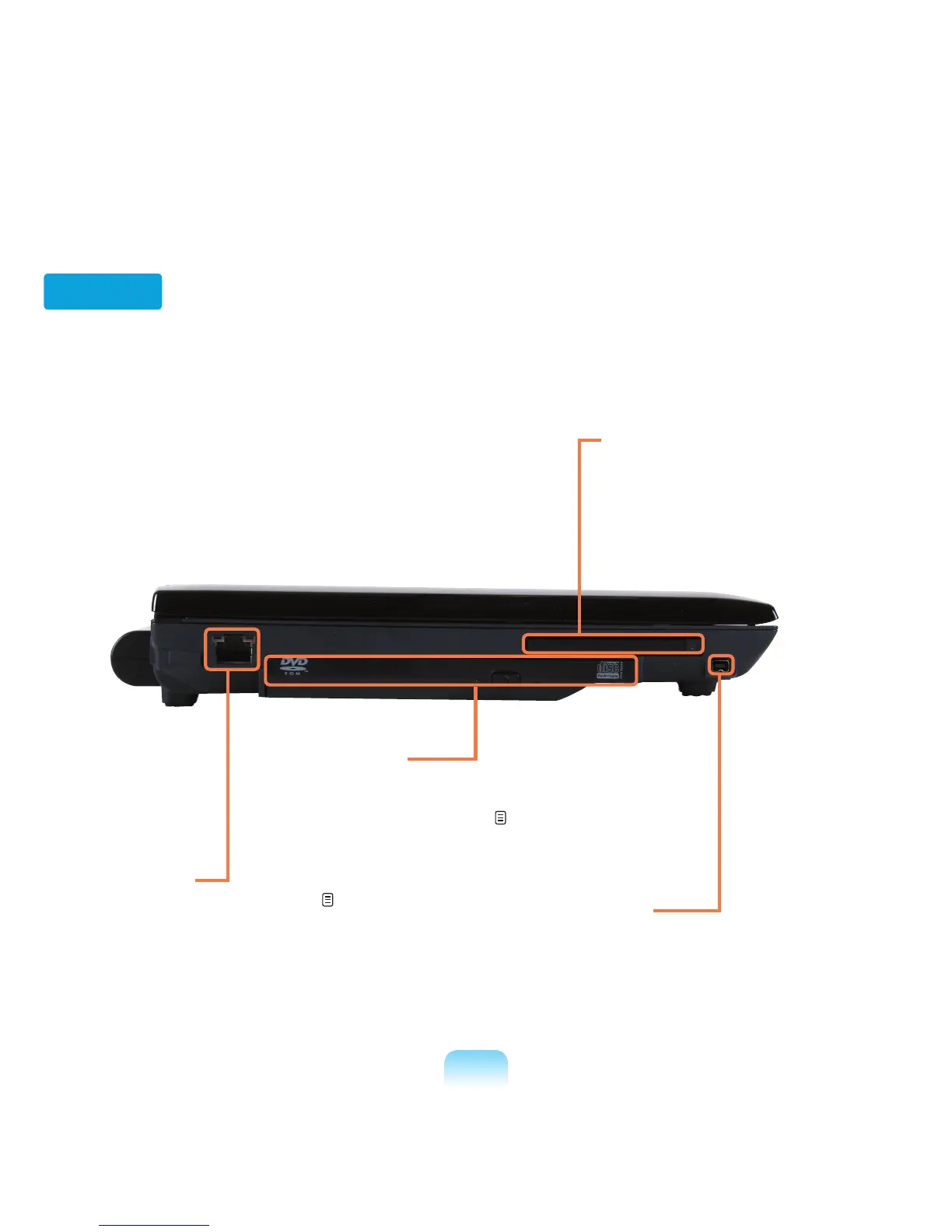
Left View
1 Wired LAN Port
Connect the Ethernet cable to this port. p. 89
3
PC Card Slot
Install the PC card into this slot.
2
CD Drive(ODD)
*
Plays CD or DVD titles.
Since an ODD drive is optional, the installed drive
depends on the computer model. p. 47
4
IEEE 1394 Port
A port used to connect IEEE 1394 devices
such as a digital camcorder. (4-pin Support)



 To Next Page