97
Diagnosing the Network Status
You can diagnose the network state and find solutions for
why you cannot connect to the network.
1
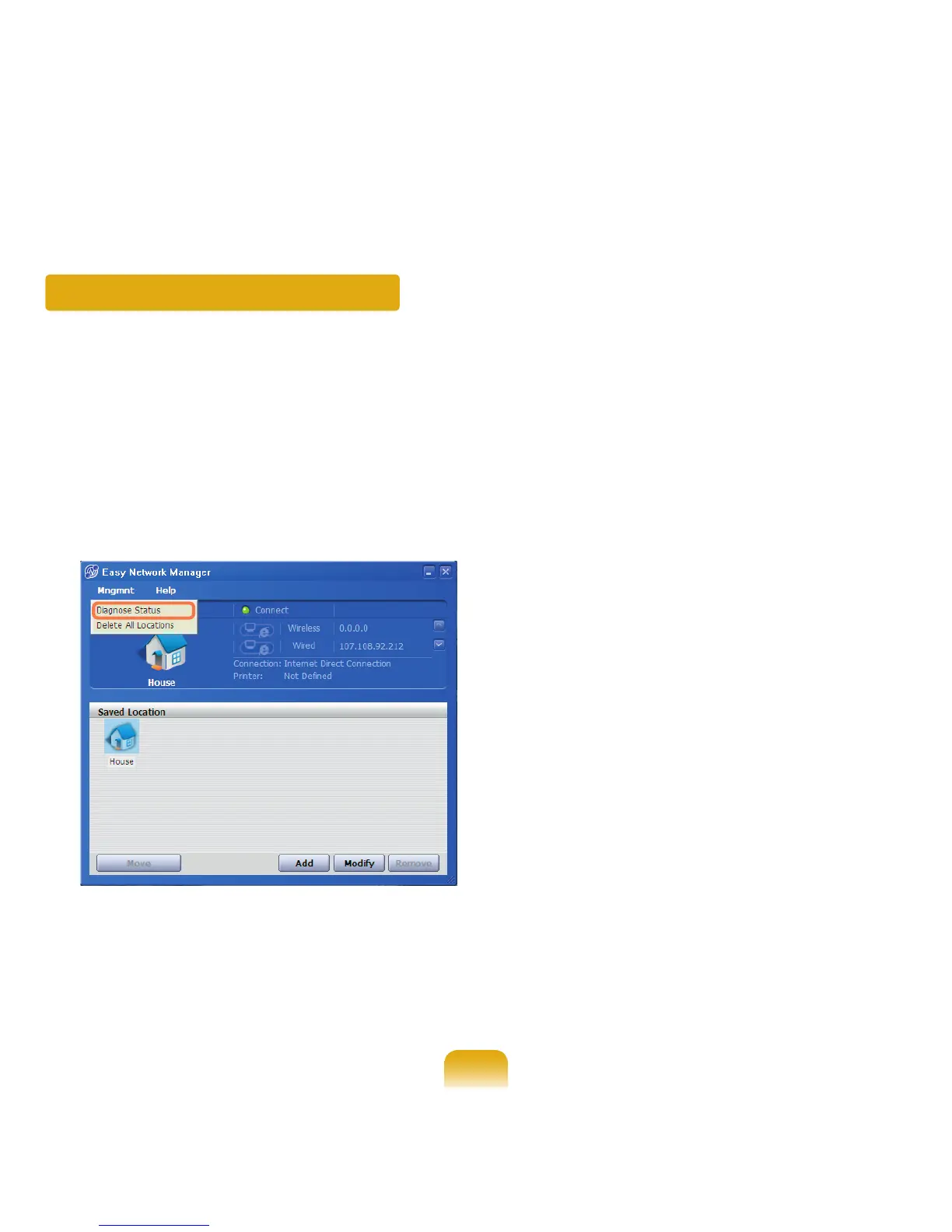
Launch Easy Network Manager.
2
Select Management > Diagnose Status from the
menu.
3
The Network Connections window appears.
Click Start to start the network diagnosis.
4
When the diagnosis is complete, a device with a
problem is marked by an exclamation mark icon with
a description of the problem at the bottom of the
window.



 To Next Page