147
4
If you have selected Custom Setup, continue with
the setup according to the Setup Wizard instructions.
If there are no installed TV tuner cards, the TV
related setup steps will appear during the Media
Center setup.
In addition, if the computer is not connected to the
Internet, you cannot setup and use the TV Guide
(Channel Information).
5
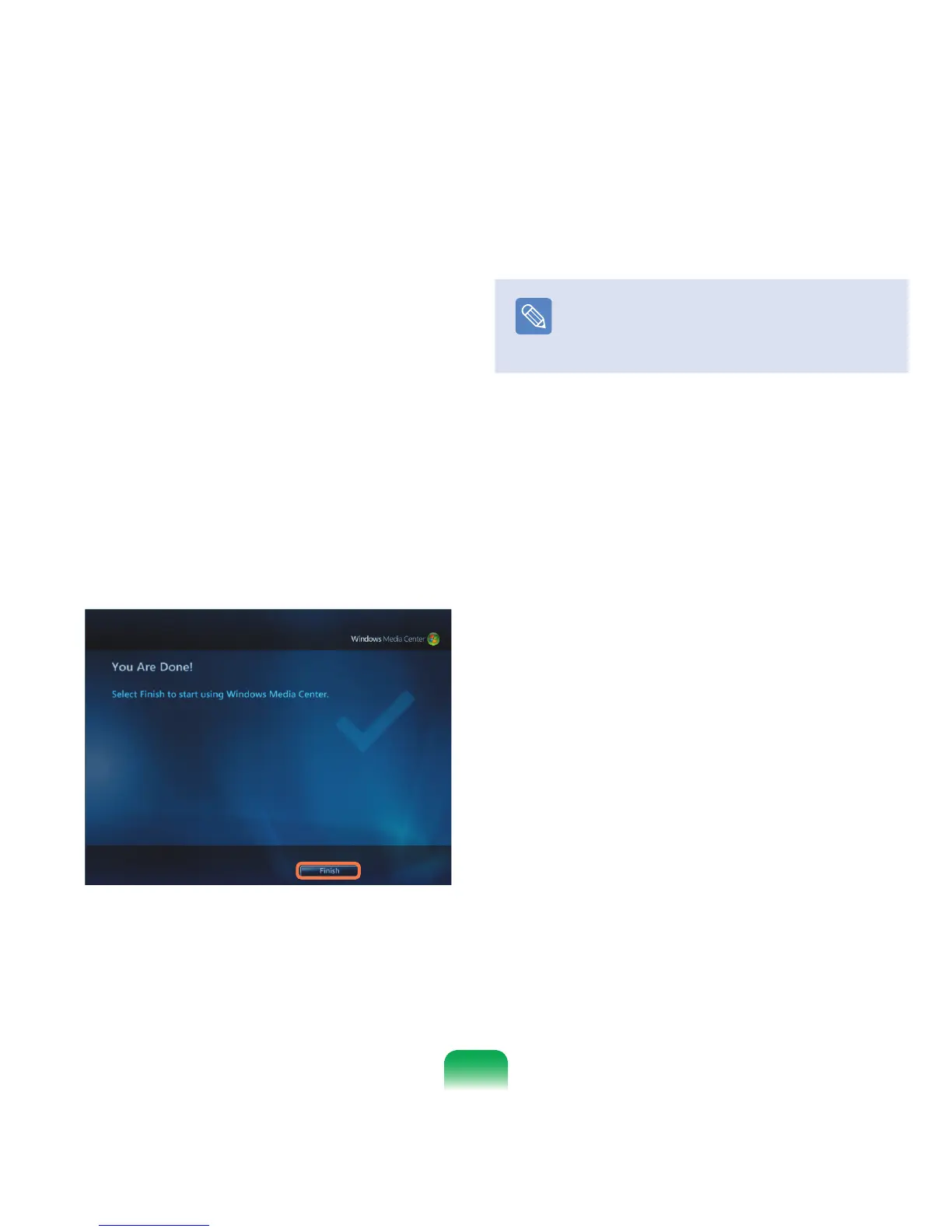
When the Media Center setup is complete, click
Finish.
Now you can use the Media Center.
Note
Changing the Media Center settings
You can change the settings by selecting Tasks
> Settings in the Media Center start screen after
completing the Configuration Wizard.


 To Next Page