62
Selecting Digital Output in the DVD Player Program.
Since the sound setting is set to Digital Output by default, you do not additionally need to configure it for digital output.
You can confirm your settings as follows.
1
If the CyberLink PowerDVD program is not installed, install the program using the system software media (or
additional CD depending on the computer model).
2
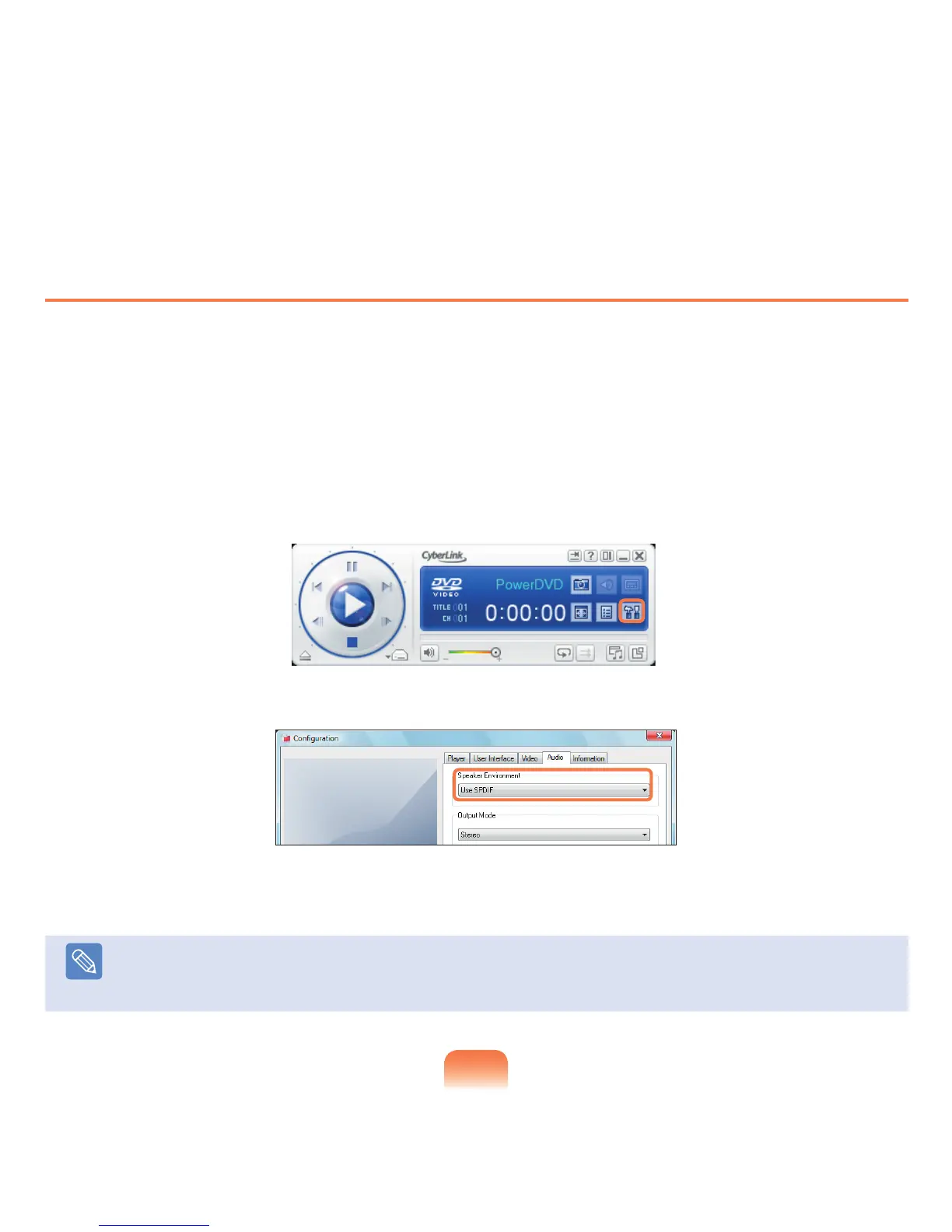
Launch CyberLink PowerDVD and click Configure.
3
Change the Speaker Environment value to Use S/PDIF in the Audio tab.
4
Insert and play a DVD title. You can listen to S/PDIF sound.
Note
For some DVD titles, you can listen to more realistic sound if you additionally select S/PDIF from the Setup menu of the DVD
title.



 To Next Page