■
“Memory Stick” and are trademarks of Sony Corporation.
■
All other product names mentioned herein may be the
trademarks or registered trademarks of their respective
companies.
Furthermore, “™” and “ ® ” are not mentioned in each instance
in this manual.
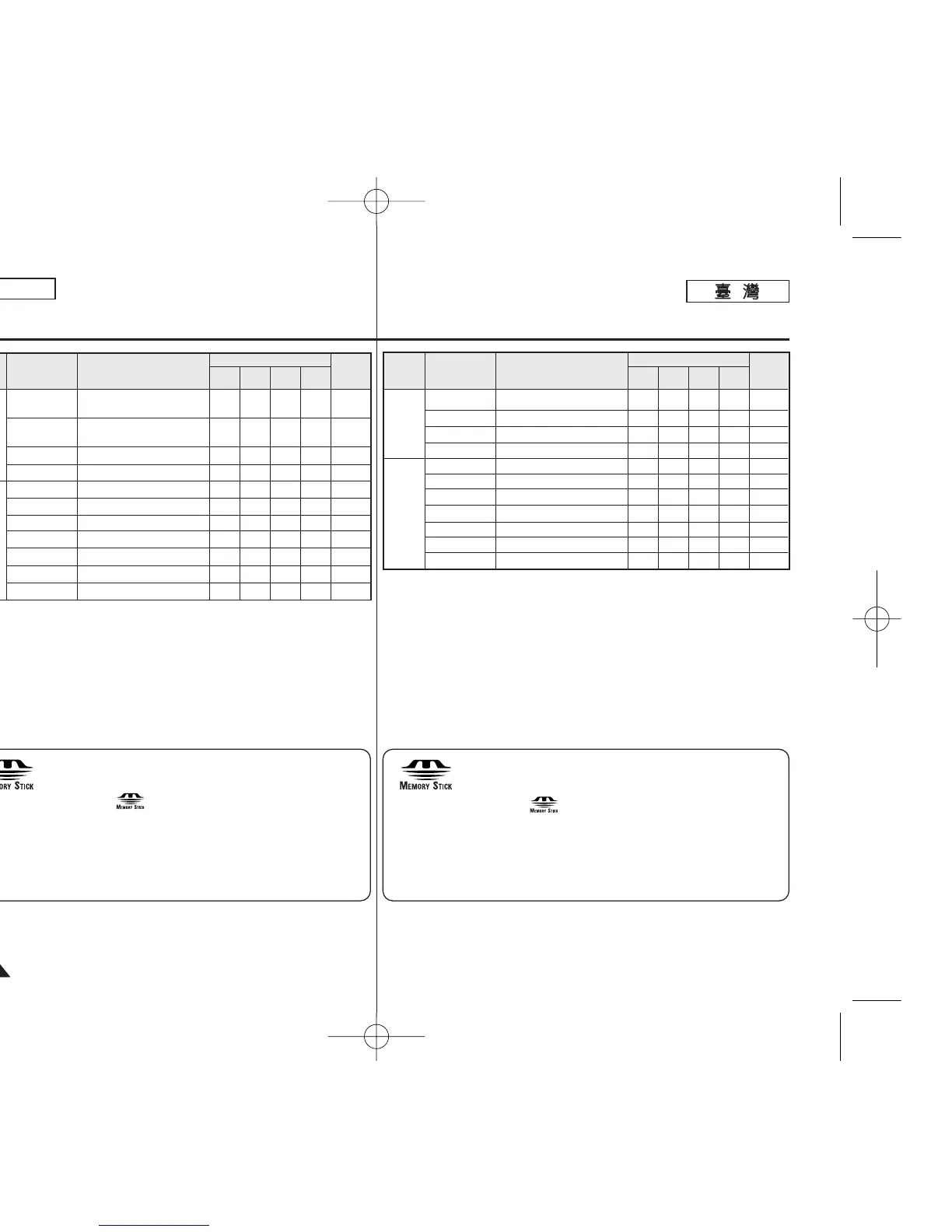
Functions
Main
Menu
Sub Menu
Page
M
.
Player
!
M
.
Cam
!
Player
Camera
Display
System
LCD Bright
LCD Color
Date/Time
TV Display
Clock Set
Remote #
Beep Sound
Shutter Sound !
USB Connect $
Language
Demonstration
✔
✔
✔
✔
✔
✔
✔
✔
✔
29
29
30
31
23
24
25
26
90
27
28
Available Mode
Setting the Brightness tone of
the LCD Screen
Setting the Color tones of the
LCD Screen
Setting the Date and Time
Selecting OSD on/off of TV
Setting the Clock Set
Using the remote control
Setting the Beep sound
Setting the Shutter sound
Setting the USB
Selecting the OSD language
Demonstration
✔
✔
✔
✔
✔
✔
✔
✔
✔
✔
✔
✔
✔
✔
✔
✔
✔
✔
✔
✔
✔
✔
✔
✔
✔
✔
✔
主主選選單單
! :
僅限 SC-D363/D364/ D365/D366
# :
僅限 SC-D364/D366
$ :
僅限 SC-D363/D364/D365/D366
■
“Memory Stick”和 是 Sony Corporation 的商標0
■
本文件提及的所有其他産品名稱可能是其各別公司的商標或註冊
商標0
此外,本手冊的各項例子中橙未提及“™” 和 “ ® ”0
功功能能主主選選單單 子子選選單單
頁頁
M
.
Player
!
M
.
Cam
!
播播放放機機
相相機機
顯示
系統
LCD 亮度
LCD 色彩
日期/時間
電視機顯示
時鐘設定
遙控
#
榛聲
快門聲響
!
USB 連接
$
語言
示範怜面
✔
✔
✔
✔
✔
✔
✔
✔
✔
29
29
30
31
23
24
25
26
90
27
28
可可用用模模式式
設定 LCD 螢幕的亮度
設定 LCD 螢幕的色調
設定日期和時間
選擇電視機 OSD 開/關
設定時間
使用遙控器
設定「榛」聲
設定快門聲響
設定 USB
選擇 OSD 語言
示範怜面
✔
✔
✔
✔
✔
✔
✔
✔
✔
✔
✔
✔
✔
✔
✔
✔
✔
✔
✔
✔
✔
✔
✔
✔
✔
✔
✔
00970FSCD363 TAI~107 1/12/06 3:48 PM 페이지102 001 QMS 1660E














 To Next Page