Applications
116
Copying files to your smartphone
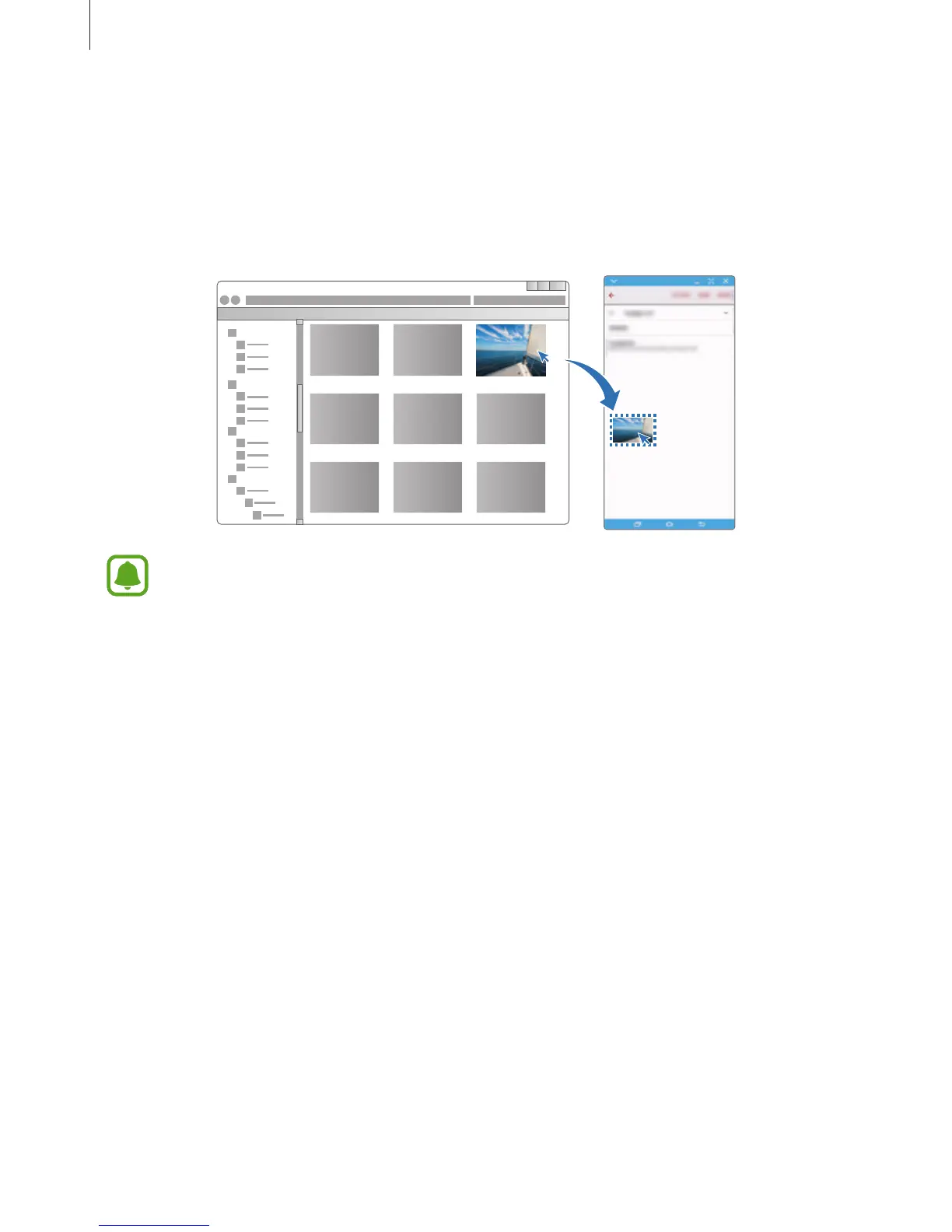
Select files on the computer and drag them to the dashboard or the virtual smartphone
screen. The files will be saved in the
Tools
→
My Files
→
Device storage
→
SideSync
folder.
While composing a message or an email on the virtual screen, the copied files will be
attached to the message or email being composed.
When the smartphone’s virtual screen and actual screen are turned on, you cannot
share files.
Sharing clipboard
You can conveniently copy and paste text between the connected devices via the clipboard
sharing feature. Copy or cut text from the virtual screen and paste it into a text field outside of
the virtual screen, or vice versa.
Sharing the computer’s keyboard and mouse
Use your smartphone’s screen as a dual monitor and control it with the computer’s keyboard
and mouse.
1
On the dashboard, tap
MORE
→
Enable Keyboard and mouse sharing
.
If the virtual screen is open, it will disappear from the computer’s screen.














 To Next Page