Applications
117
2
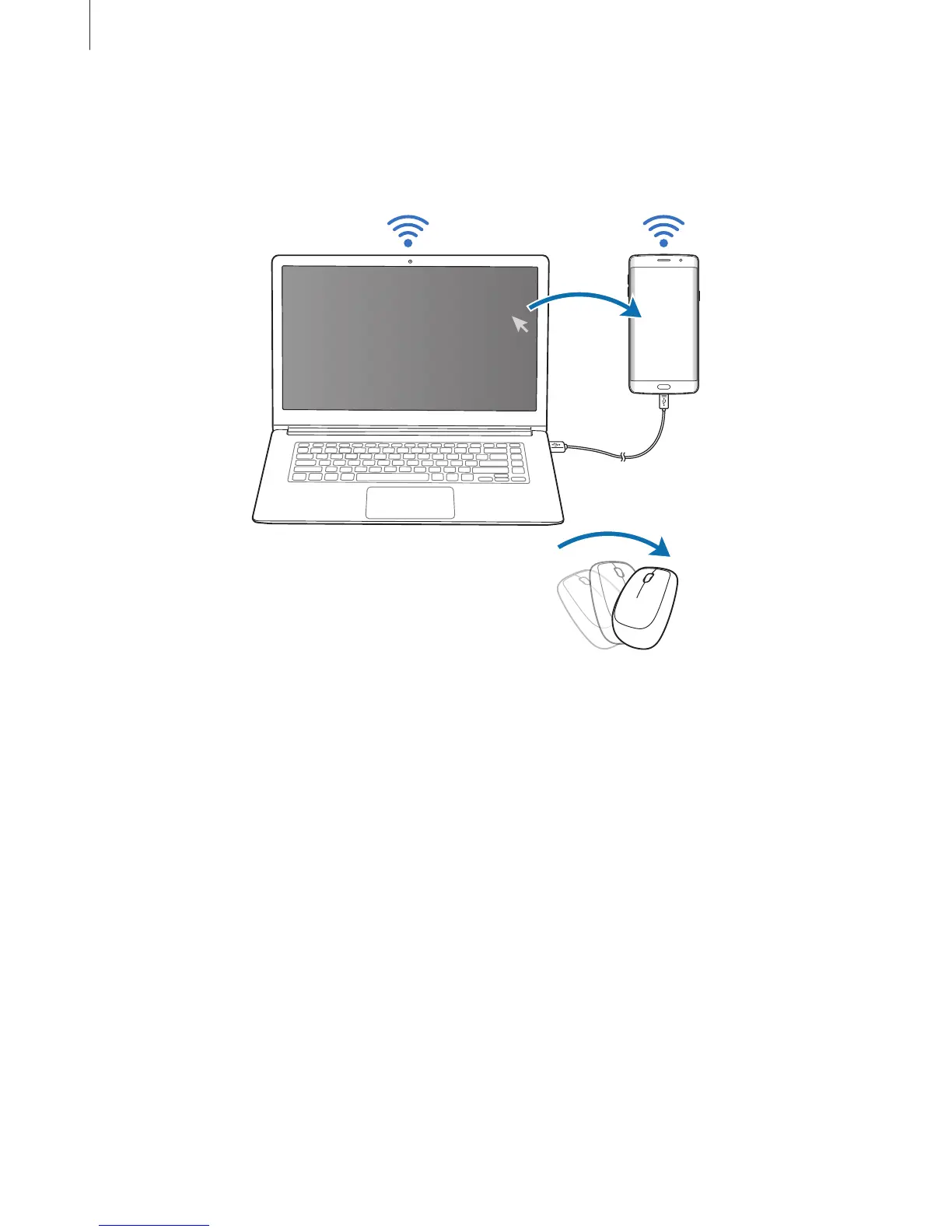
Move the mouse pointer to the left or right edge of the computer’s screen to go to your
smartphone’s screen.
The mouse pointer will appear on your smartphone’s screen.
3
On your smartphone, use the computer’s keyboard and mouse to perform actions, such
as entering text, copying and pasting, and selecting items.
To control the computer with the mouse again, return the pointer to the computer’s
screen.


 To Next Page
 Loading...










