Basics
34
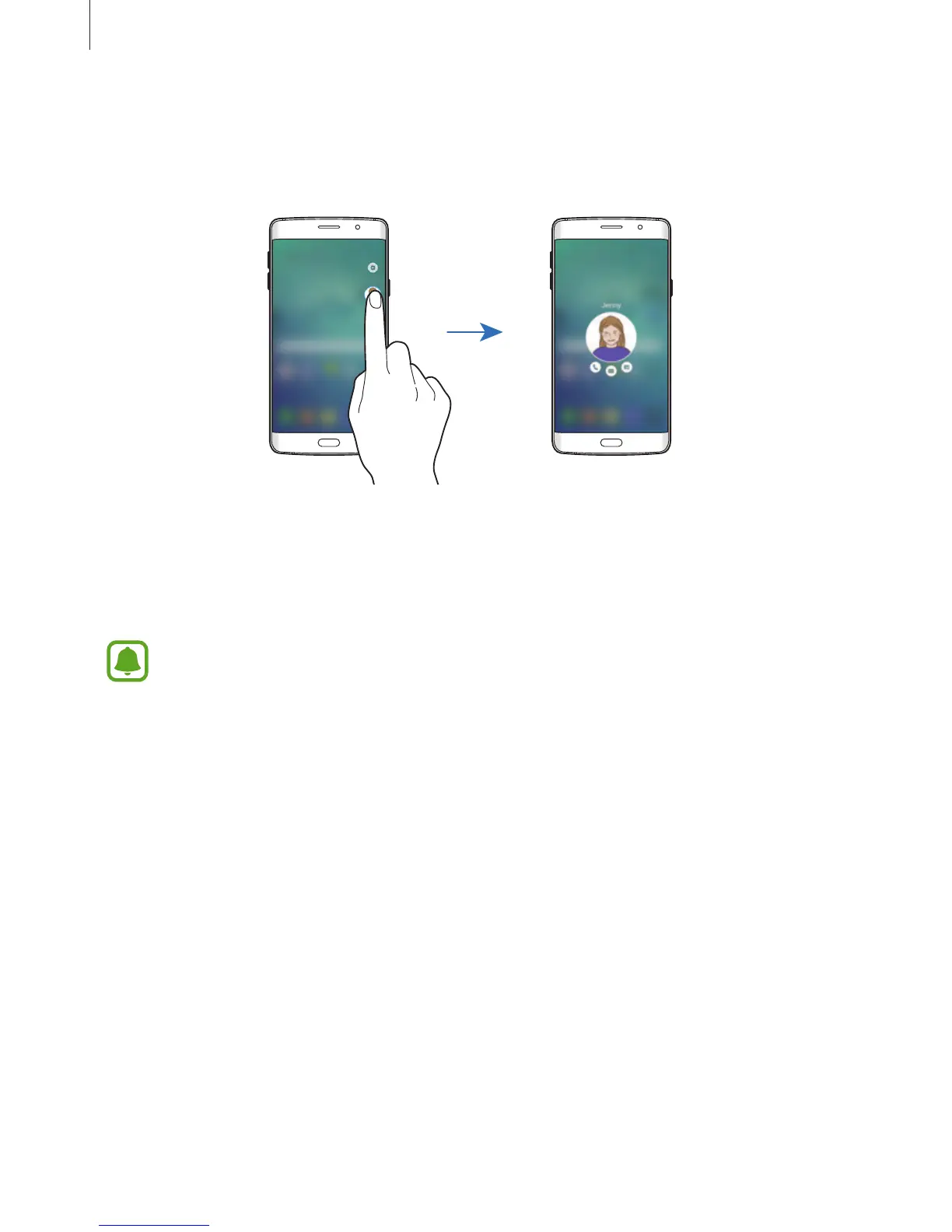
Contacting My people
Open the My people list and tap a contact. The communication buttons will appear on the
screen. Tap the desired button to call, send a message, or send an email to the contact.
OnCircle
You can easily keep in touch with My people contacts and get their attention using various
notifications.
•
This feature may not be available depending on the region or service provider.
•
You can use this feature only when the recipients have activated this feature.
On the Apps screen, tap
Settings
→
Edge screen
→
People edge
→
OnCircle
, and then tap
the switch to activate it. If you are using this feature for the first time, read and agree to the
terms and conditions. Your phone number will be verified and then the OnCircle feature will
be activated.














 To Next Page