Basics
35
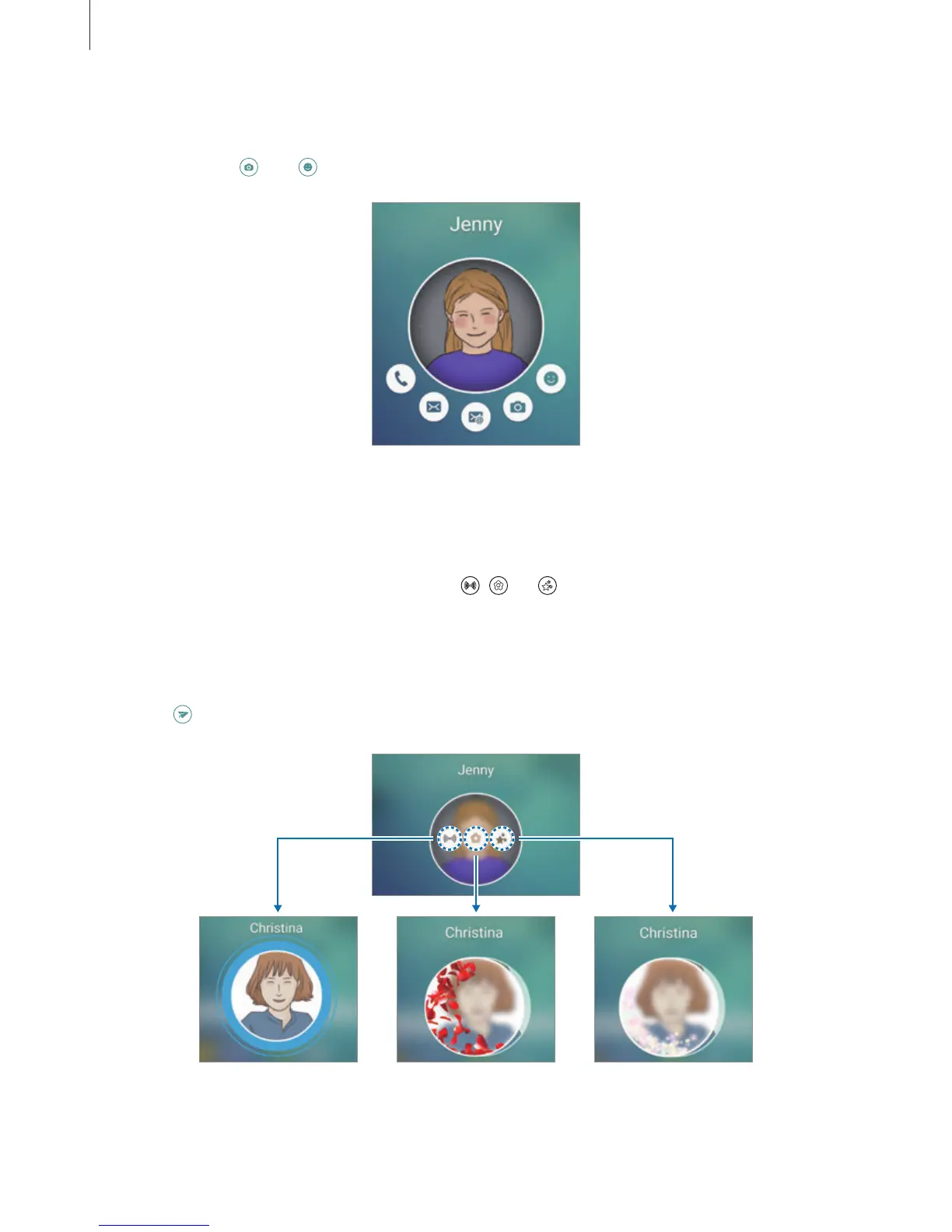
Drag the Edge screen handle towards the centre of the screen. Then, swipe to the left or
right to open the People edge screen. On the My people list, tap a contact. Various OnCircle
buttons, such as
and , will appear.
Getting your contact’s attention
You can use various notifications to convey messages to your contacts.
1
Tap your contact’s profile image and tap , , or to select a notification.
2
Tap the profile image several times or draw patterns on it depending on which
notification type you selected.
3
Tap to send.














 To Next Page