Basics
36
Sending live emoticons
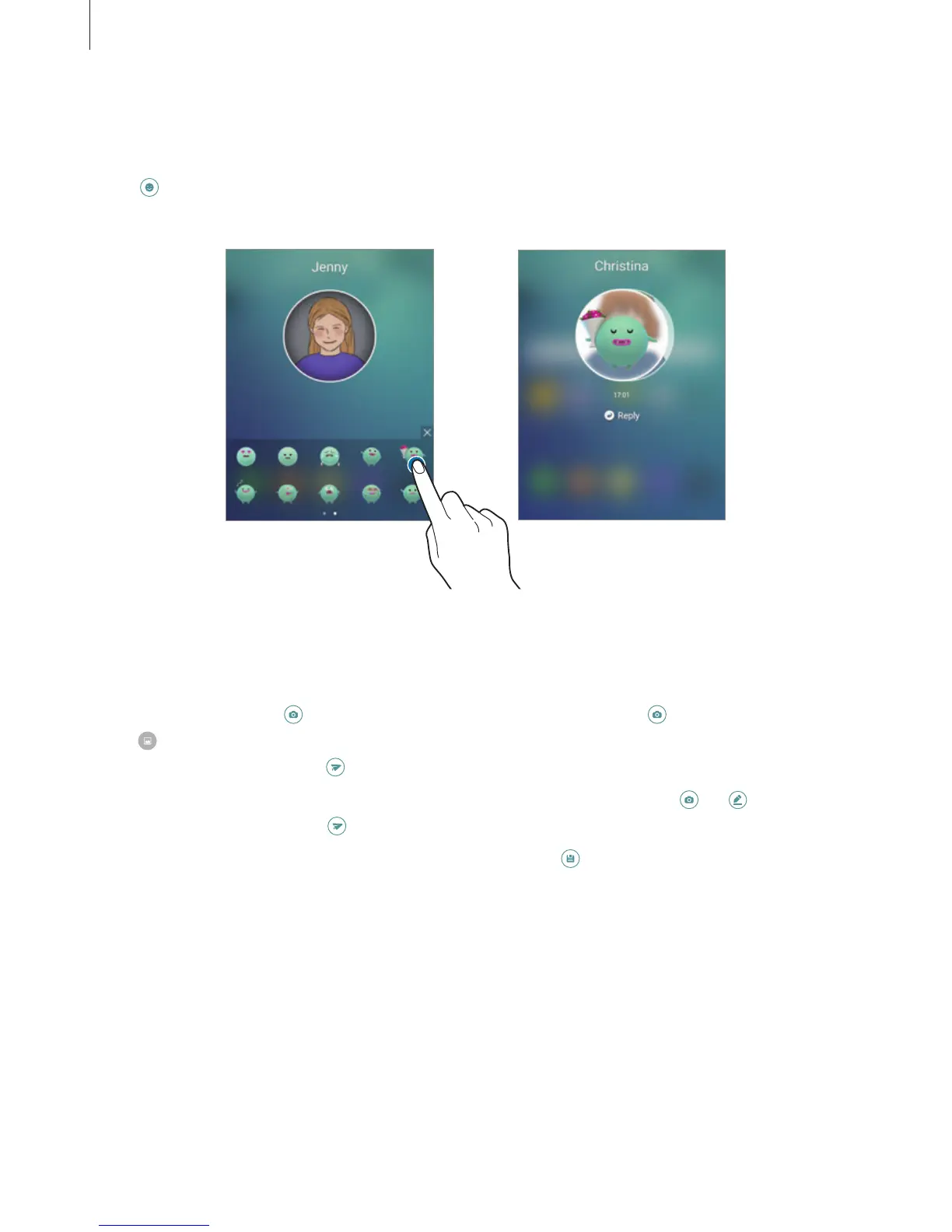
You can show your status or mood to your My people contacts using live emoticons.
Tap
under your contact’s profile image. Swipe to the left or right and select an emoticon to
send it. The live emoticon will be sent automatically.
Your screen Recipient's screen
Sending images or handwritten messages
You can create handwritten messages or draw on an image.
To send an image, tap
under your contact’s profile image and tap to take a photo. Or,
tap
to select an image from
Gallery
. To send an image with a handwritten message, write
or draw on your image. Tap
to send your message.
To send handwritten messages or drawings without using an image, tap
→
. Write or
draw on the screen and tap
to send your message.
To save a received image, tap the received image and tap
. The image will be saved in the
Gallery
→
OnCircle
folder.














 To Next Page