Applications
79
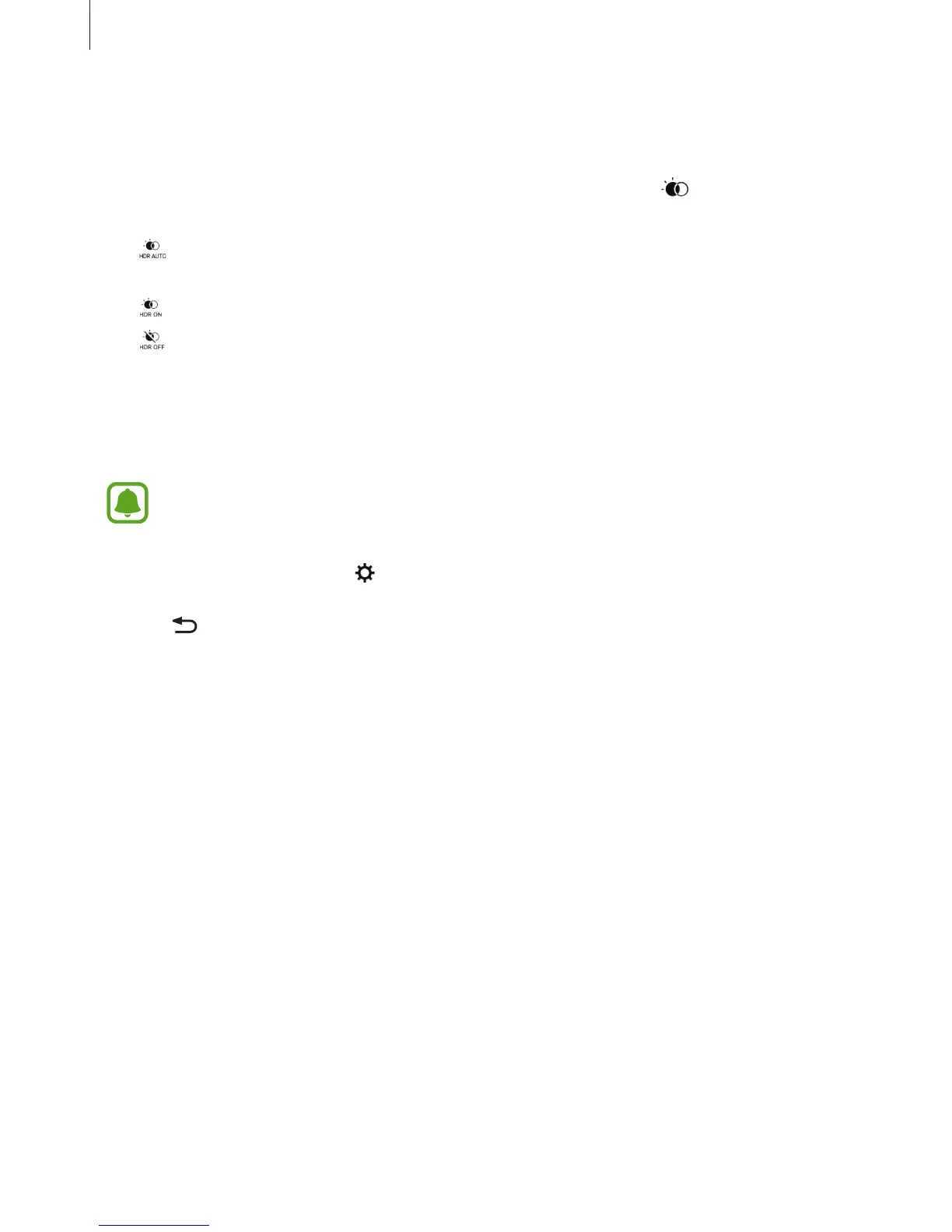
HDR (High Dynamic Range)
Take photos with rich colours and reproduce details even in bright and dark areas.
To activate or deactivate HDR mode, open the preview screen and tap
until you reach the
desired option.
•
: The device automatically activates HDR mode depending on the shooting
conditions.
•
: HDR mode is activated.
•
: HDR mode is deactivated.
Tracking AF
When you select a subject to track, the device automatically focuses on the subject even
when the subject is moving or when you change the camera’s position.
When this feature is activated, you cannot use the Video stabilisation feature.
1
On the preview screen, tap and tap the
Tracking AF
switch to activate it.
2
Tap to return to the preview screen.
3
Tap the subject you want to track.














 To Next Page