Applications
80
4
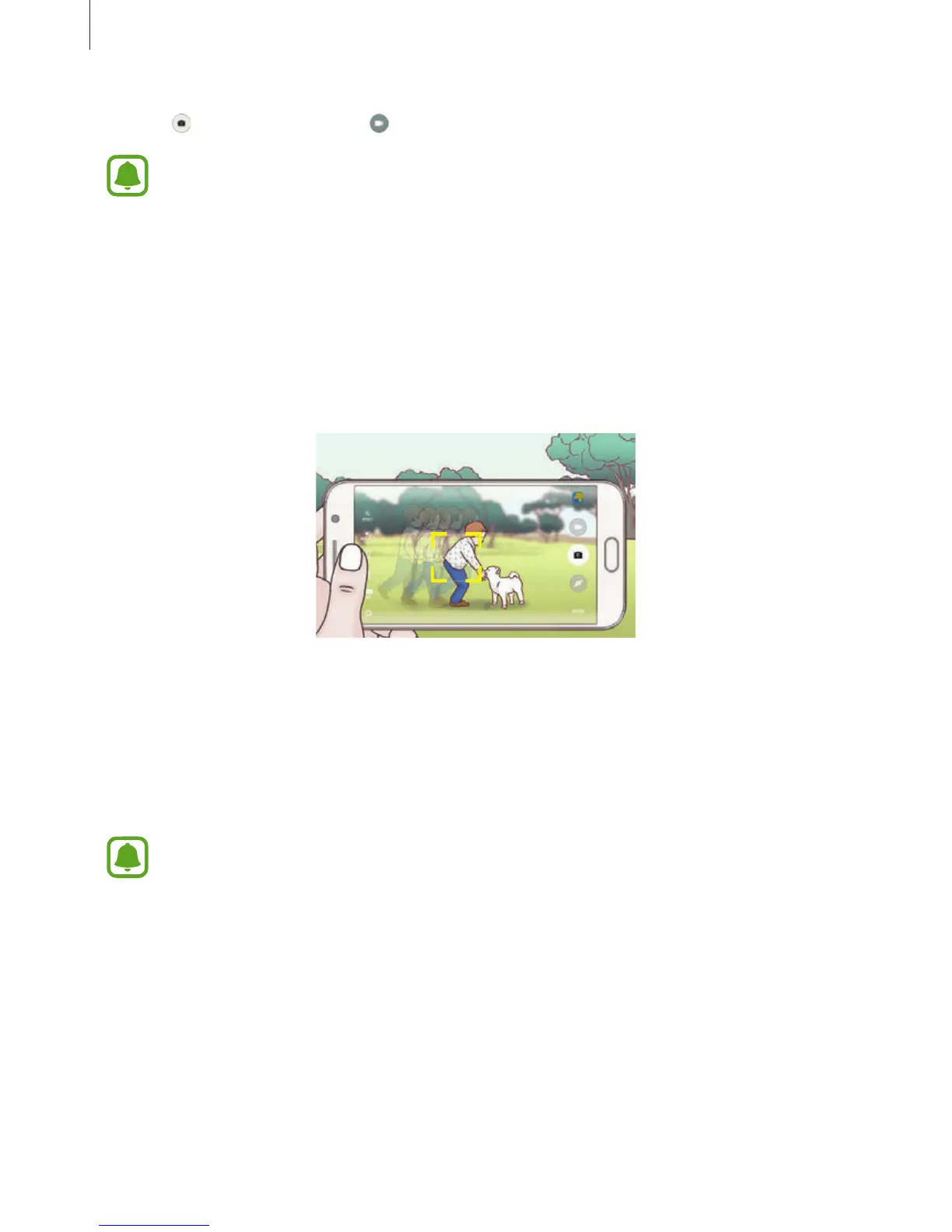
Tap to take a photo or tap to record a video.
Tracking a subject may fail in the following conditions:
•
The subject is too big or too small.
•
The subject moves excessively.
•
The subject is backlit or you are shooting in a dark place.
•
Colours or patterns on the subject and the background are the same.
•
The subject includes horizontal patterns, such as blinds.
•
The camera shakes excessively.
•
The video resolution is high.
Locking the focus and exposure
Strong light/dark contrast and the subject being outside the auto focus area may make it
difficult to achieve an appropriate exposure. Lock the focus or exposure and then take a
photo. Tap and hold the area to focus, the AF/AE frame will appear on the area and the focus
and exposure setting will be locked. The setting remains locked even after you take a photo.
This feature is only available in some shooting modes.














 To Next Page