Applications
82
Saving the current setting as a custom setting
On the preview screen, tap
Custom
→
Save current settings
, select a name, and then tap
SAVE
.
To apply the saved settings to the camera, open the preview screen, tap
Custom
, and then
select a name.
Separating the exposure area and the focus area
If bright light affects the contrast or the subject is outside the auto focus area, use this feature
to achieve an appropriate exposure. You can separate the exposure and focus areas and select
the exposure level you want for the subject.
This feature is only available when you set the shutter speed and the focus to
AUTO
in
pro mode.
1
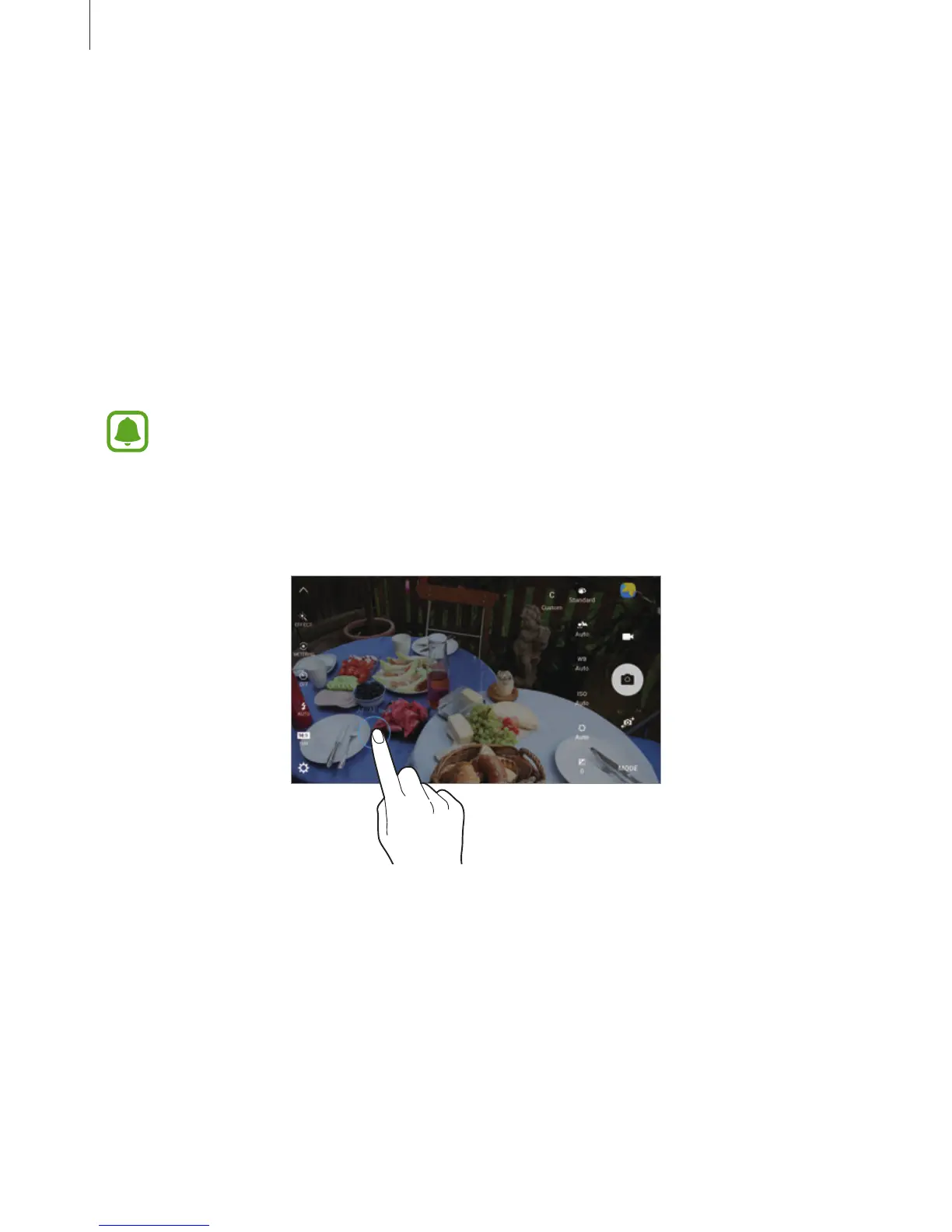
On the preview screen, tap and hold the area to focus.
The AF/AE frame will appear on the focus area.














 To Next Page