Applications
83
2
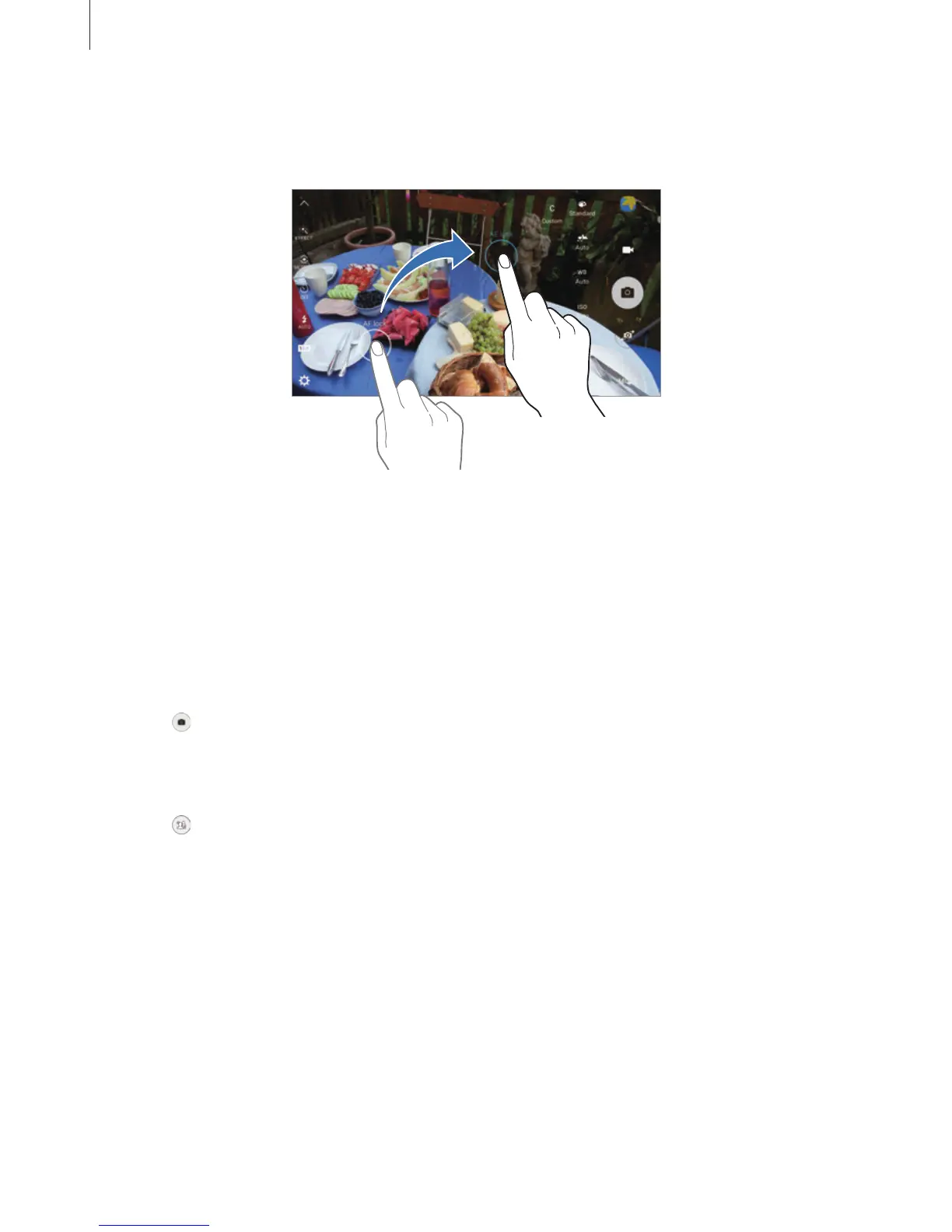
Drag the AF/AE frame to the exposure area.
The exposure area will be separated from the focus area.
Selective focus
Use the out-of-focus effect to make specific objects stand out in a photo.
1
On the preview screen, tap
MODE
→
Selective focus
.
2
Tap the image on the preview screen where the camera should focus.
3
Tap to take a photo.
4
Tap the preview thumbnail.
5
Tap and select one of the following:
•
Near focus
: Make the subject stand out and blur the background around the subject.
•
Far focus
: Blur the subject and make the background stand out around the subject.
•
Pan focus
: Make the subject and its background stand out.














 To Next Page