26 27
MAKING MP3 FILES FROM AN AUDIO CD
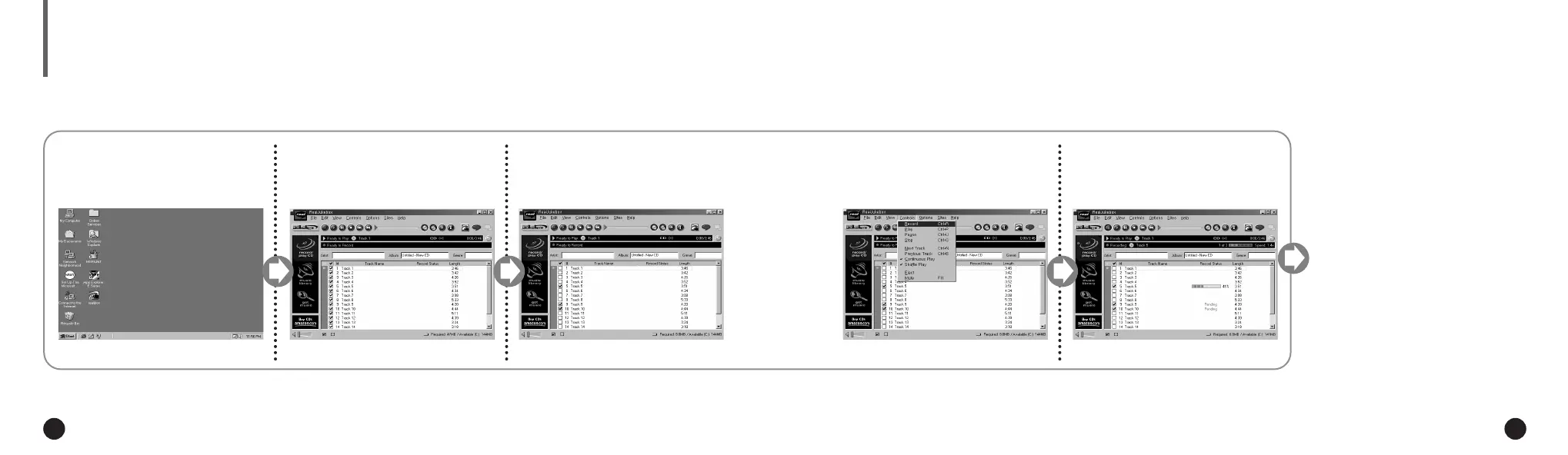
Click [Record Ctrl+R].
4
Recording status is displayed.
5
Now you can listen to the music on your
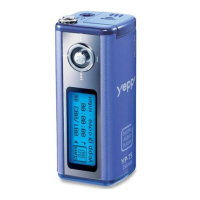
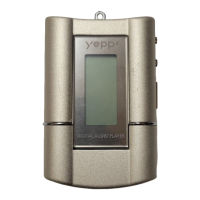
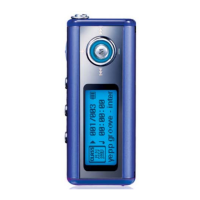
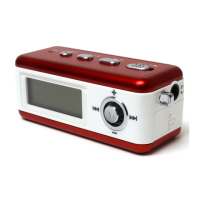
yepp´
TM
after sending files to it. For send-
ing files, refer to page 22.
Execute RealJukebox
TM
.
1
Insert an audio CD into the
CD-ROM drive.
2
You must install the RealJukebox
TM
on your computer before making MP3 files.
For software installation instruction, please refer to page 18.
◆ The CD information is displayed.
◆ Double-click the icon of the
RealJukebox
TM
on the desktop.
Select the track you would like
to convert into an MP3 file.
3
For further details on RealJukebox
TM
,
see Help.
▼
RealJukebox
TM
is a music management
system provided by RealNetwork Co..
NN
NN
oo
oo
tt
tt
ee
ee
ENG ENG
Eng 1/20/95 2:13 PM Page 26




 To Next Page