3
CONTENTS
◆
P
REPARING FOR USE
■ Player Features and Controls . . . . . . . . . . . . . . . . . . . . . . .4
■ Batteries & Accessories . . . . . . . . . . . . . . . . . . . . . . . . . . .5
◆
L
ISTENING TO THE SAMPLE MUSIC
■ Listening to Music . . . . . . . . . . . . . . . . . . . . . . . . . . . . . . . .6
■ Repeating Tracks/Section . . . . . . . . . . . . . . . . . . . . . . . . . .7
■ Arranging the Playback Order . . . . . . . . . . . . . . . . . . . . . . .8
■ Using the Equalizer . . . . . . . . . . . . . . . . . . . . . . . . . . . . . .10
◆
S
OFTWARE INSTALLATION AND OPERATION
■ Setting Up Environment . . . . . . . . . . . . . . . . . . . . . . . . . .17
■ Installing Software on PC . . . . . . . . . . . . . . . . . . . . . . . . .18
■ Connecting yepp´
TM
to PC . . . . . . . . . . . . . . . . . . . . . . . .20
■ Formatting Flash Memory . . . . . . . . . . . . . . . . . . . . . . . . .21
■ Sending Files to yepp´
TM
. . . . . . . . . . . . . . . . . . . . . . . . . .22
■ Option Preferences . . . . . . . . . . . . . . . . . . . . . . . . . . . . . .24
◆
V
OICE RECORDING
■ Voice Recording . . . . . . . . . . . . . . . . . . . . . . . . . . . . . . . .11
■ Listening to the Recorded Voice (On PC) . . . . . . . . . . . . .12
■ Listening to the Recorded Voice (On yepp´
TM
) . . . . . . . . .14
■ Making WAV Files . . . . . . . . . . . . . . . . . . . . . . . . . . . . . . .15
◆
C
REATING AND DELETING MP
3
FILES
■ Making MP3 Files from an Audio CD . . . . . . . . . . . . . . . .26
■ Deleting Files . . . . . . . . . . . . . . . . . . . . . . . . . . . . . . . . . .28
◆
P
HONE BOOK
■ Storing Phone Numbers . . . . . . . . . . . . . . . . . . . . . . . . . .30
■ Sending Phone Book Entries to yepp´
TM
. . . . . . . . . . . . .31
■ Importing Phone Book Entries . . . . . . . . . . . . . . . . . . . . .32
■ Viewing Stored Entries . . . . . . . . . . . . . . . . . . . . . . . . . . .33
◆
O
THERS
■ yepp´
TM
Card . . . . . . . . . . . . . . . . . . . . . . . . . . . . . . . . . .34
■ Safety Precautions . . . . . . . . . . . . . . . . . . . . . . . . . . . . . .35
■ Troubleshooting . . . . . . . . . . . . . . . . . . . . . . . . . . . . . . . .36
■ MP3 Internet Sites . . . . . . . . . . . . . . . . . . . . . . . . . . . . . .37
◆
T
ECHNICAL SPECIFICATIONS
2
Digital Sounds -
TM
The player maintains high quality
sound at all times.
Voice Recording -
TM
You can store up to 128 minutes of voice
recording from a lecture or interview on
your yepp´
TM
(YP-E32).
Phone Book -
TM
You can store up to 350 Names and
phone numbers on your yepp´
TM
.
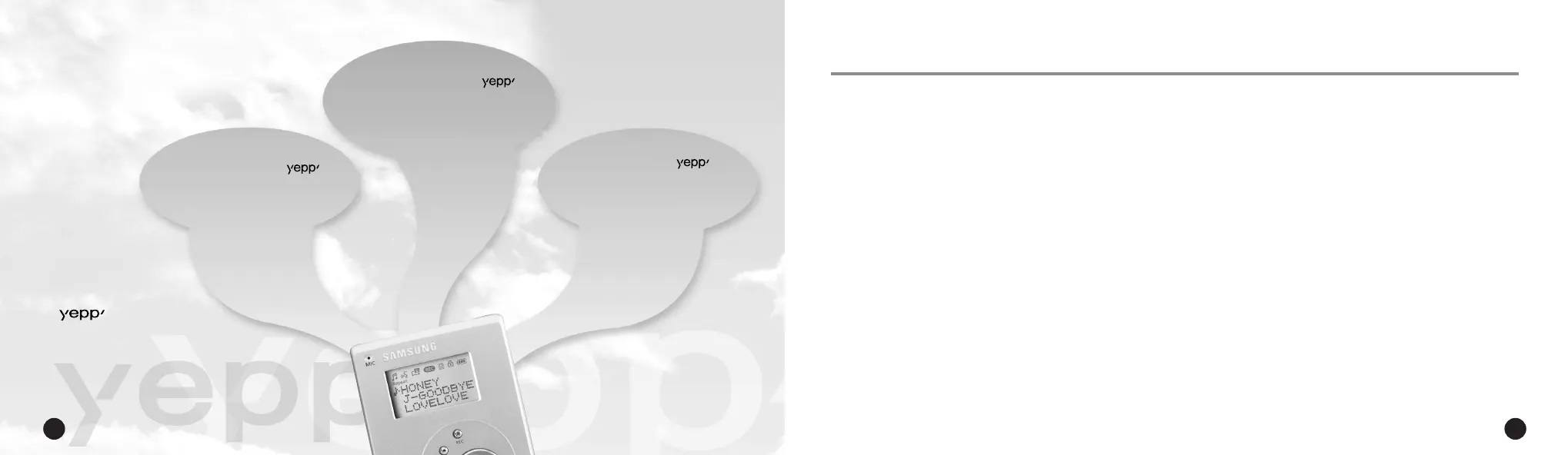
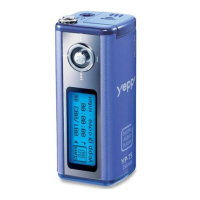
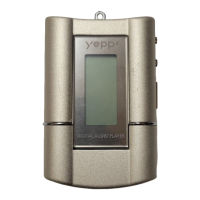
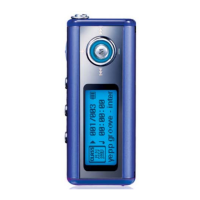
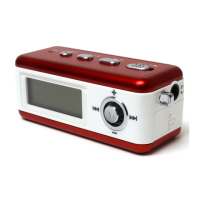
The yepp´
TM
is a digital audio player for the next generation. You can
purchase MP3 files on the Internet and download them directly to your
yepp´
TM
for CD quality sound without the need for a cassette or CD.
What is MP3?
MP3 stands for MPEG 1 layer 3.
MP3 files are 1/4 to 1/20 the size of
uncompressed audio files.
ENG ENG
Eng 1/20/95 2:13 PM Page 2




 To Next Page