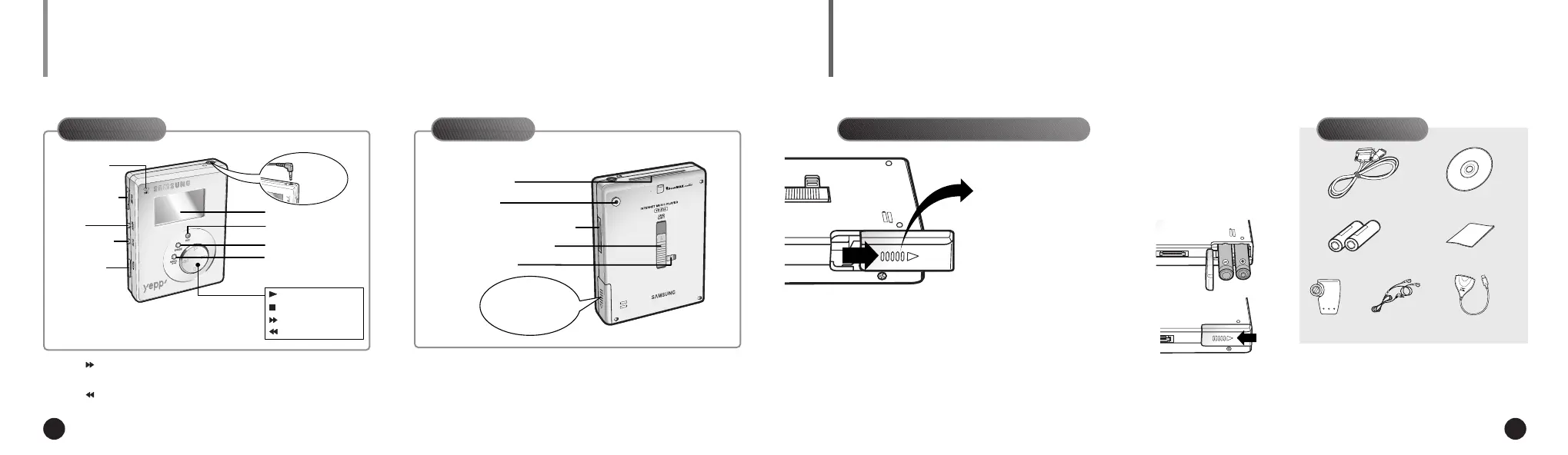
: Press and hold to move forward within the current track;
press and release to skip to next track.
: Press and hold to move backward within the current track;
press and release to skip to the start of the previous track.
4 5
BATTERIES AND ACCESSORIESPLAYER FEATURES AND CONTROLS
Microphone
Voice Record
Erase
Display
Earphone
Jack
Mode Select/
Section Repeat
Power On/Play/Pause
Stop/Power Off
Fast Forward/Search
Rewind/Search
Volume Control
Repeat
EQ(Equalizer)/
3D Mode
Hold Switch
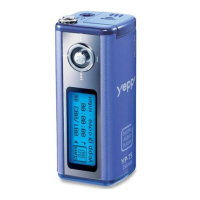
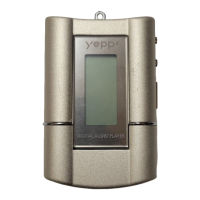
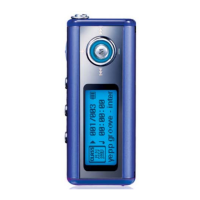
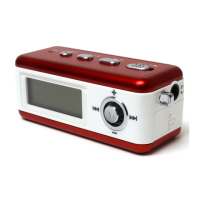
yepp´
TM
Card Slot
Belt Clip Hole
Download Data I/O Connector
Eject Lock Switch
yepp´
TM
Card Eject Switch
Battery
Compartment
Front Panel Rear Panel Accessories
Inserting the Batteries into the Player
Parallel Data I/O Cable Installation CD
Batteries(AAA-size) User’s Guide
Belt Clip Earphone
USB Adapter(Optional)
Slide the battery cover in the
direction of the arrow.
1
Insert the two “AAA”
batteries noting the
correct polarity.
2
Close the cover and
slide in the direction as
indicated until the bat-
tery cover latches.
3
◆ For further details on how to purchase accessories,
please refer to http://www.samsungyepp.com
NN
NN
oo
oo
tt
tt
ee
ee
ENG ENG
Eng 1/20/95 2:13 PM Page 4





 To Next Page