Chapter 4 – SD Card Protocol Description
Revision 2.2 SanDisk SD Card Product Manual
© 2004 SanDisk Corporation 4-26 12/08/04
Case (2) – Check function with error
CMD6 argument = ‘0000 0000 1111 1000 1111 0010 0000 0001’
Read Data = [511:496] = ‘0000 0000 0000 0000’ (means error)
[495:400] = ‘1000 0000 0000 0001’ & ‘1000 0000 0000 0001’ & ‘1000 0000 0000 0001’&
‘1000 0000 0000 0001’ & ‘1000 0000 0000 0011’ & ‘1000 0000 0000 0011’
[399:376] = ‘0000 1111 0000 1111 0000 0001’
[375:0] = Reserved (All 0s)
Example for Switching
Card condition
Support function = command system : For eC(0x1), access mode : High-speed(0x1)
Current function = command system : For eC(0x1), access mode : Default(0x0)
Switch example : command system : For eC => Default, access mode : Default => High-speed
Case (3) – Switch function with no error
CMD6 argument = ‘1000 0000 1111 1111 1111 1111 0000 0001’
Read Data = [511:496] = ‘0000 0000 0010 0000’ (=64mA)
[495:400] = ‘1000 0000 0000 0001’ & ‘1000 0000 0000 0001’ & ‘1000 0000 0000 0001’&
‘1000 0000 0000 0001’ & ‘1000 0000 0000 0011’ & ‘1000 0000 0000 0011’
[399:376] = ‘0000 0000 0000 0000 0000 0001’
[375:0] = Reserved (All 0s)
Case (4) – Switch function with error
CMD6 argument = ‘1000 0000 1111 1000 1111 0010
0000 0001’
Read Data = [511:496] = ‘0000 0000 0000
0000’ (means error)
[495:400] = ‘1000 0000 0000 0001’ & ‘1000 0000 0000 0001’ & ‘1000 0000 0000 0001’&
‘1000 0000 0000 0001’ & ‘1000 0000 0000 0011’ & ‘1000 0000 0000 0011’
[399:376] = ‘0000 1111
0000 1111 0001 0000’
[375:0] = Reserved (All 0s)
4.4.11 High-speed Mode
19
(25MB/sec interface speed)
Although revision 1.01 of the SD Physical Layer Specification supports up to 12.5MB/sec
interface speed, the speed of 25MB/sec is necessary to support increasing performance
needs of the host and because of growing memory size.
To achieve the 25MB/sec interface speed, the clock rate is increased to 50MHz and
CLK/CMD/DAT signal timing and circuit conditions are reconsidered and changed from
Physical Layer Specification Version 1.01.
After power-up, the SD Card is in Default Speed mode. Revision 1.10 (and greater) SD
cards can be placed in high-speed mode using the Switch Function command (CMD6).
The high-speed function belongs to access mode group.
19
High-speed mode is not supported in SPI Mode.
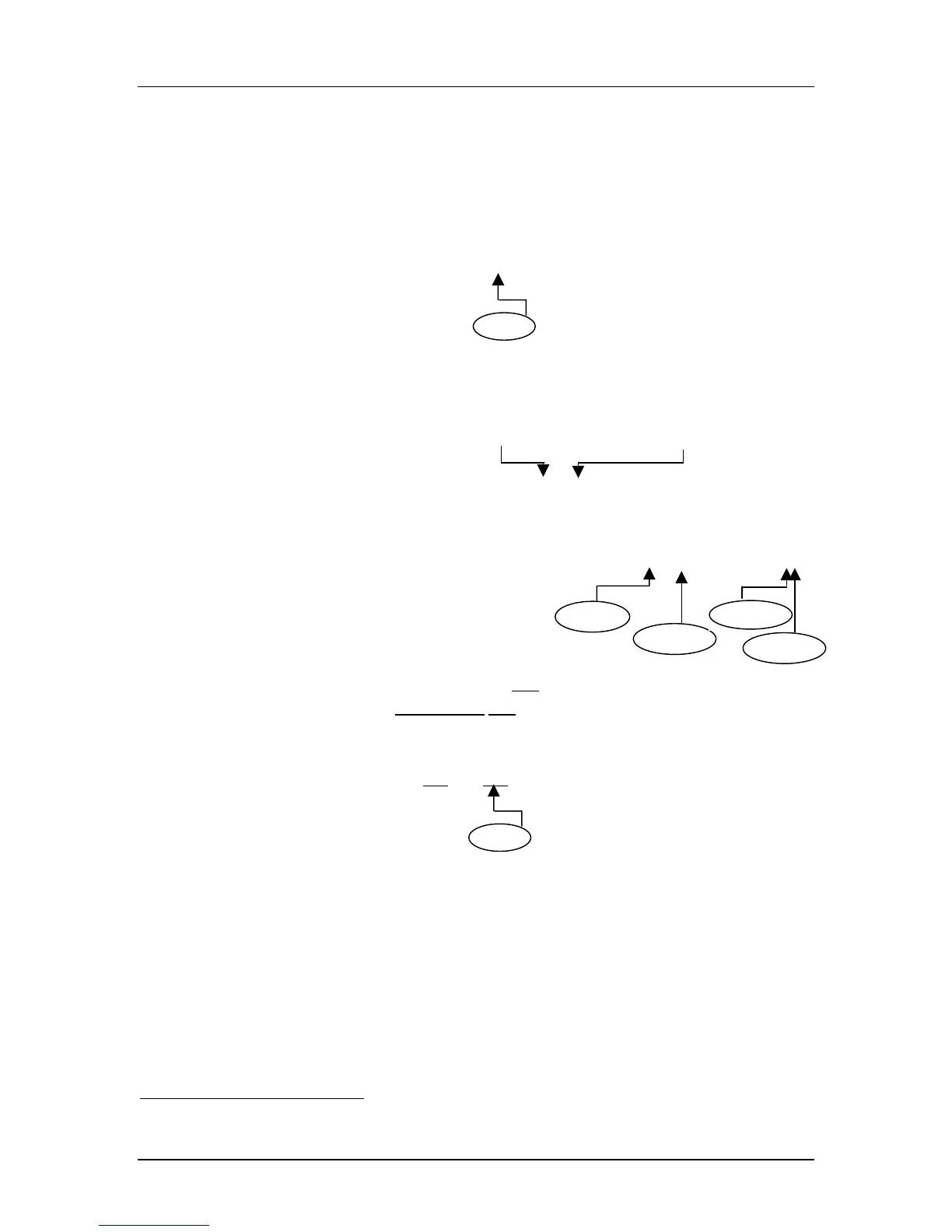
No influence
High-speed
Default
Err


 To Next Page
 Loading...