7-2
OTF-930
Operation Manual
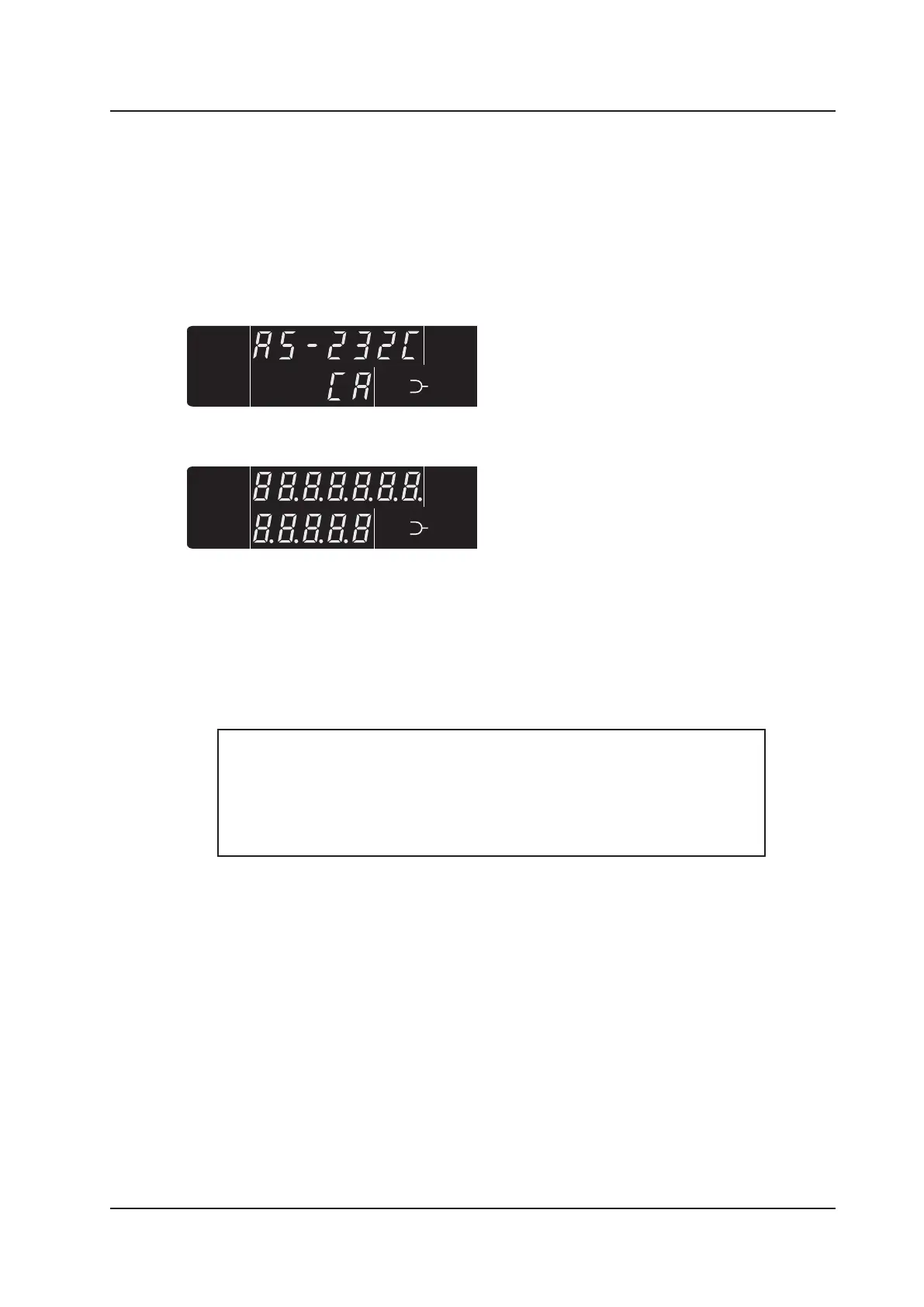
This display indicates the currently set GPIB
delimiter. In this example the delimiter is CR.
CL Key
Sets RS-232C delimiter to CR.
BS Key
Sets RS-232C delimiter to LF.
CL + BS Key Sets RS-232C delimiter to CR+LF (keys pressed together).
The RS-232C delimiter can be changed by pressing and holding the CL or BS keys when the
power is turned on. Once set, the delimiter setting is retained even when power to the unit is
turned off. The action of each key when pressed at ‘Power On’ is indicated below.
The OTF-930 unit is turned off using the main ‘Power On / Off’ switch located on the front
panel. Rotate the key anti-clockwise 90 degrees to switch the unit off. The key can only be
removed when the unit is switched off and in the vertical ‘Off’ position.



 To Next Page