Optical Tunable Filter OTF-930
7-1
7
Operation Procedures
7.1. Power On / Off
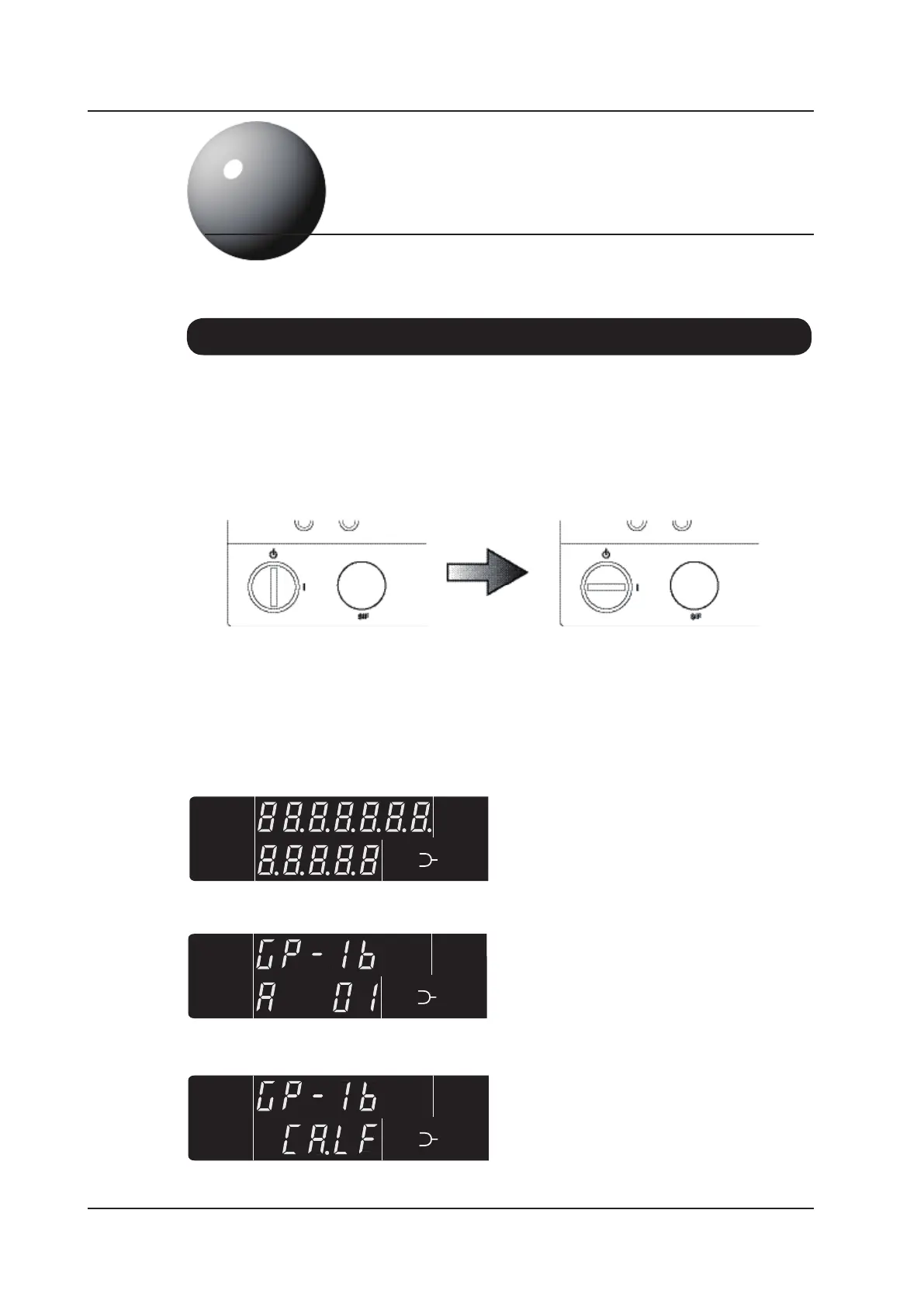
This display indicates the currently set GPIB
address. In this example the address is 01.
This display indicates the currently set GPIB
delimiter. In this example the delimiter is
CR+LF.
The power cord socket is located on the unit’s rear panel. Check that the voltage displayed in the
window of the socket corresponds to the local mains voltage and plug the power cord into the socket.
If the correct voltage is not displayed see Section 5.2 and select the appropriate voltage. Connecting
an incorrect voltage will cause damage to the unit.
The main ‘Power On’ switch is a key switch located on the front panel. Insert the key and rotate
clockwise 90 degrees to switch the unit on. The key can only be inserted or removed when it is in
the vertical ‘Off’ position. The unit will perform a short initialization and check procedure lasting
about one minute. The display will sequence through the following patterns.



 To Next Page