8-6
PEM-340
Operation Manual
8-7
.
Setting Wavelength Range and Measurement Speed
The PEM-340 can change and store the wavelength range and the measurement speed.
Press the [MENU] key once. The display will show the measurement speed setting.
Switch the setting display between measurement speed and measurement wavelength by
pressing the [MENU] key again. The setting changes will be reected after display is back in
the normal measurement mode.
1) Measurement speed change.
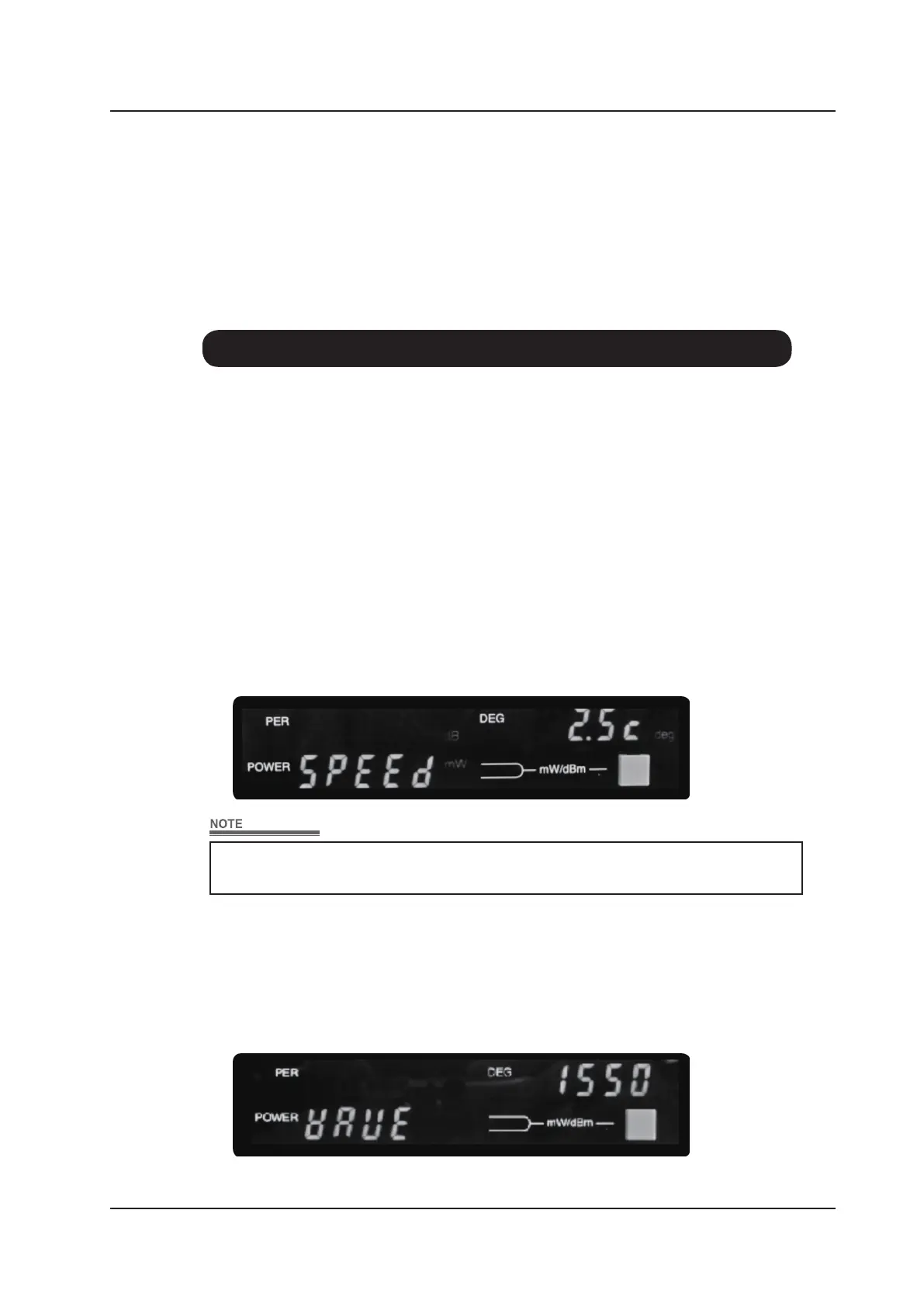
When the [MENU] key is pressed, the display will be shown as below; the blinking
parameter can be changed.
Press “optical unit change key” to change the measurement speed. Every time the key is
pressed, the speed will change from 2.5
→
5.0
→
10.0
→
2.5 in a loop.
When the [MENU] key is pressed again, that setting is stored.
2) Wavelength range change
Two wavelength dependence calibration data (1310nm and 1550nm) for power
measurement are stored in the internal memory.
Press “optical unit change key” to change the measurement wavelength.
Press [MENU] key to store the setting.
The measurement will be interrupted momentarily while changing the
measurement speed, but this is not failure.



 To Next Page