6-4
TSL-550 Operation Manual
6-3 Switching the Optical Power Control Mode
The power control of the optical output can be switched between Auto and Manual. In
auto control mode (Auto), the power of the output light is kept constant by feedback
from the output power value measured at the self-contained power meter. The
attenuator is controlled automatically.
In manual control mode (Manual), the injection current to the LD is controlled to be
kept constant.
■
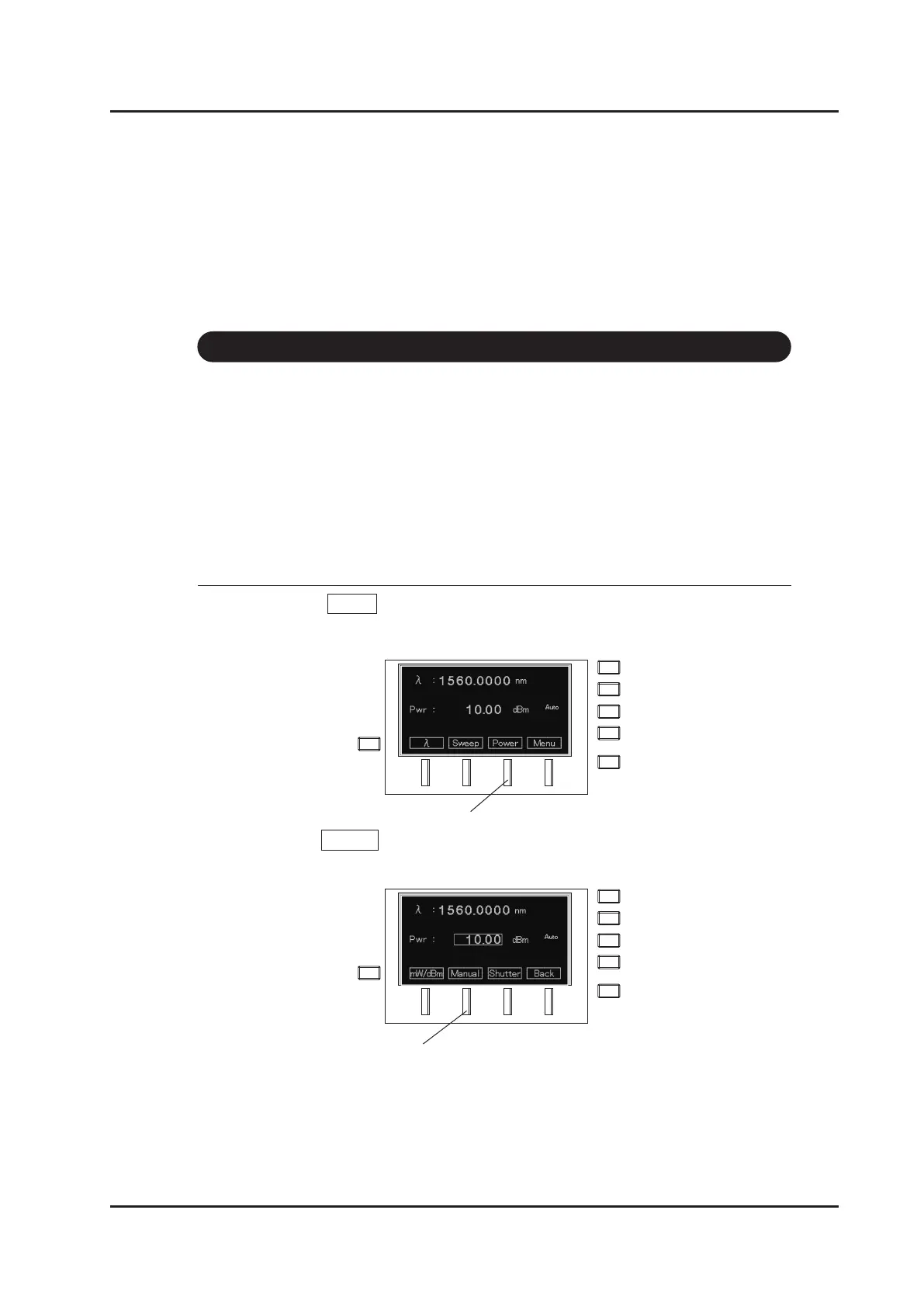
How to set manual control mode
1. Select Power (F3 key) on the main screen to change to the power setting
screen.
2. Press Manual (F2 key).
F3 key
F2 key



 To Next Page