6-10
TSL-550 Operation Manual
Analog Input LF Mod. RF Mod.
・Never apply voltage out of the input level range. Doing so may cause damage.
・Input the high-frequency modulation signal with the current being injected to the
LD. If no current is injected to the LD, it may cause damage the LD.
For your safety and to avoid damaging the device, be careful of the following points
when using this device.
High-frequency modulation signal input
■
6-5-2 High-frequency Modulation (Option)
Modulating the intensity of optical power is performed at relatively high frequency from
2 to 100 MHz.
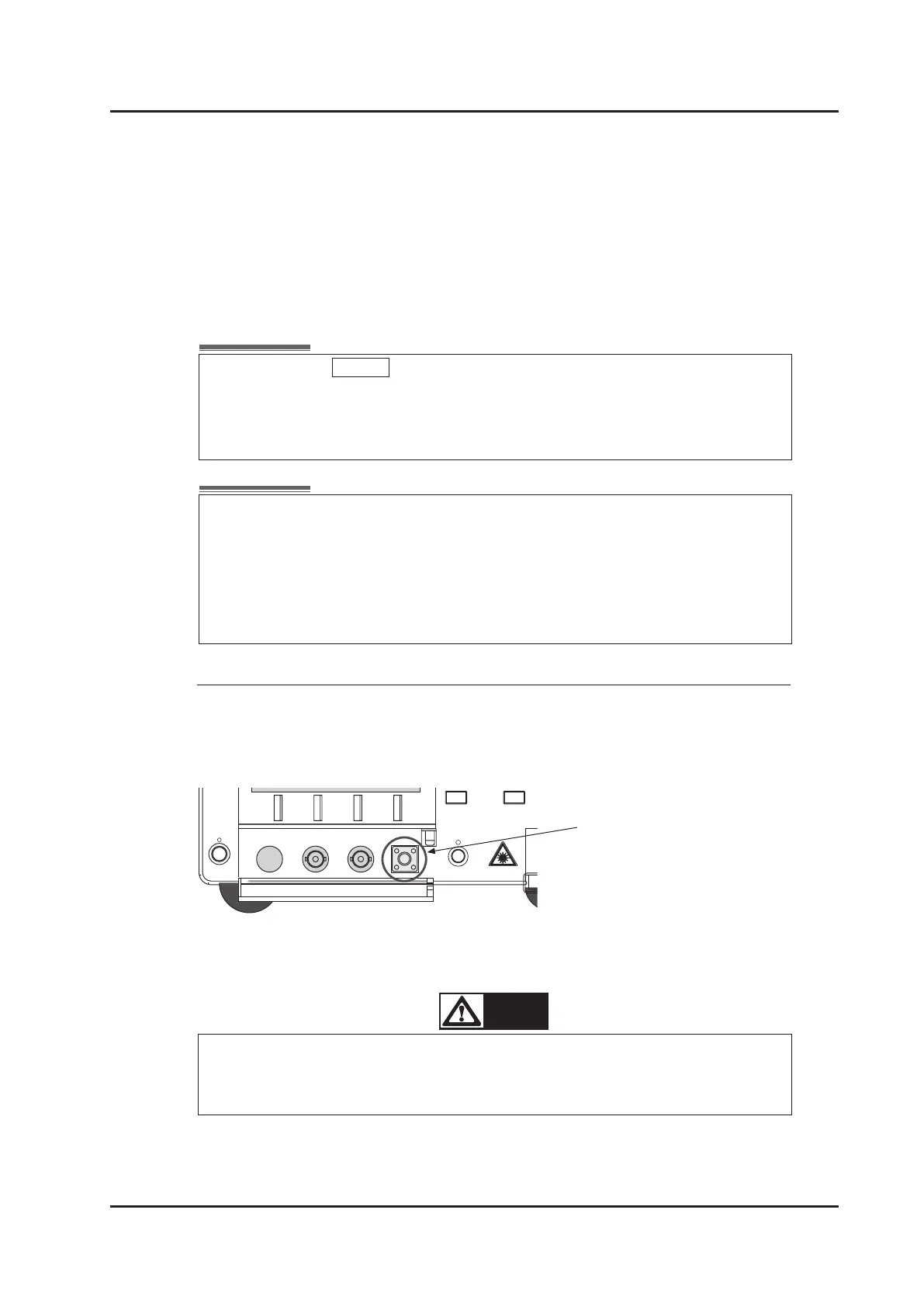
Input the modulation signal into the SMA connector labeled ”RF Mod.” inside the cover
at the bottom of the front panel.
Set the source to Disable when modulation function is not used, in order to narrow
the spectral linewidth.
If coherence control is active, modulation setting is always set to “Ext.” and cannot
be changed to “Disable”. (Refer to “6-2 Coherence Control”)
It is recommended to use this function with closed loop wavelength control
stopped. Closed-loop wavelength control can be stopped by setting "0.00" with the
ne tuning function. Refer to "6-1. Fine-tuning” to cancel closed-loop wavelength
control”. When using this function without stopping the closed-loop wavelength
control, "WL.Err" may be displayed on the right side of the display. The wavelength
accuracy in this state is outside the product specications.



 To Next Page