6-8
TSL-550 Operation Manual
6-5 External Modulation
This product is equipped with a function for modulating the intensity of optical power
using external modulation signals. The modulations are classified as either low-
frequency or high-frequency according to the frequency band of the modulation signal.
■
6-5-1 Low-frequency Modulation
Modulating the intensity of optical power is performed at relatively low frequency from
DC to 400 kHz.
■
How to set
1.Set the power control mode to manual
(refer to “6-3 Switching the optical power control mode”).
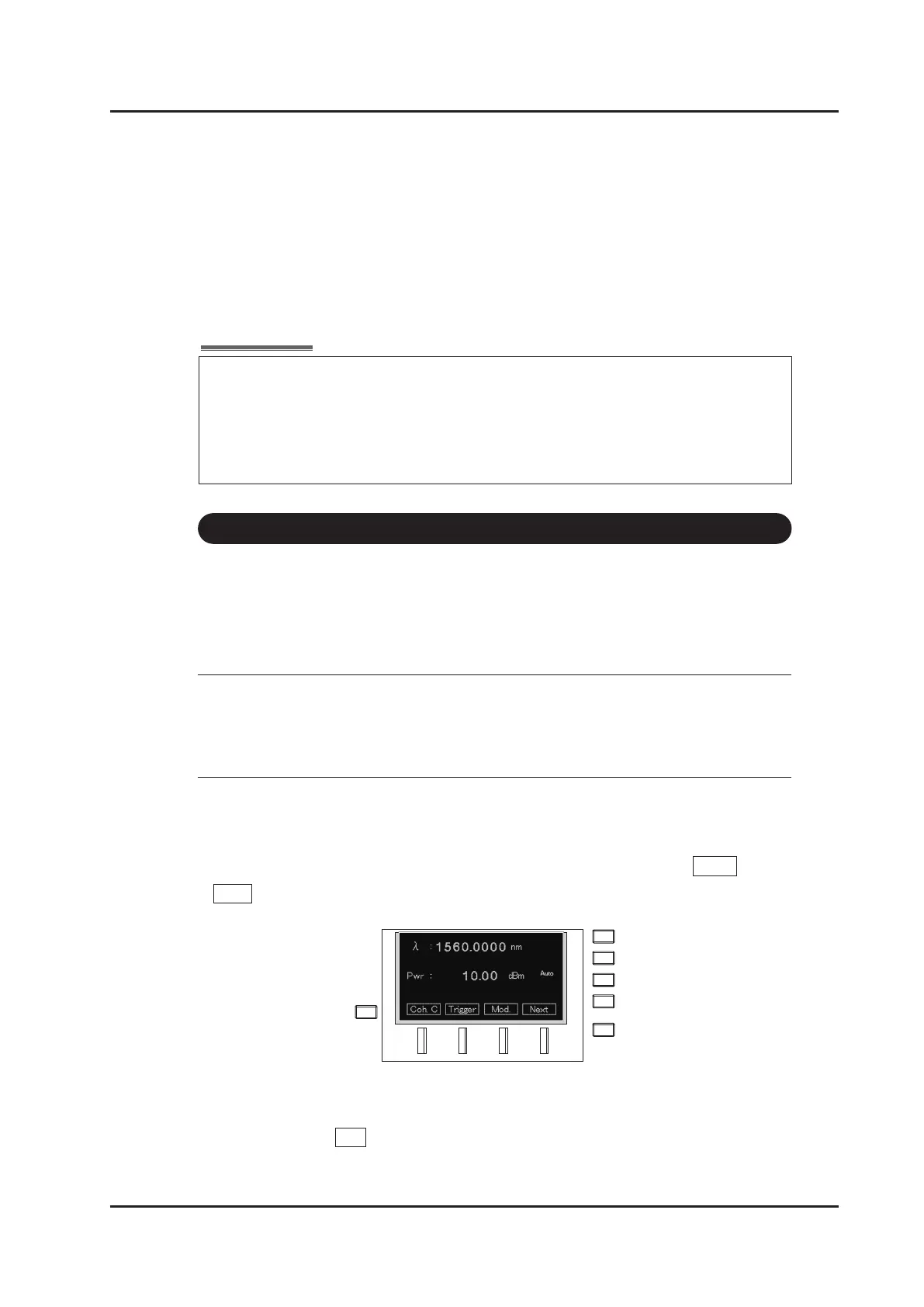
2. Move to the screen for various settings from the main screen using Menu (F4key)
→ Mod. (F3 key).
3. Put cursor to “Source” in “Modulation Settings” section, and press ENTER key.
4. Set the source to Ext. with the keys, or the dial.
Modulation bandwidth is expanded and “Ext. Mod” lights up at the right side on the
screen.
△
△
The maximum recordable data is 65535 points.
Only the rst 65535 data points of the wavelength logging data are recorded, even
if in the sweep condition that outputs more than 65535 triggers.
When “Full Log” is displayed on the front display, the logging data is larger than
65535 points and all data is not recorded to the memory.



 To Next Page