EasyManua.ls Logo

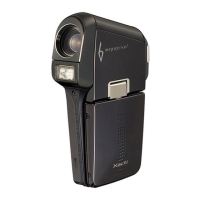
Sanyo Xacti VPC-C6 - User Manual

Sanyo Xacti VPC-C6
192 pages
Print Icon
To Next Page IconTo Next Page
Loading...
VPC-C6EX
VPC-C6EXE
VPC-C6E
VPC-C6
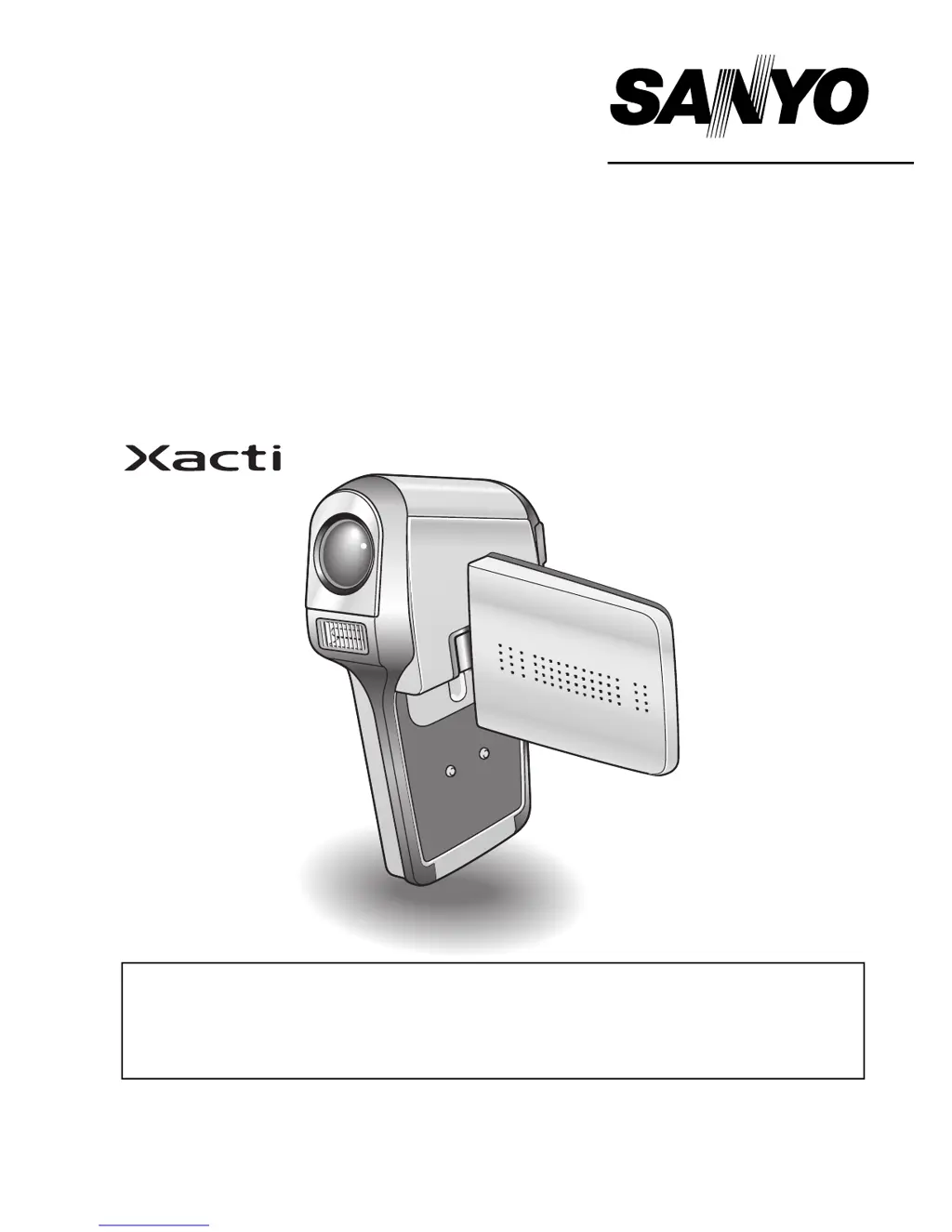
INSTRUCTION MANUAL
Digital Movie Camera
Please read these instructions carefully before using the camera.
Make sure to read and understand the separate booklet “
SAFETY MANUAL”.
Keep this manual in a safe place for later reference.
Important note
This manual explains how to safely operate the VPC-C6EX, VPC-C6EXE,
VPC-C6E and VPC-C6.
Any information regarding only one of these products will be labeled as such.

Table of Contents

Questions and Answers

  • R
    ruizaprilJul 26, 2025
    Why Sanyo Xacti VPC-C6 Digital Camera has no power?
    • P
      Penny AlexanderJul 26, 2025
      If your Sanyo Digital Camera isn't powering on, it could be due to a dead battery pack. Try recharging it, replacing it with a new one, or connecting the AC adapter. Alternatively, the battery pack might not be correctly inserted; reinsert it, ensuring proper orientation.
  • M
    Melissa MoralesAug 3, 2025
    What to do if the flash does not operate on my Sanyo Xacti VPC-C6?
    • P
      Paula GarciaAug 3, 2025
      If the flash on your Sanyo Digital Camera isn't working, it could be because the flash off mode is selected. Try setting the flash to automatic or forced flash mode. Another reason could be a dead battery pack. In this case, recharge the battery or replace it with a new one, or connect the AC adapter.
  • B
    bennettrandyAug 10, 2025
    How to fix digital zoom on a Sanyo Xacti VPC-C6?
    • R
      rhonda52Aug 10, 2025
      If the digital zoom on your Sanyo Digital Camera isn't working, it might be because the still image mode is set to 'E'. Set the still image mode to 'y'. Also, check if the digital zoom setting is set to “OFF”. If so, set the digital zoom setting to “ON”.
  • K
    Karen KentAug 17, 2025
    What to do if an image is not captured when pressing the shooting button on my Sanyo Xacti VPC-C6?
    • E
      ellisoncrystalAug 17, 2025
      If your Sanyo Digital Camera isn't capturing images when you press the still image shooting button or video clip recording button, it might be because the maximum number of images or video clip recording time has been reached. To fix this, install a new card or erase unnecessary images.

Summary

GETTING UP AND RUNNING

Install the card

Instructions for inserting the memory card into the camera.

Shooting

Video clip recording

Steps to record video clips using the camera.

Still image photography

Steps to capture still images with the camera.

Playback

Video clip playback

How to play back recorded video clips on the camera.

Still image playback

How to view captured still images on the camera.

SETUP

INSTALLING THE BATTERY PACK AND CARD

Instructions for installing the battery pack and memory card.

BASIC OPERATION

SHOOTING

PLAYBACK

APPENDICES

TROUBLESHOOTING

Solutions for common camera problems and issues.

Sanyo Xacti VPC-C6 Specifications

General IconGeneral
Optical Zoom5x
Digital Zoom4x
Video Resolution640 x 480 (VGA) at 30 fps
DisplayLCD
TypeDigital Camera
Optical Sensor Size1/2.5 inch
Image StabilizerElectronic
Video RecordingYes
Image Sensor1/2.5 inch CCD
Effective Pixels6.0 MP
Storage MediaSD/SDHC
BatteryLithium-Ion

Related product manuals