SARK
SARKSARK
SARK-
--
-110
110110
110
User’s Manual
Rev 1.2.6 October 3
rd
, 2015 - 16 - © Melchor Varela – EA4FRB 2011-2015
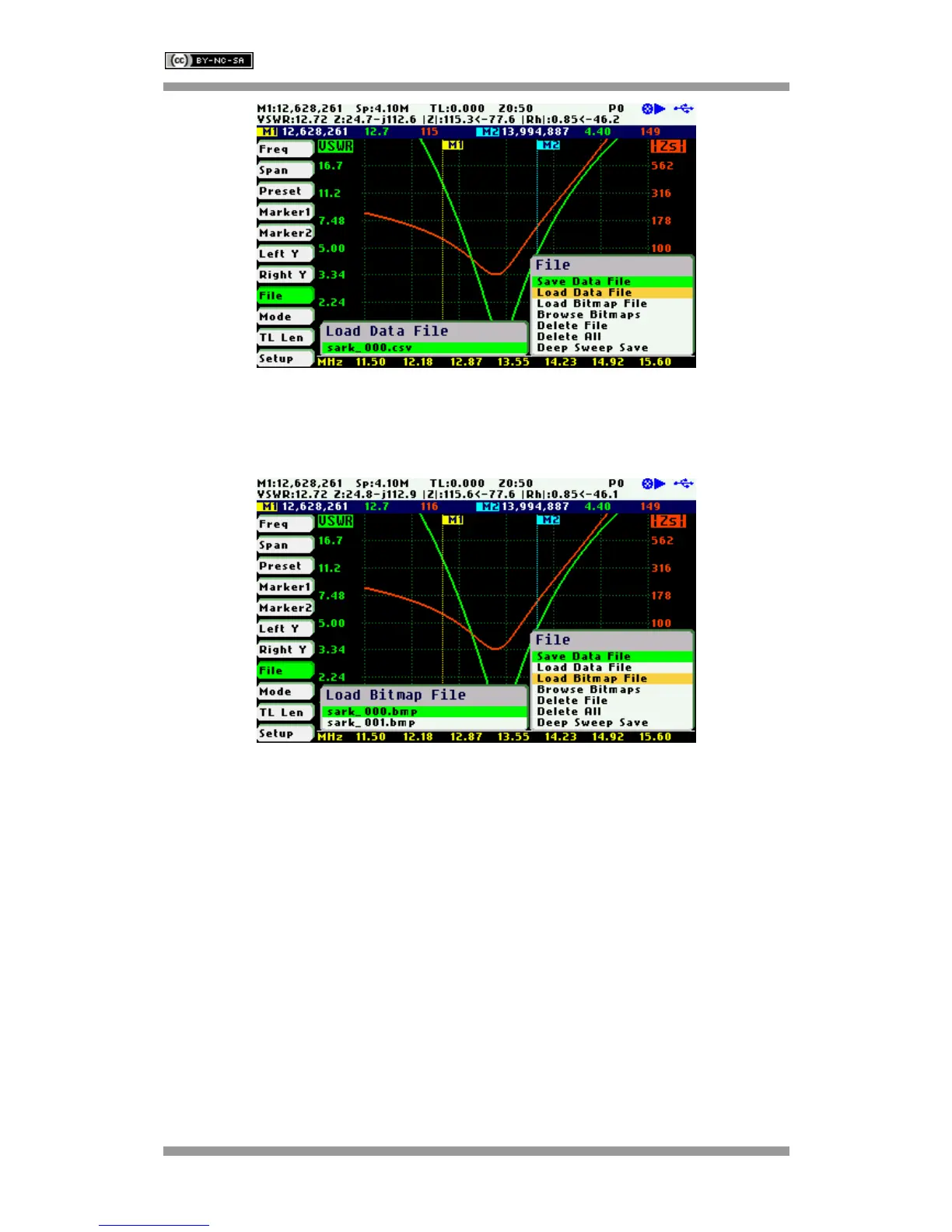
«Load Bitmap File»
Use the «Load Bitmap File» option to display a captured screenshot. Press the Select [■] button
to finalize the operation.
«Browse Bitmaps»
Select the option «Browse Bitmaps» from the «File» menu to review the captured screenshots.
Use Navigator B to select the different bitmaps. Press the Select [■] button to finalize the
operation.
«Delete File»
Use the «Delete file» option to delete a single file on the device disk.
When selecting the «Delete File» option a popup submenu will be displayed with the list of
available files. Use Navigator B to highlight the desired file. Press the Select [■] button to
validate the selection. Press any other button to cancel the operation.



 To Next Page