SARK
SARKSARK
SARK-
--
-110
110110
110
User’s Manual
Rev 1.2.6 October 3
rd
, 2015 - 21 - © Melchor Varela – EA4FRB 2011-2015
Use Navigator B to highlight the Rotate Screen submenu setup option. Press the Select [■]
button to flip the screen. Repeat the process to flip the screen back.
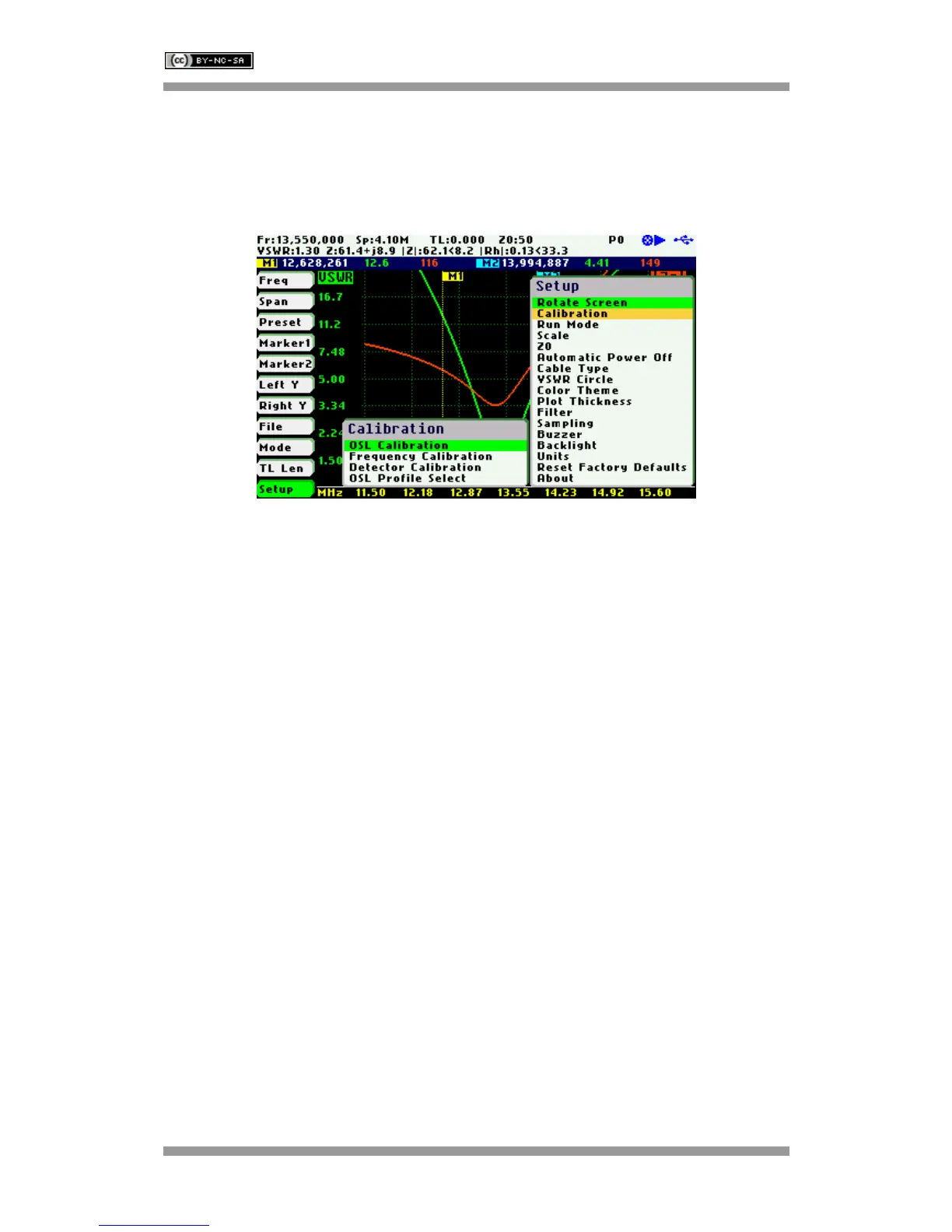
Setup –Calibration
The calibration features are accessible through the Calibration submenu:
Setup – Calibration - OSL Calibration
See Appendix D:
Setup – Calibration - Frequency Calibration
See Appendix E:
Setup – Detector Calibration
See Appendix F:
Setup – Calibration - OSL Profile Select
See Appendix D:
Setup – Run Mode
The Run Mode setup menu option allows setting «Continuous» or «Single Shot» sweep modes.



 To Next Page