SARK
SARKSARK
SARK-
--
-110
110110
110
User’s Manual
Rev 1.2.6 October 3
rd
, 2015 - 22 - © Melchor Varela – EA4FRB 2011-2015
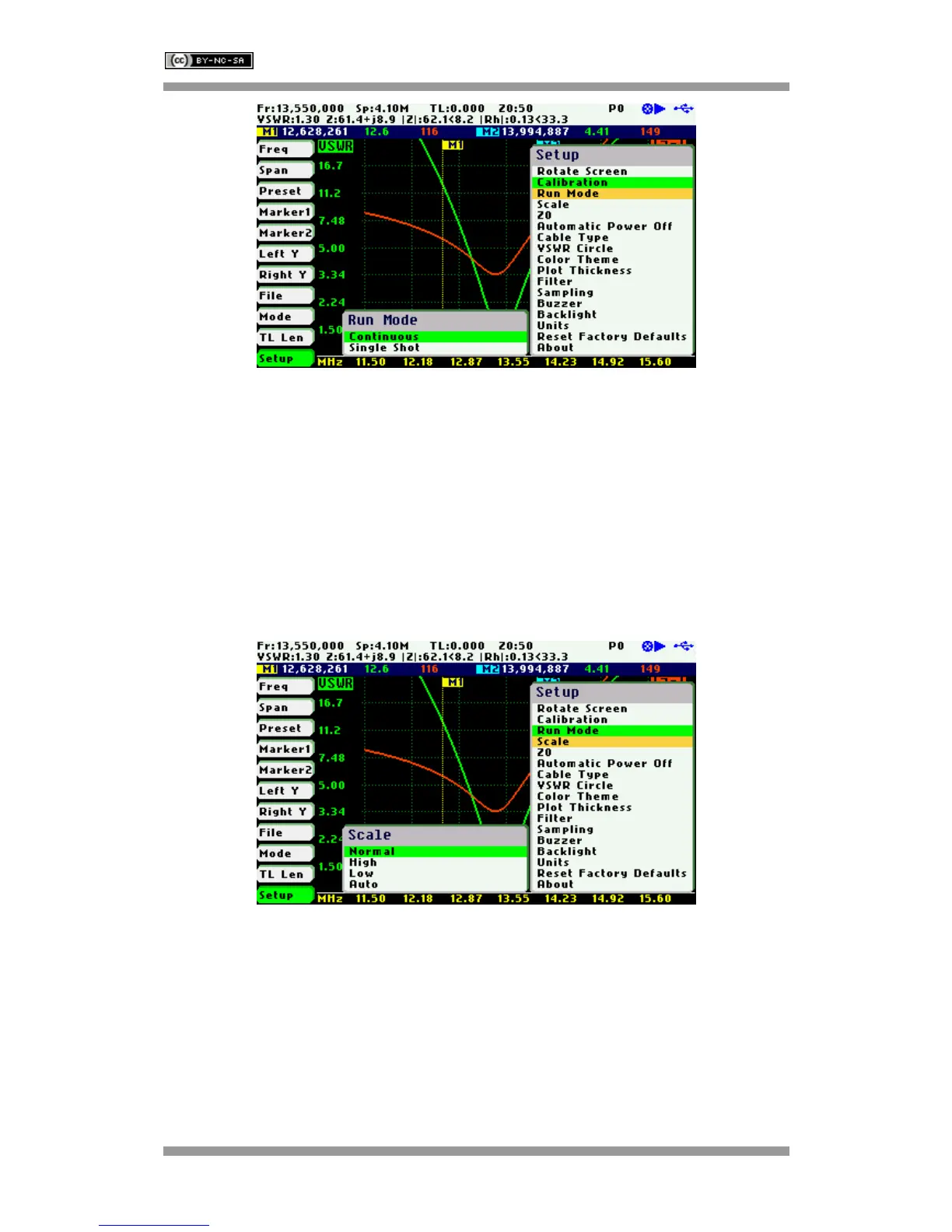
In continuous mode the analyzer is constantly sweeping provided that it is not in paused state. In
single-shot mode the sweep automatically stops on completion. Press the Run/Hold [►||] button
to start a new sweep. Notice that in the stop condition the power consumption is reduced, so
using single-shot mode helps to increase the battery autonomy.
Setup - Scale
The SARK-110 provides three pre-defined scale values: Normal, High, and Low as well as
automatic scaling. This setting defines the maximum and minimum values for each parameter
on the Y axis, see Appendix H:. This setup is valid for the Scalar Chart, Field, and Multi-band
modes.



 To Next Page